

Design School
Affinity Tutorials
Are you a graphic designer looking for an alternative to Adobe Photoshop and Adobe Illustrator? Or, maybe you’re someone looking to take your graphic designing to the next level in Affinity Designer? No matter the reason, you’ll love our Affinity Designer tutorials!
Whether you’re a beginner crafter looking for tutorials on how to use Affinity Designer or an experienced designer looking to expand your knowledge on topics like filters and effects, our Affinity tutorials are perfect for you!
It doesn’t matter if you’re working on Affinity Designer on your PC, Mac, or your iPad because we have a ton of video and step-by-step tutorials to help meet all of your creative graphic design needs.
Getting Started in Affinity Designer
If you’re looking to test out a new program to create your graphic designs and vectors, you’ll want to check out our tutorials for just this. Need to write a text on a path in Designer? Why not work through the guide with our free fonts with commercial use? Or maybe you want to learn how to add new artboards or documents? Either way, we have you covered!
Learning how to use Affinity Designer will be a breeze with our Design School tutorials made for beginners and more.
Creating and Editing Graphic Designs
One of the best things about Affinity Designer is its versatility for graphic designers, crafters, and creatives! Whether you’re looking to add textures to a photo file for your sublimation tumbler projects or wanting to learn about cropping vectors to create a clean-cut file, there is something for everyone with our Design School tutorials.
Showing Off with Mockups in Affinity Designer
Do you want to showcase your digital designs, but you’re struggling with how to do it? We have you covered with everything from mockup templates you can use right in Affinity Designer.
Don’t know how to use mockups? We have that covered, too, with tutorials on how to use mockups!
Whether you’re new to Affinity Designer or you’ve been using it for a while, our Affinity Designer-specific tutorials are sure to be everything you require.
How to Print Large Images in Affinity Designer

How to Make SVG Files to Sell Using Affinity Designer
How to Convert JPEG to SVG in Affinity Designer
How to Use Clipping Masks in Affinity Photo
How to Use Smart Object Mockups in Affinity Photo
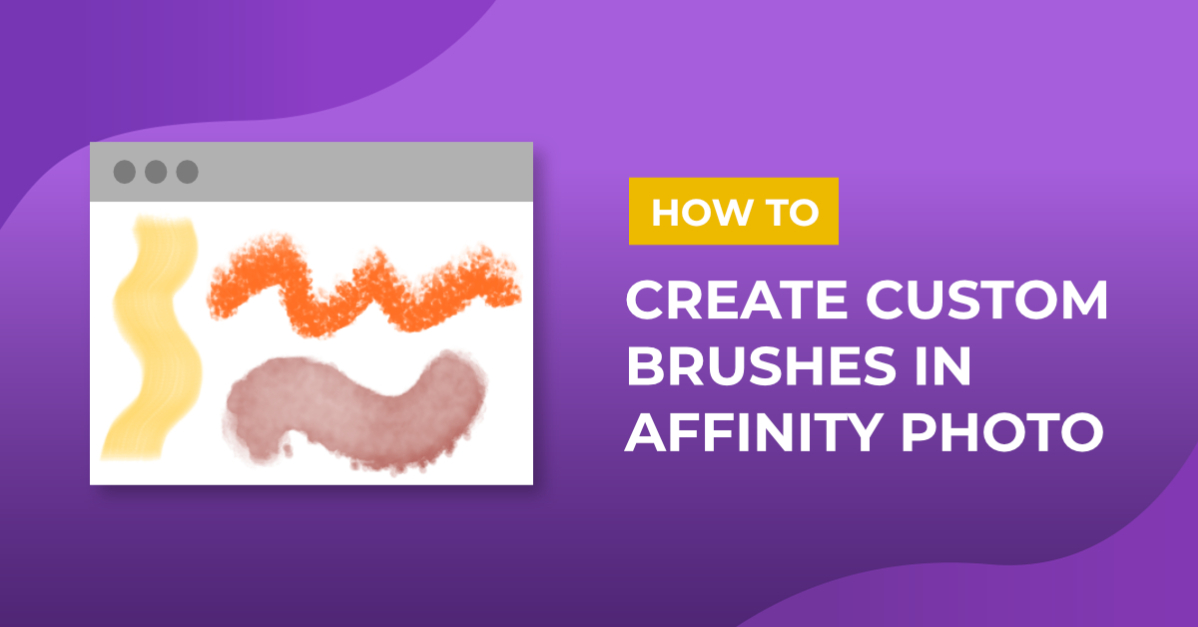
How to Create Custom Brushes in Affinity Photo
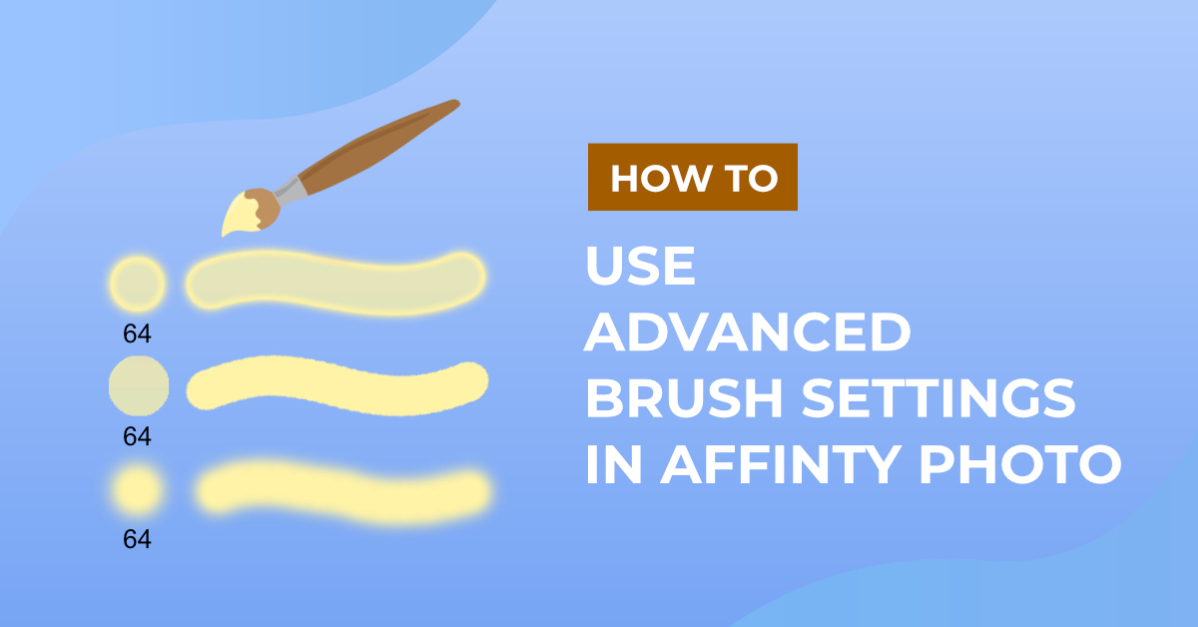
How to Use Advanced Brush Settings in Affinity Photo
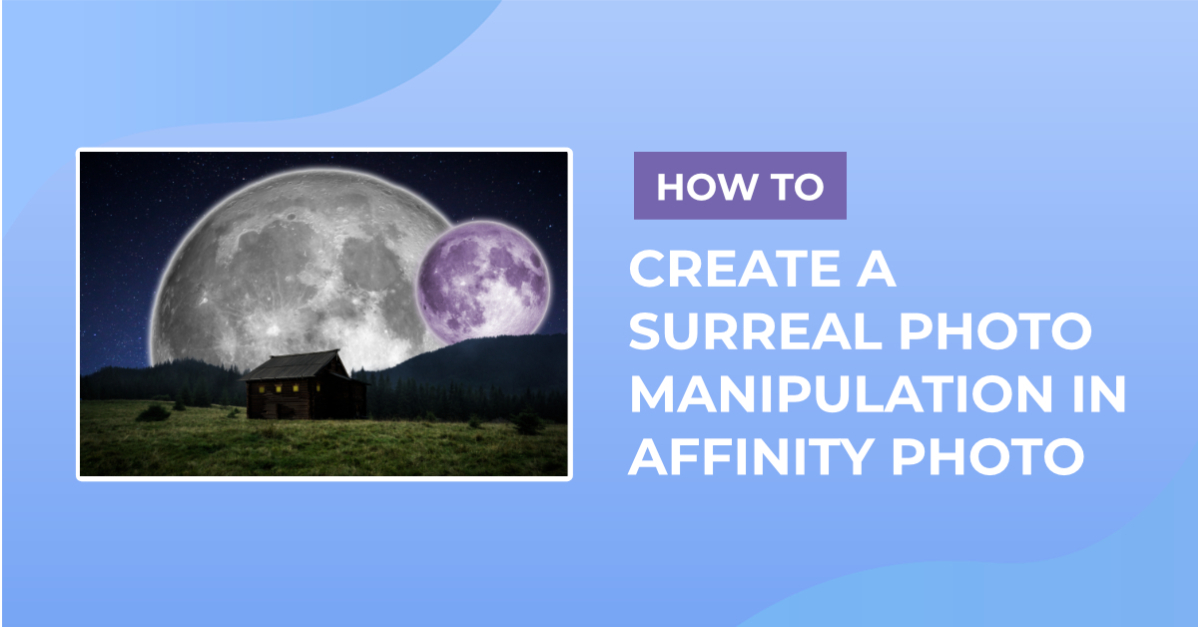
How to Create a Surreal Photo Manipulation in Affinity Photo
How to Make a Watermark Brush in Affinity Photo

How to Create Kawaii Faces in Affinity Designer
How to Create a Kawaii Avocado in Affinity Designer

How to Use the Node Tool in Affinity Designer
How to Turn Day to Night in Affinity Photo
How to Use the Inpainting Tool in Affinity Photo
How to Make GIFs Using Affinity Designer
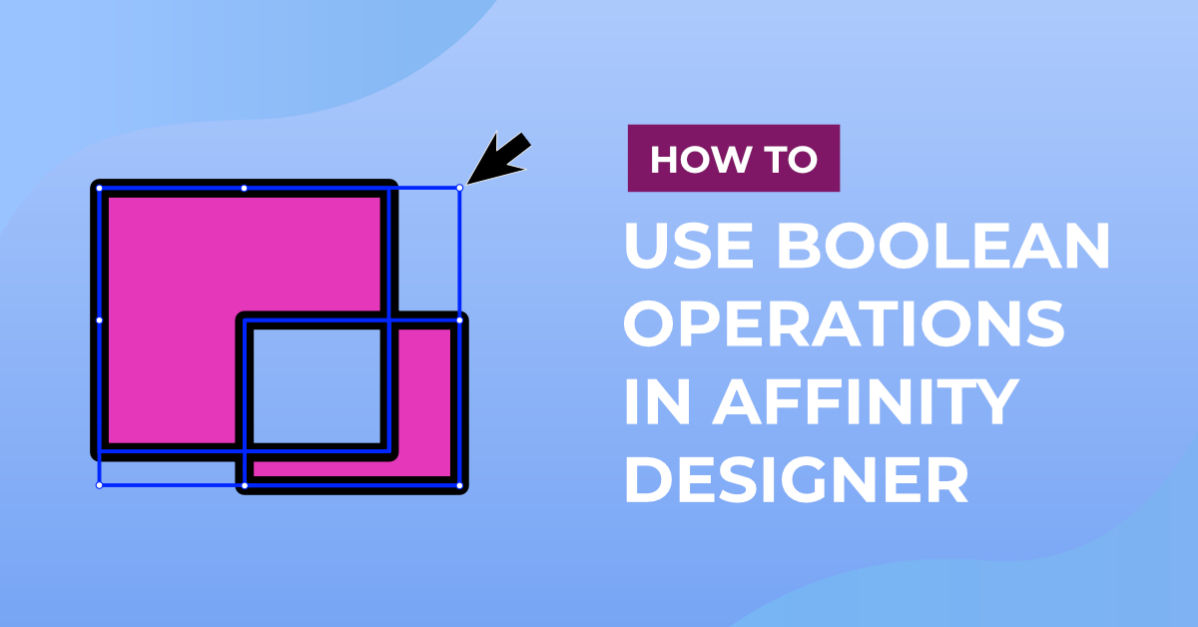
How to Use Boolean Operations in Affinity Designer
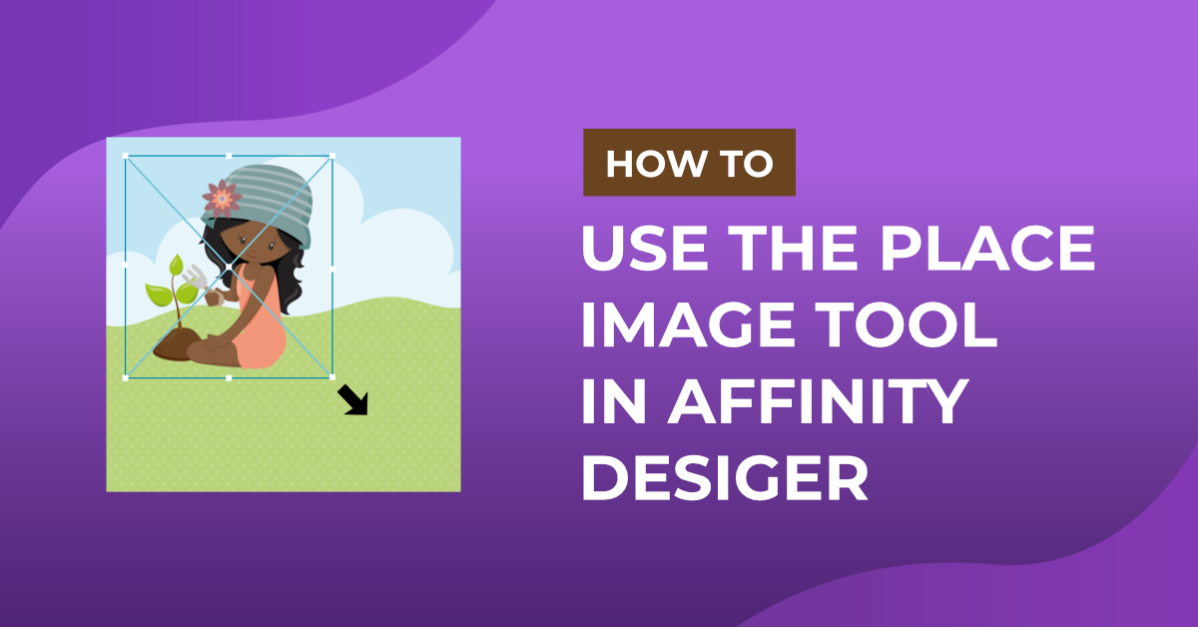
How to Use Place Image Tool in Affinity Designer
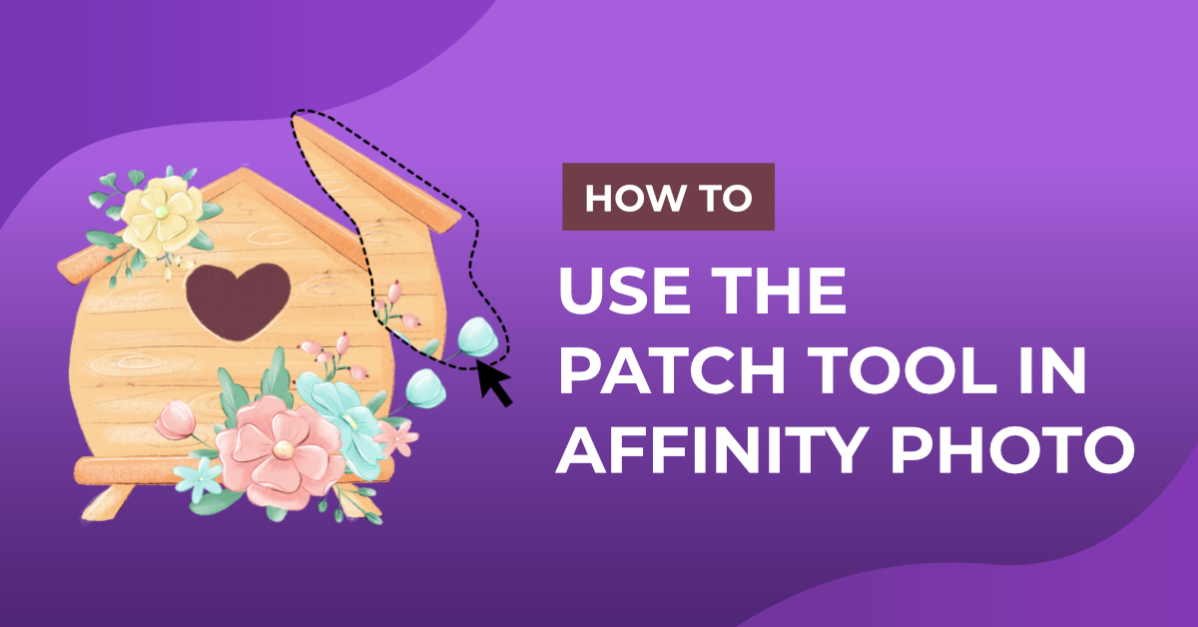
How to Use the Patch Tool in Affinity Photo
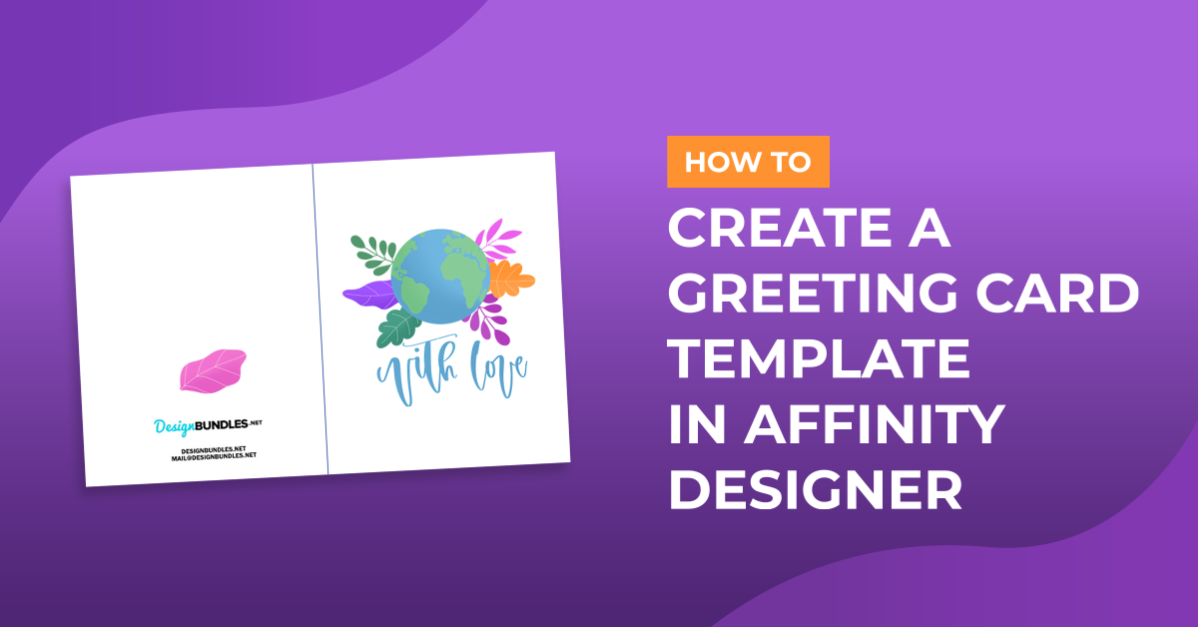
How to Create a Greeting Card Template in Affinity Designer
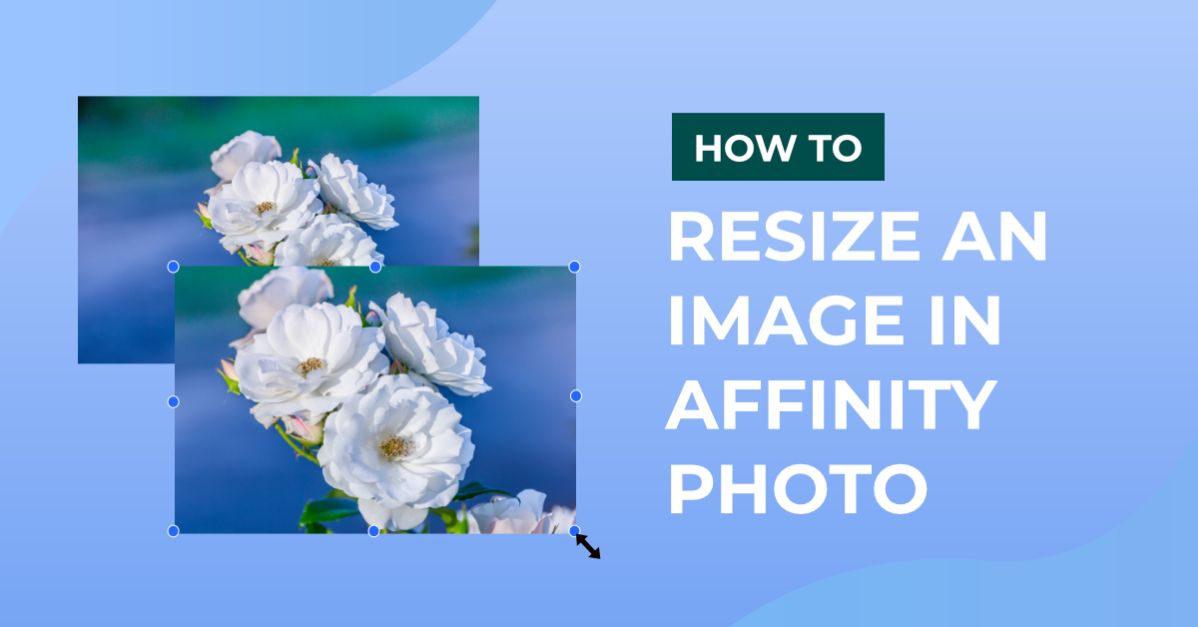
How to Resize an Image in Affinity Photo
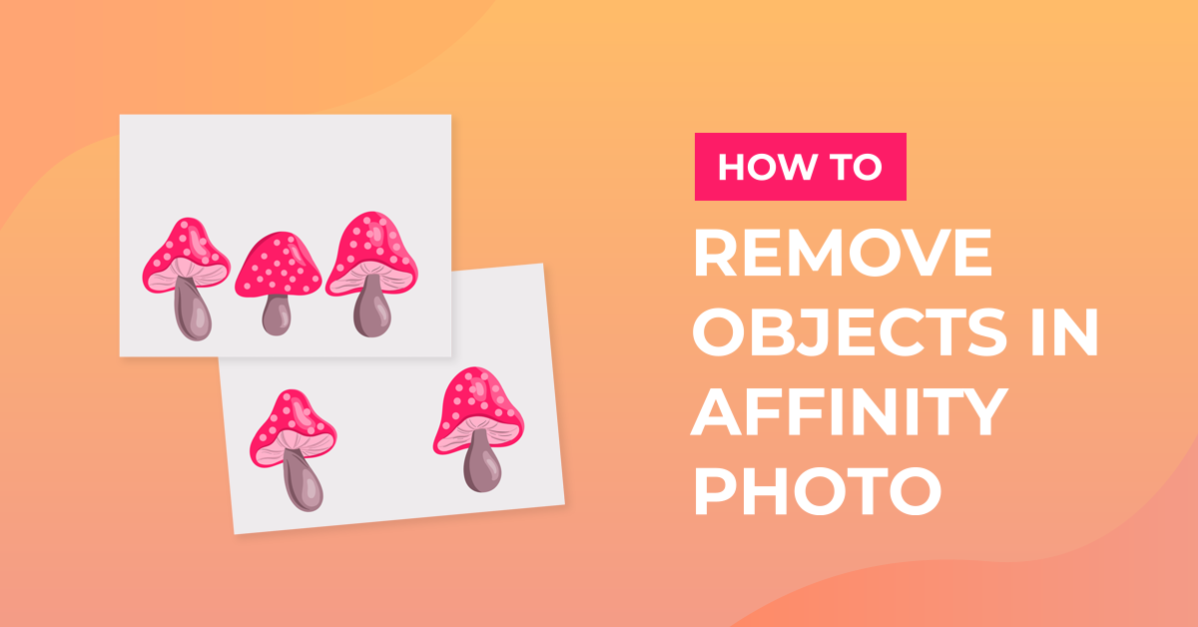
How to Remove Object from Image in Affinity Photo
How to Use the Layers Panel in Affinity Designer
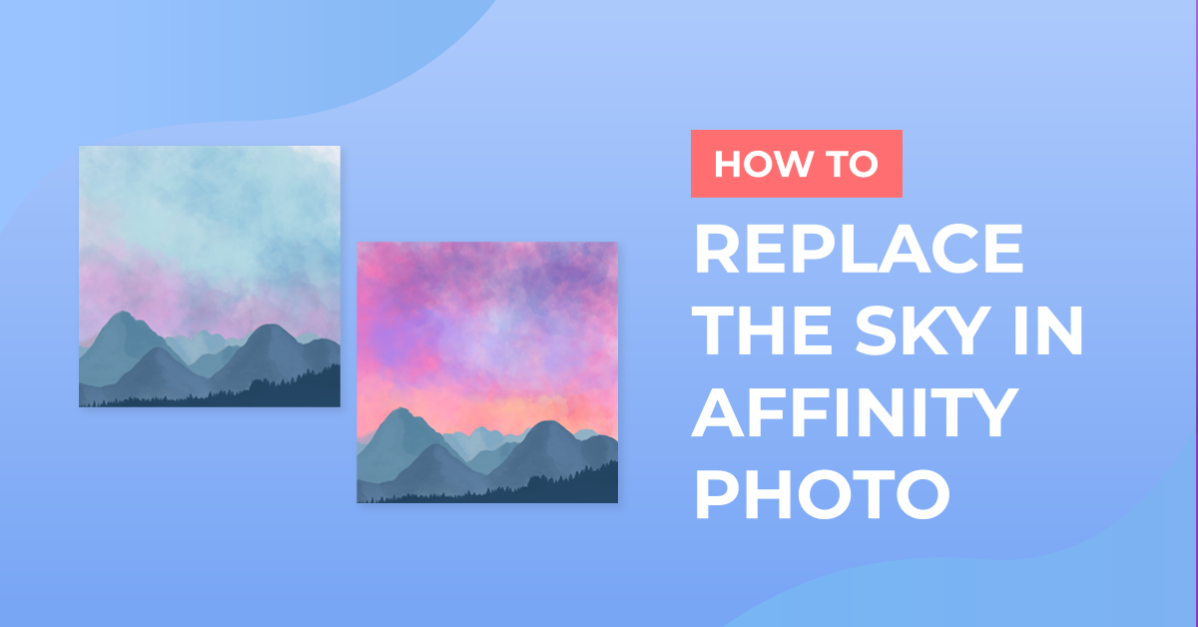
How to Replace the Sky in Affinity Photo
How to Create Presets in Affinity Photo
Showing 1–24 of 103 tutorials
Learn with our exclusive affinity tutorials. These easy-to-follow, step-by-step guides take you from novice to pro one make at a time - grab a free resource and follow along.
Fresh tutorials, trends & free files.
Join 6 million makers getting our best craft guides and exclusive freebies straight to their inbox.