

By Design Bundles
Scan N Cut Tutorials3 min
Foiling on vellum in brother scan and cut machine using the foil quill
*CM900 model used.
1- Open scan and cut canvas.
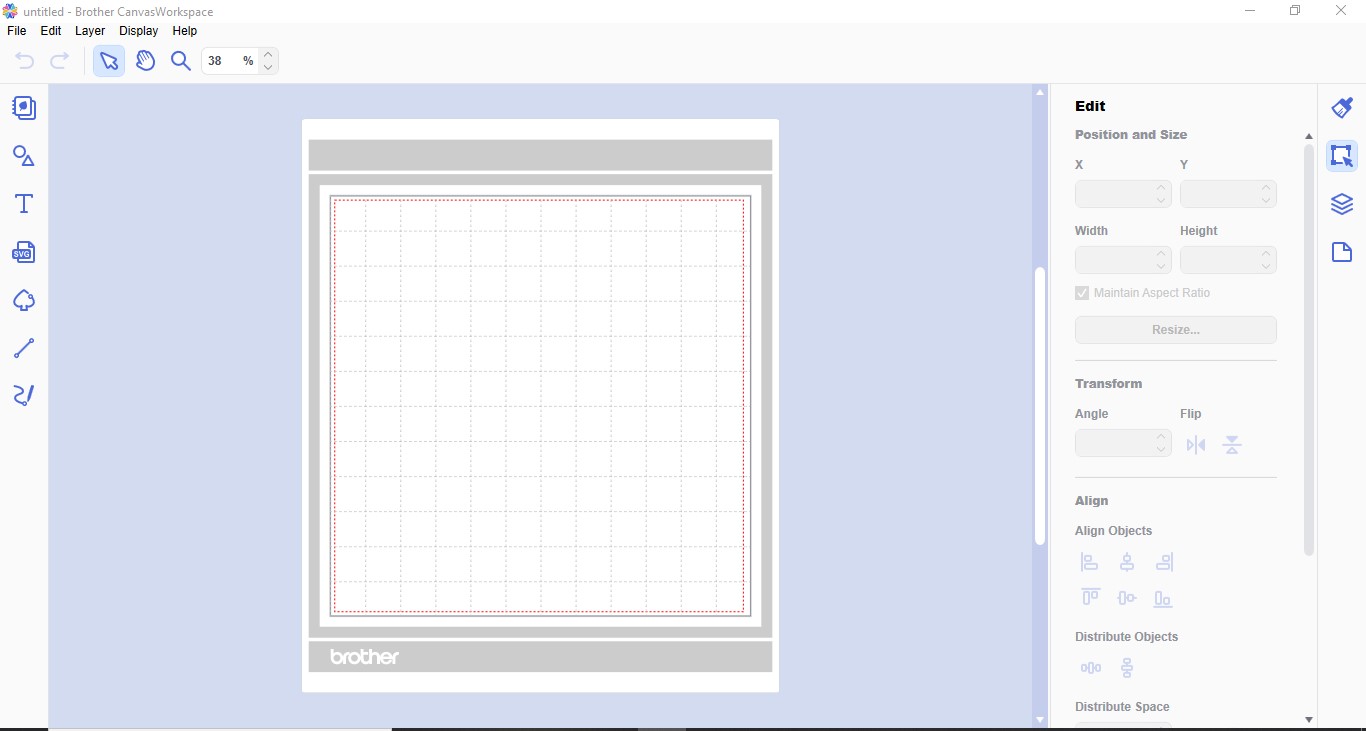
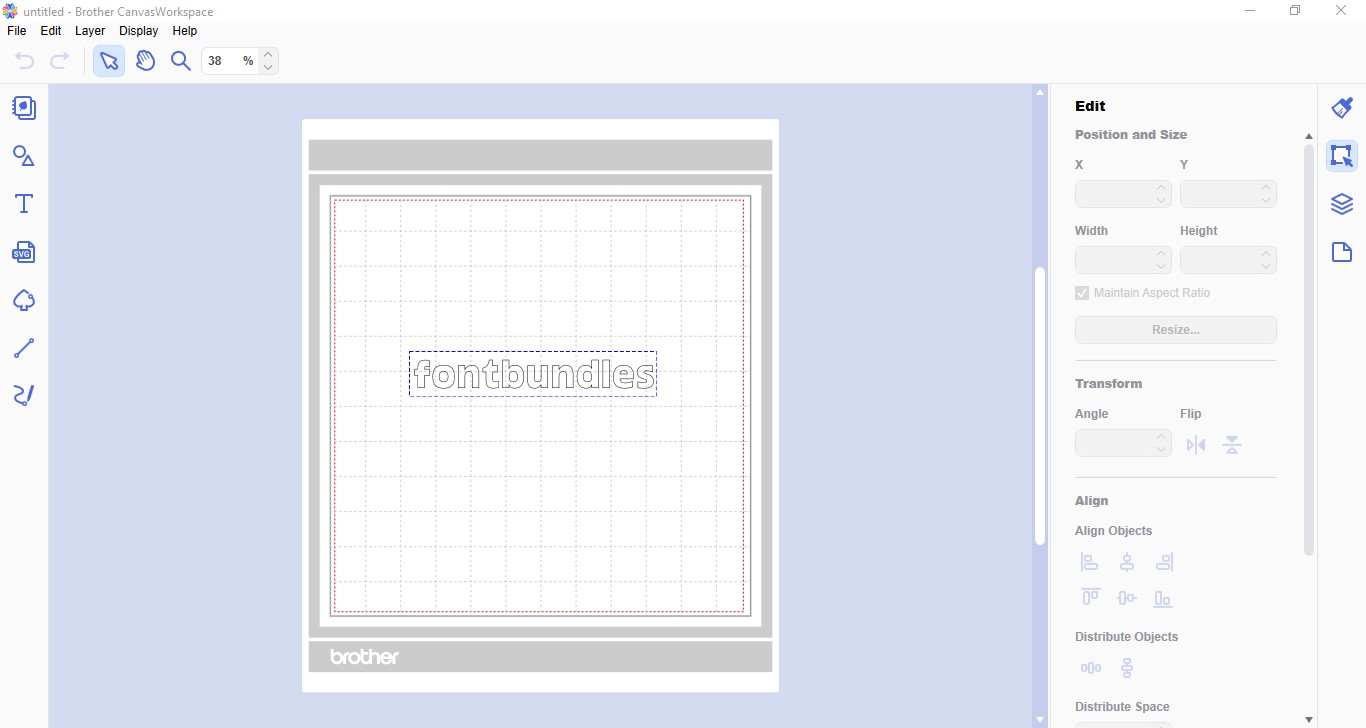
2- Write your text (or place the design you want to use).
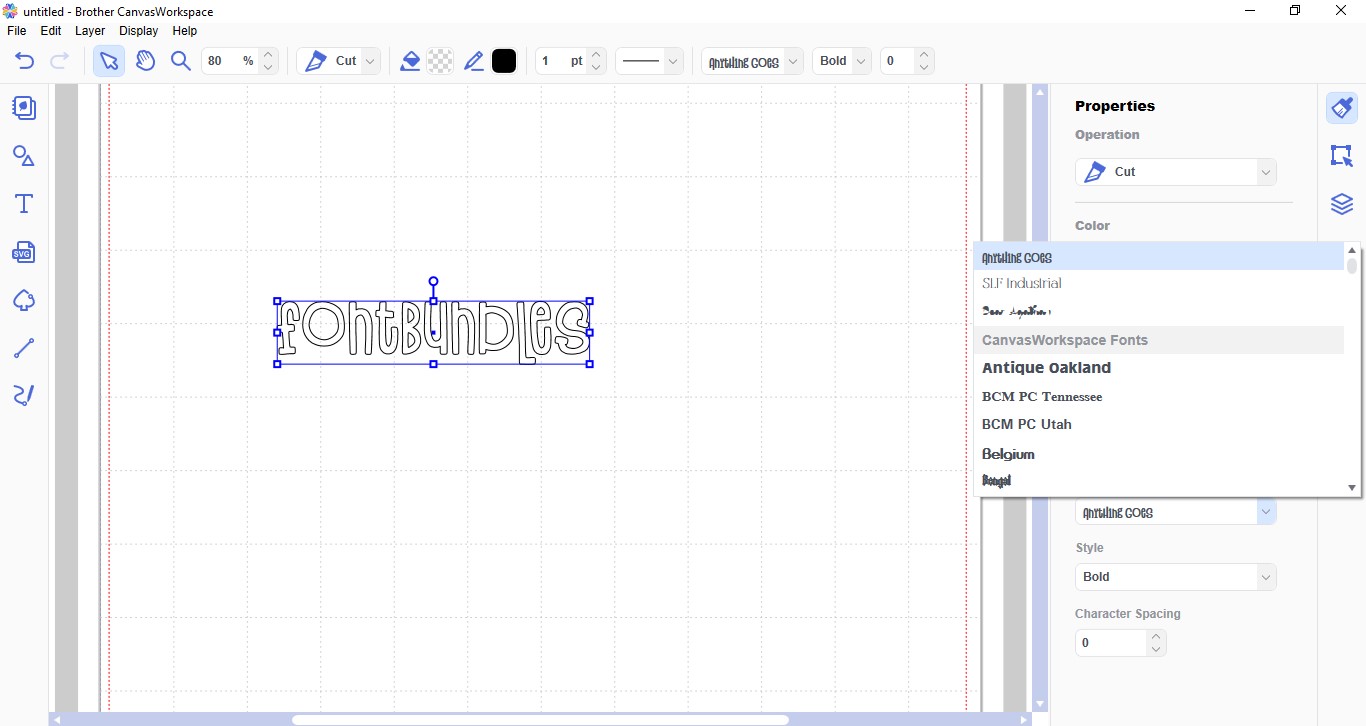
3- Change your font to your needs. I am using the font Anything Goes created by Denise Chandler.
4- Once you are happy, go to file- transfer FCM to file via the internet. If you do not have a wireless model, transfer to USB.

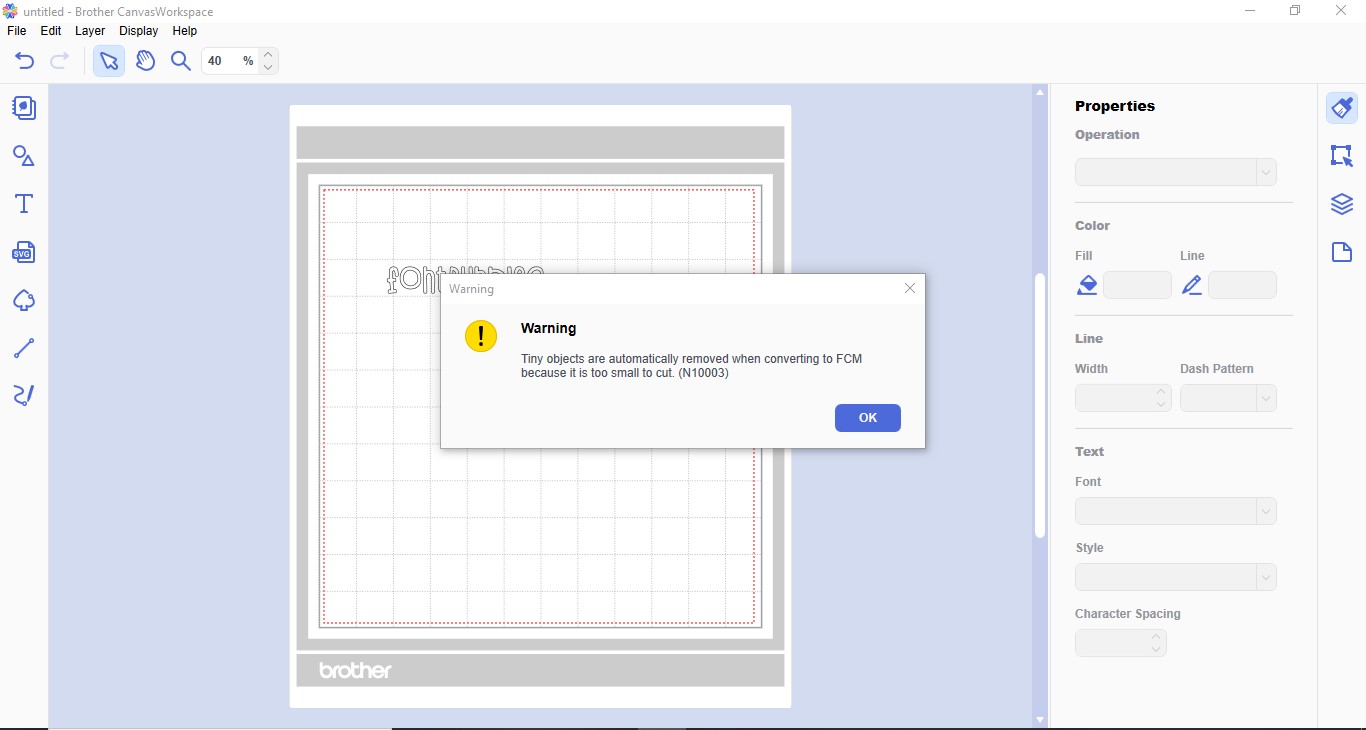
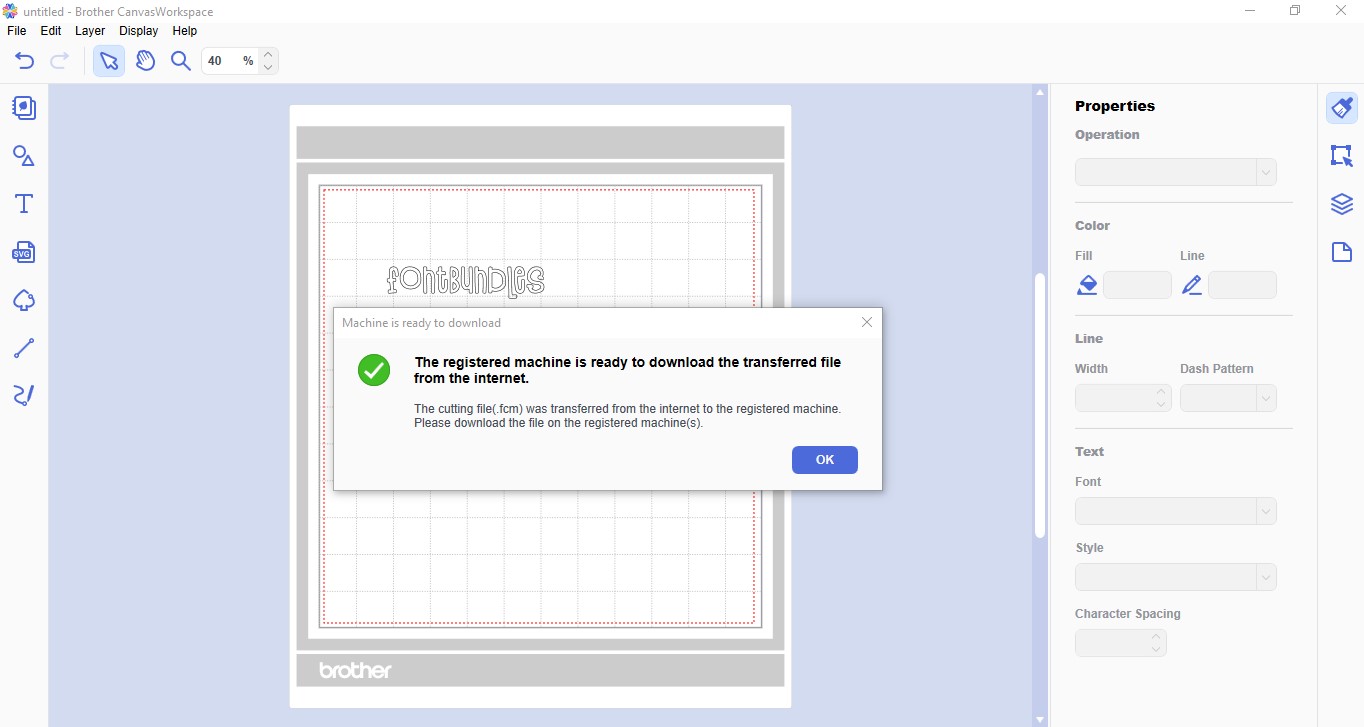
5- You may get a warning pop up window if the file parts are very small. click OK.
6- A new window will pop up to let you know it has transferred.
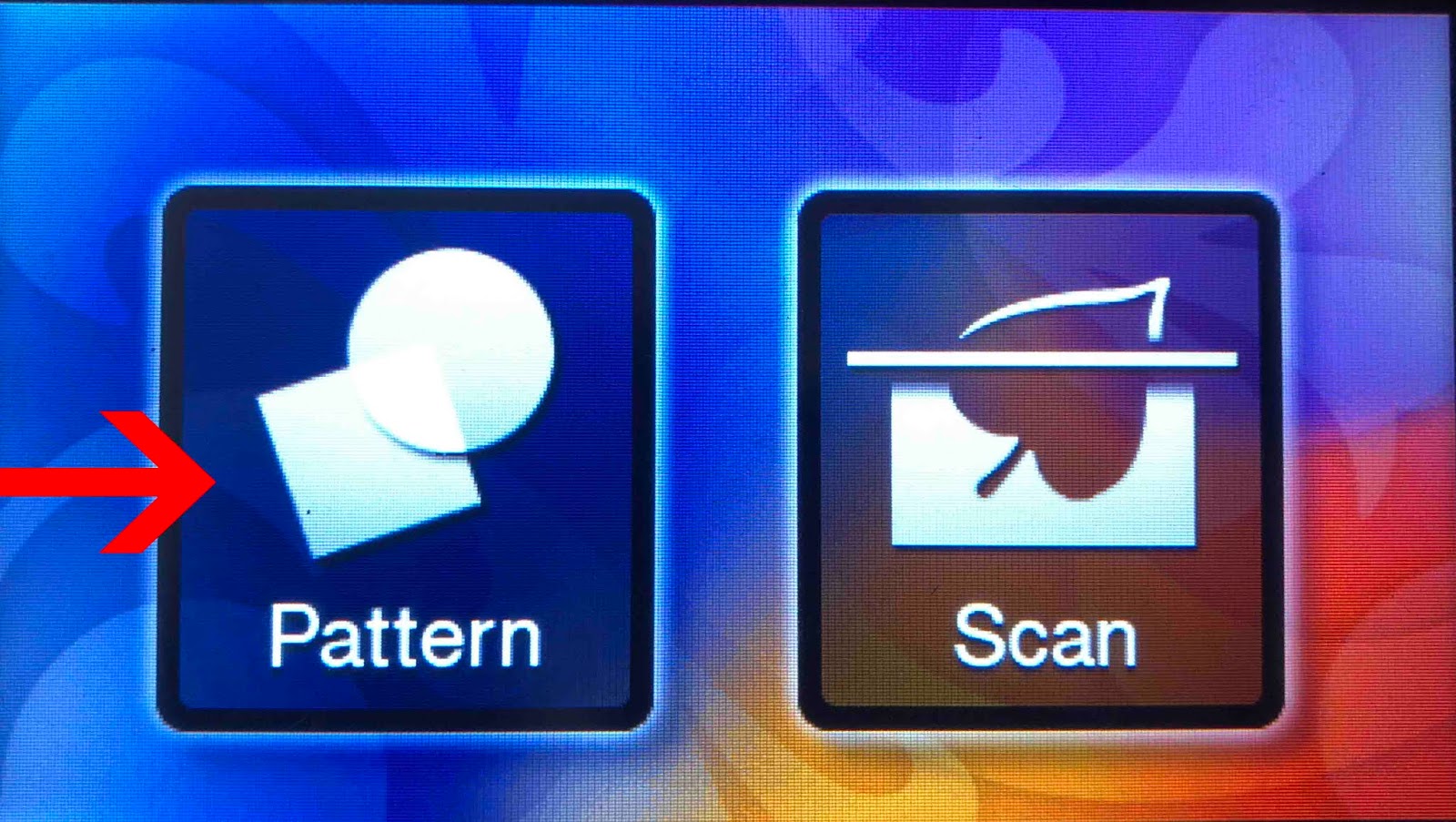
7- Turn on your machine and click the pattern icon.
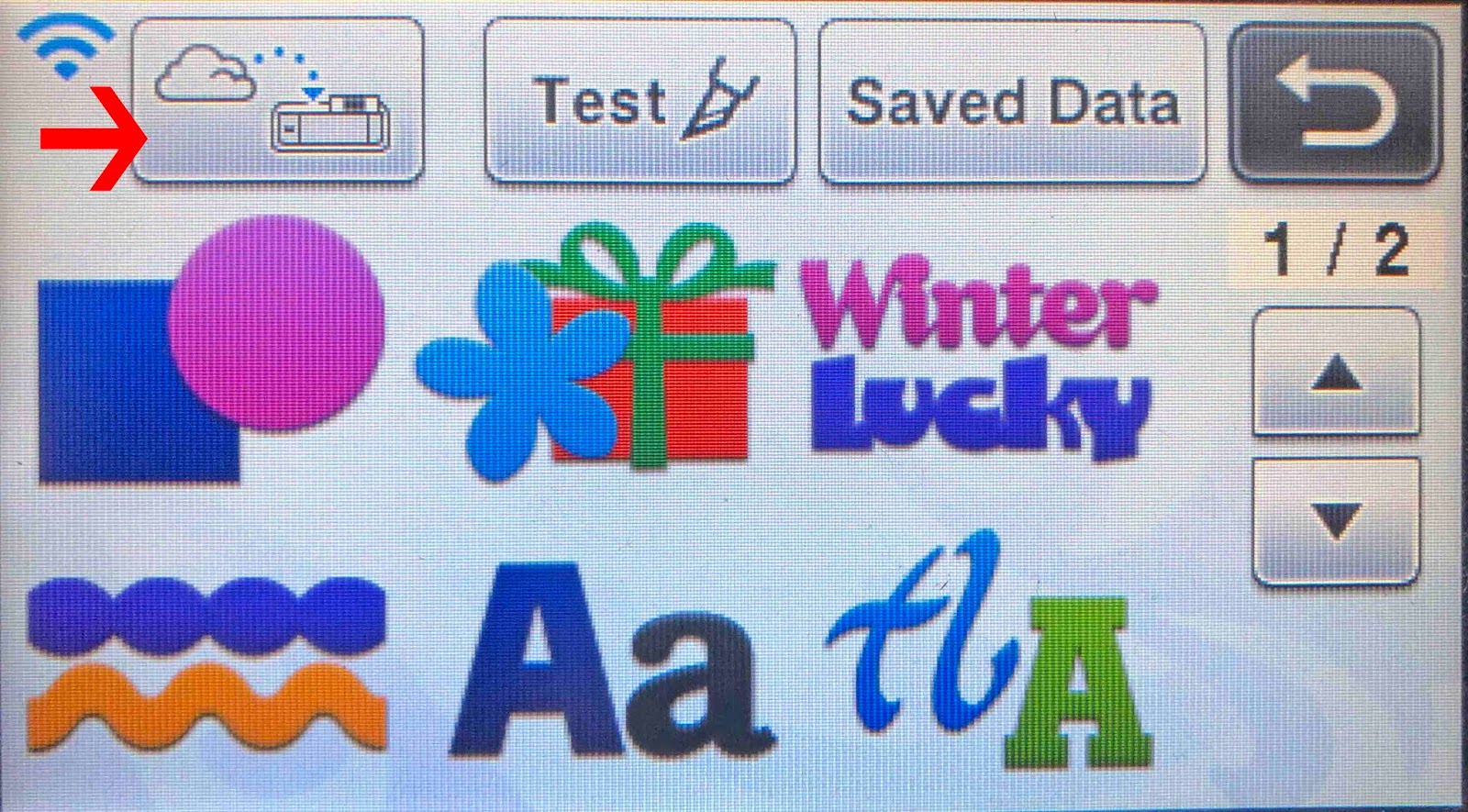
8- Click on the transfer icon.
9- your design will appear on your screen. Click OK.
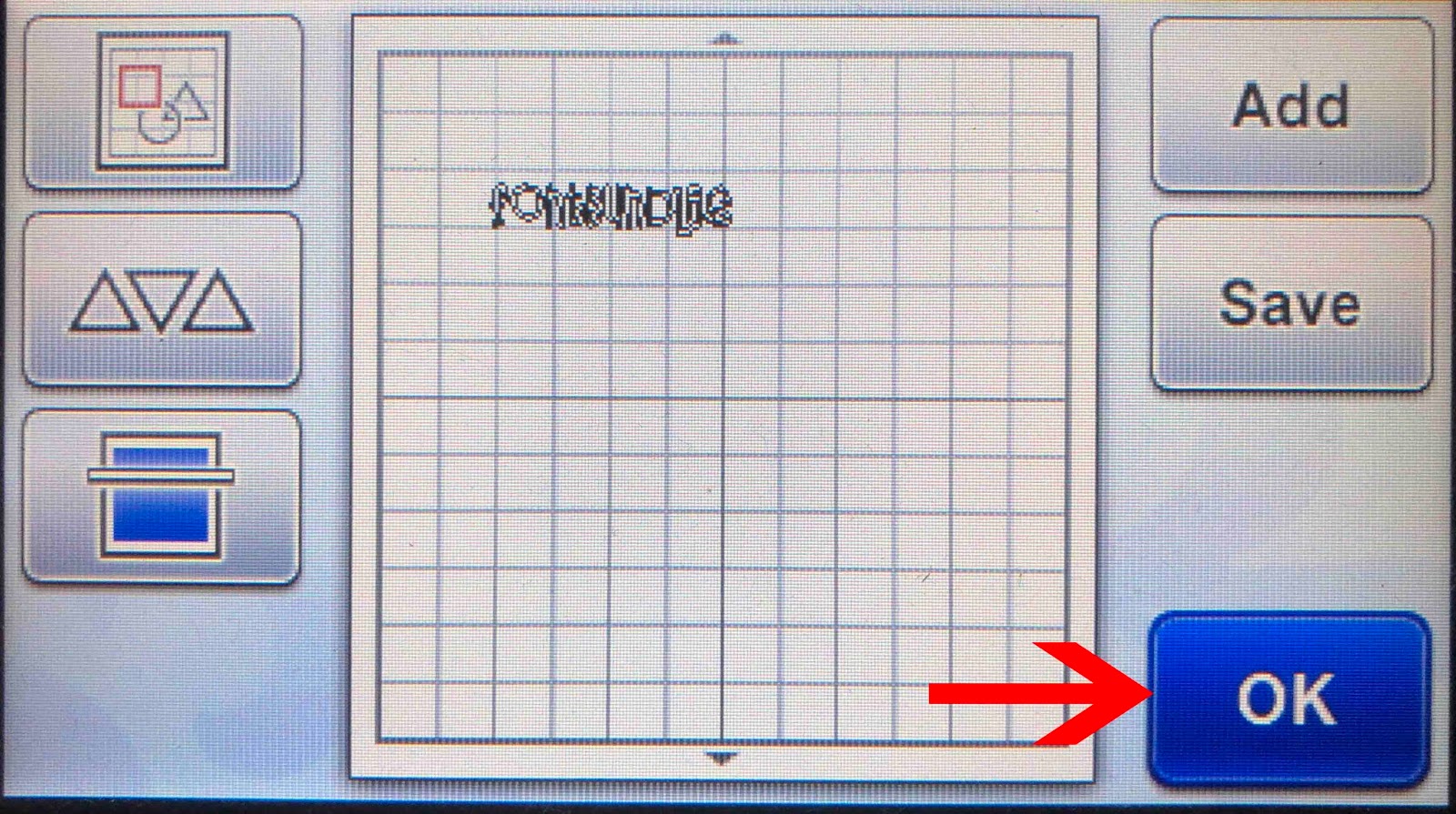
10- Check to see it is within the foil covered section of your vellum. click OK.
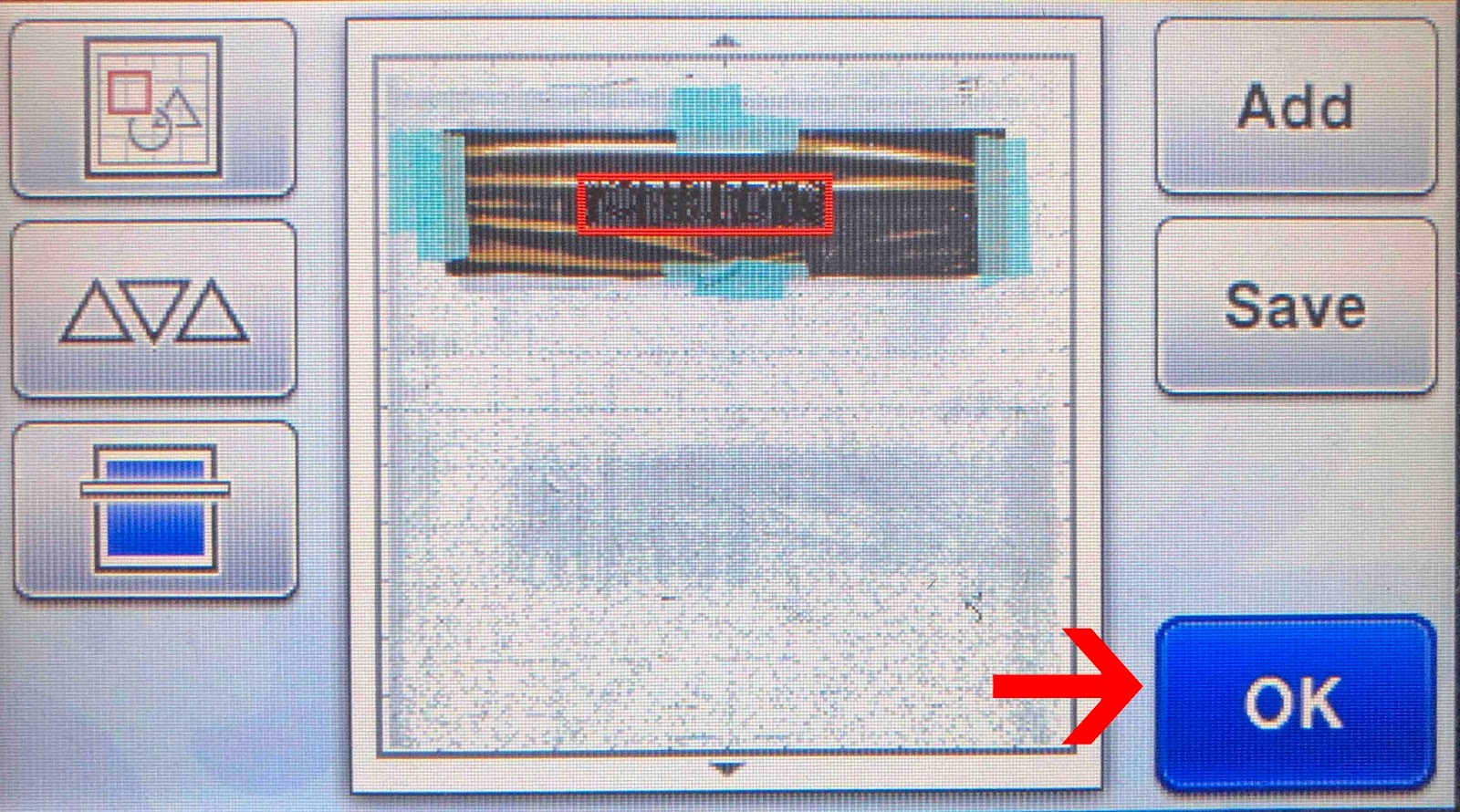
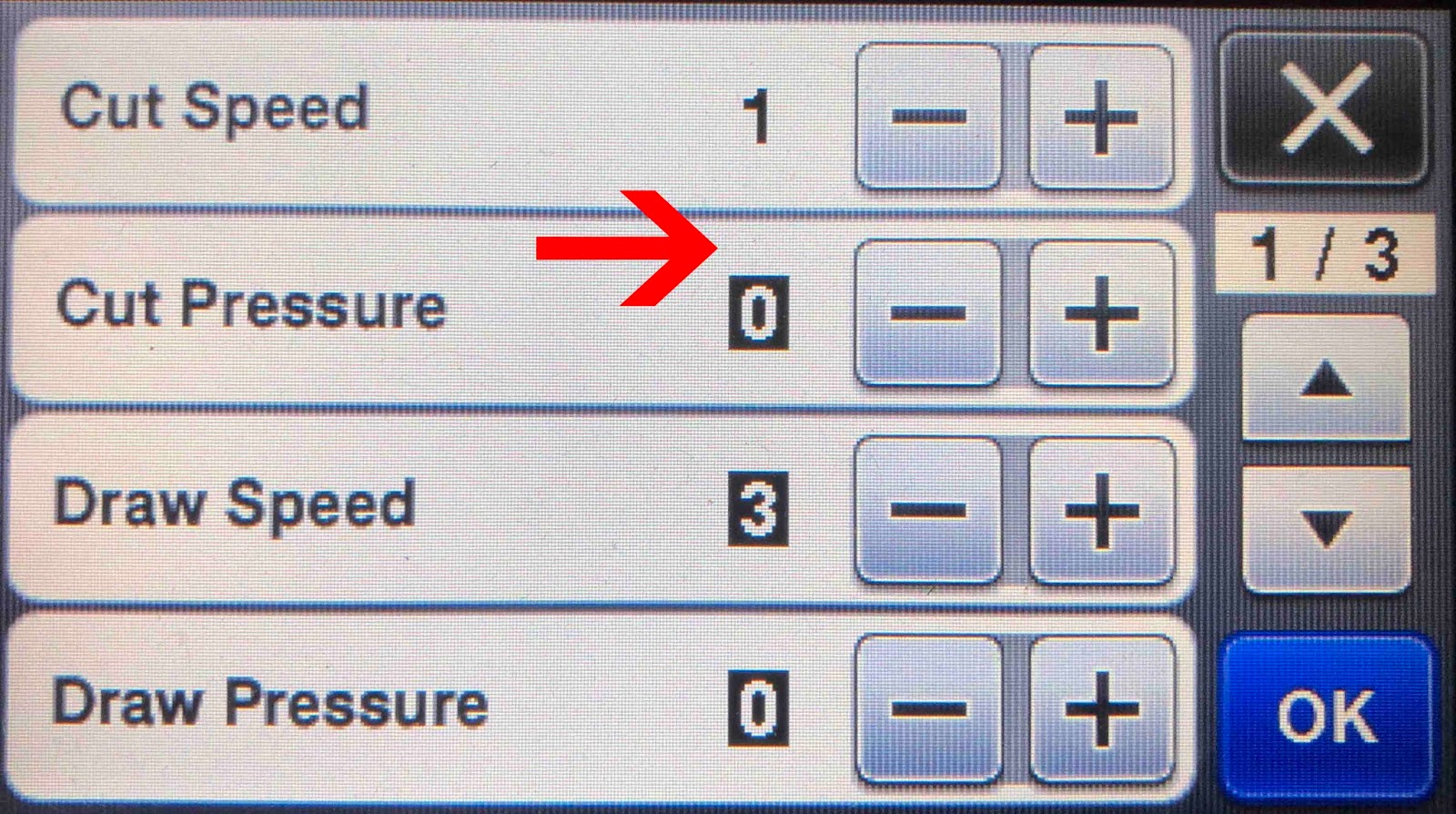
11- Click Draw. If your design is too small, use the cut function instead. You will need to adjust the cut settings for the foil quill.

12- For vellum I use a speed of 1 and pressure of 0.
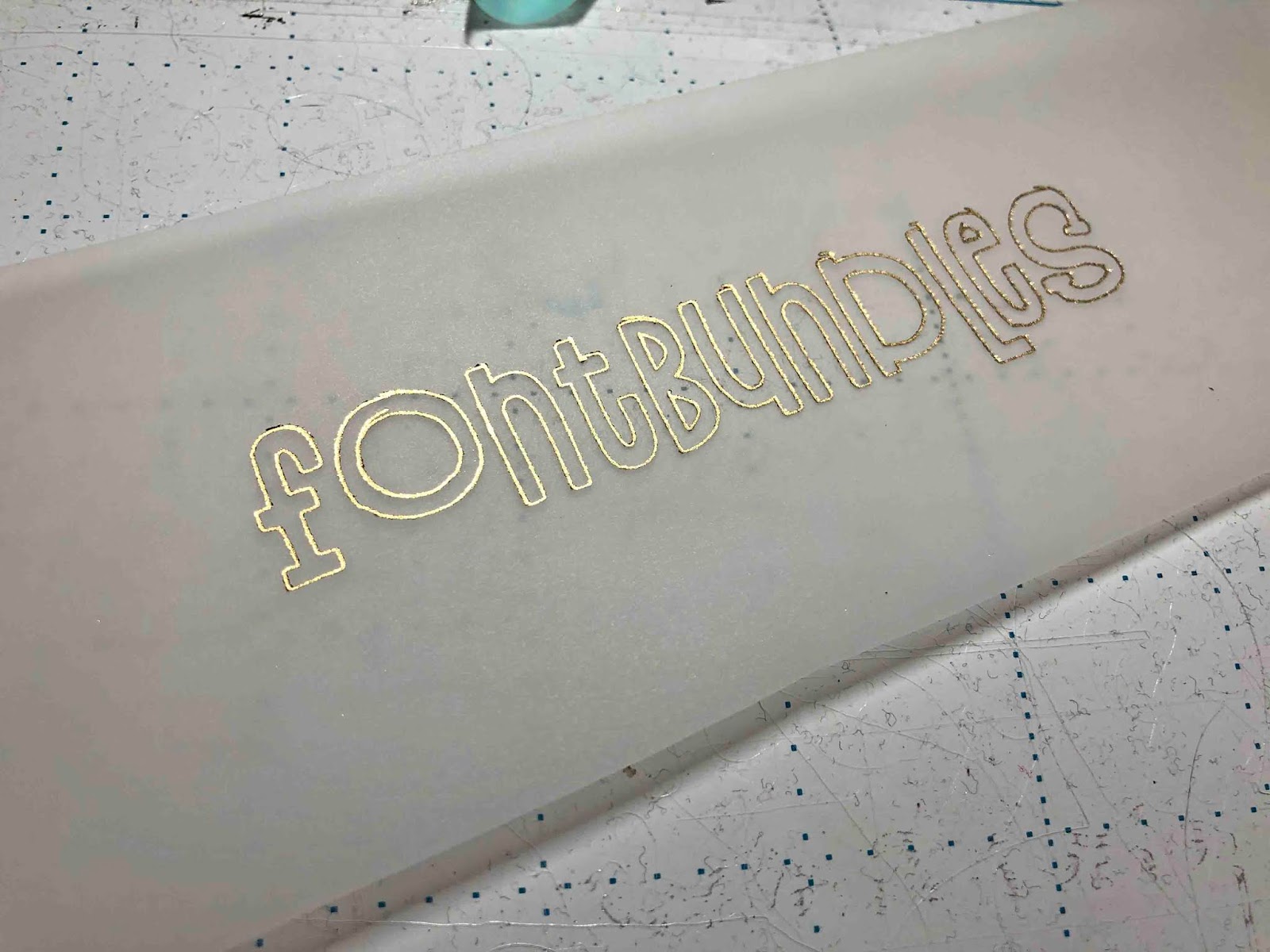
13- This will give you a good foil on vellum and a slight emboss effect.
Related Tutorials
Scan N Cut Tutorials
Using the foil quill on ribbon with Brother scan and cut machine
Scan N Cut Tutorials
Using the foil quill on acetate with the Brother scan and cut machine
Scan N Cut Tutorials
Creating a foiled candle with brother scan n cut machine using the foil quill
Scan N Cut Tutorials
How to foil on clear stickers using brother scan and cut with the foil quill
Scan N Cut Tutorials
How to Foil a JPEG Image with Brother Scan n Cut Machine Using the Foil Quill
Scan N Cut Tutorials

