

By Design Bundles
SCAL Tutorials4 min
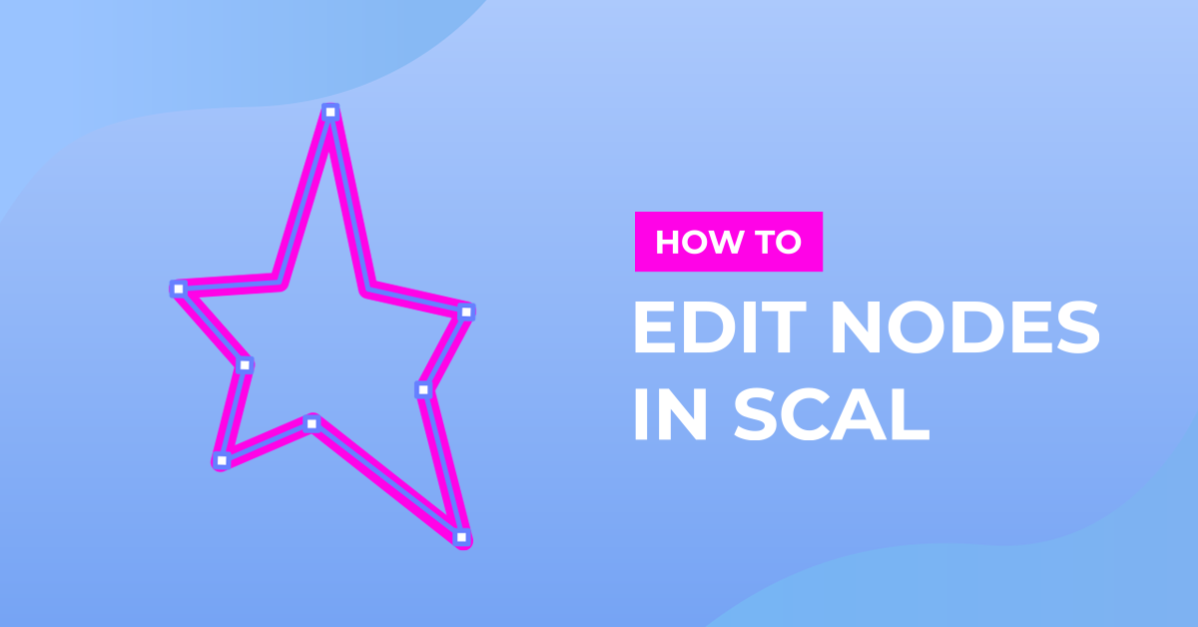
Editing designs with nodes in SCAL4
*note- SCAL4 pro used.
1- Open SCAL4 software.
2- Create your design/text.
3-Right click and ungroup your text.
4- On the left toolbar click on the edit node tool.
5- Click on your first letter/part of your design. The node points will appear.
6- Click on a node. Once it turns blue you can click and drag it to change the shape of your design.
7-You have several options to adjust the nodes. if you select the second option above the canvas area you can adjust the node and at the same time curve the area between 2 nodes. It is called node to curve.
8- If you click on the 3rd option you can adjust the area between 2 nodes with little handles that appear to curve the point between the 2 nodes. This is node to smooth.
9- The last option is node to symmetric. this will adjust the node equal both sides of it.
10- You can adjust any part of your design using the adjust node options. Once you are finished you will see that your design is kept the same.
11- Apart from using the icons at the top of your canvas, you can also right click on the design then go to path - and select the node choice you would like to use.
12- Once completed you can see in your preview screen that your cut lines are as you have designed even with changing the node placements.
1- Open SCAL4 software.

2- Create your design/text.

3-Right click and ungroup your text.

4- On the left toolbar click on the edit node tool.

5- Click on your first letter/part of your design. The node points will appear.

6- Click on a node. Once it turns blue you can click and drag it to change the shape of your design.

7-You have several options to adjust the nodes. if you select the second option above the canvas area you can adjust the node and at the same time curve the area between 2 nodes. It is called node to curve.

8- If you click on the 3rd option you can adjust the area between 2 nodes with little handles that appear to curve the point between the 2 nodes. This is node to smooth.

9- The last option is node to symmetric. this will adjust the node equal both sides of it.

10- You can adjust any part of your design using the adjust node options. Once you are finished you will see that your design is kept the same.

11- Apart from using the icons at the top of your canvas, you can also right click on the design then go to path - and select the node choice you would like to use.

12- Once completed you can see in your preview screen that your cut lines are as you have designed even with changing the node placements.

Related Tutorials
Cricut Tutorials
Editing Images in Cricut Design Space
Crop, Erase or completely change a design with multiple tools for editing made easy.
Procreate Tutorials
How to Use Procreate to Make Sublimation Designs
Learn how to create Sublimation designs then send them directly to the printer from Procreate!
Photoshop Tutorials
How to Make Sublimation Designs in Photoshop
Discover how to make sublimation designs in Photoshop that you can use to create beautiful gifts.
Canva Tutorials
How to Resize Your Designs in Canva
Learn how to resize your design in Canva with this beginner tutorial.
Cricut Tutorials
How to Center Your Designs to Cut in Cricut Design Space
Learn how to center your designs to cut in Cricut Design Space.
Silhouette Tutorials
How to Create Sublimation Designs in Silhouette Studio
Learn to create Sublimation Designs in Silhouette Studio in 6 easy steps!