
By Design Bundles
Silhouette Tutorials2 min
Multi Cutter Support in Silhouette Studio
*Note- Business Edition used.
1- Open silhouette Studio.
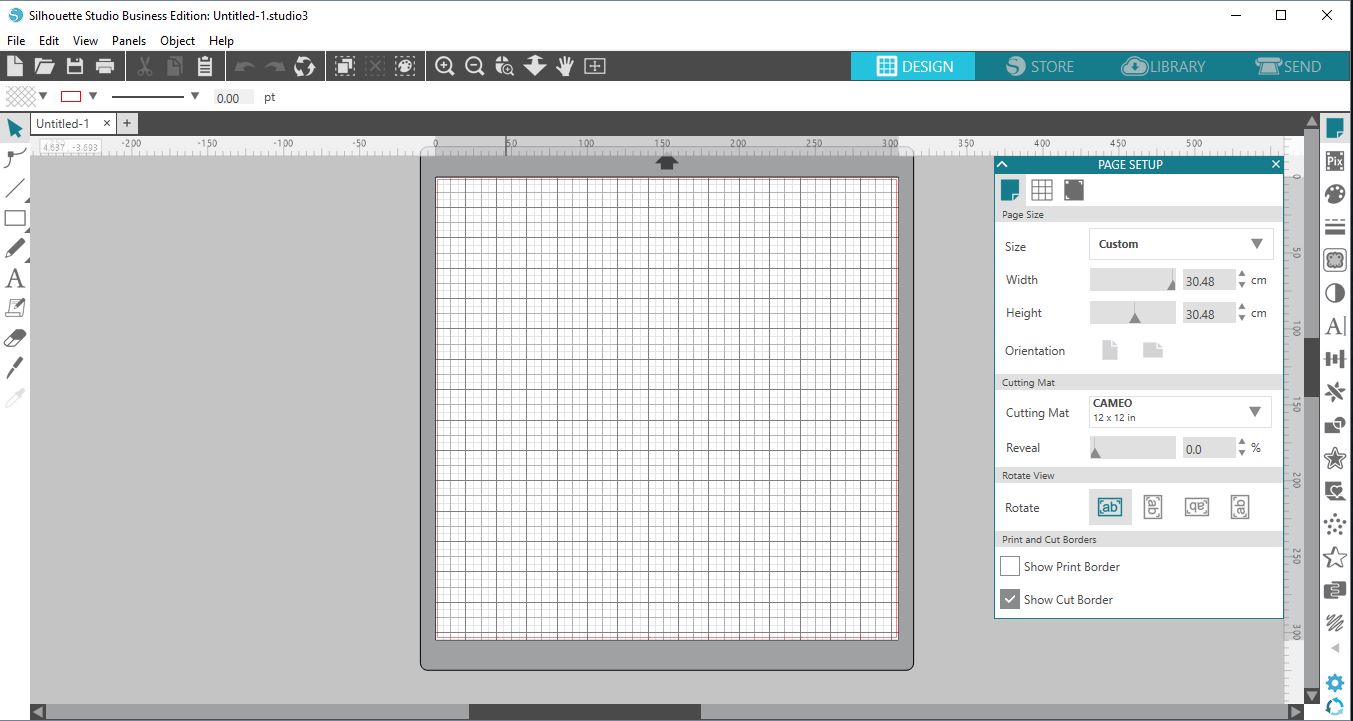
2- Create your projects and then when finished click Send.
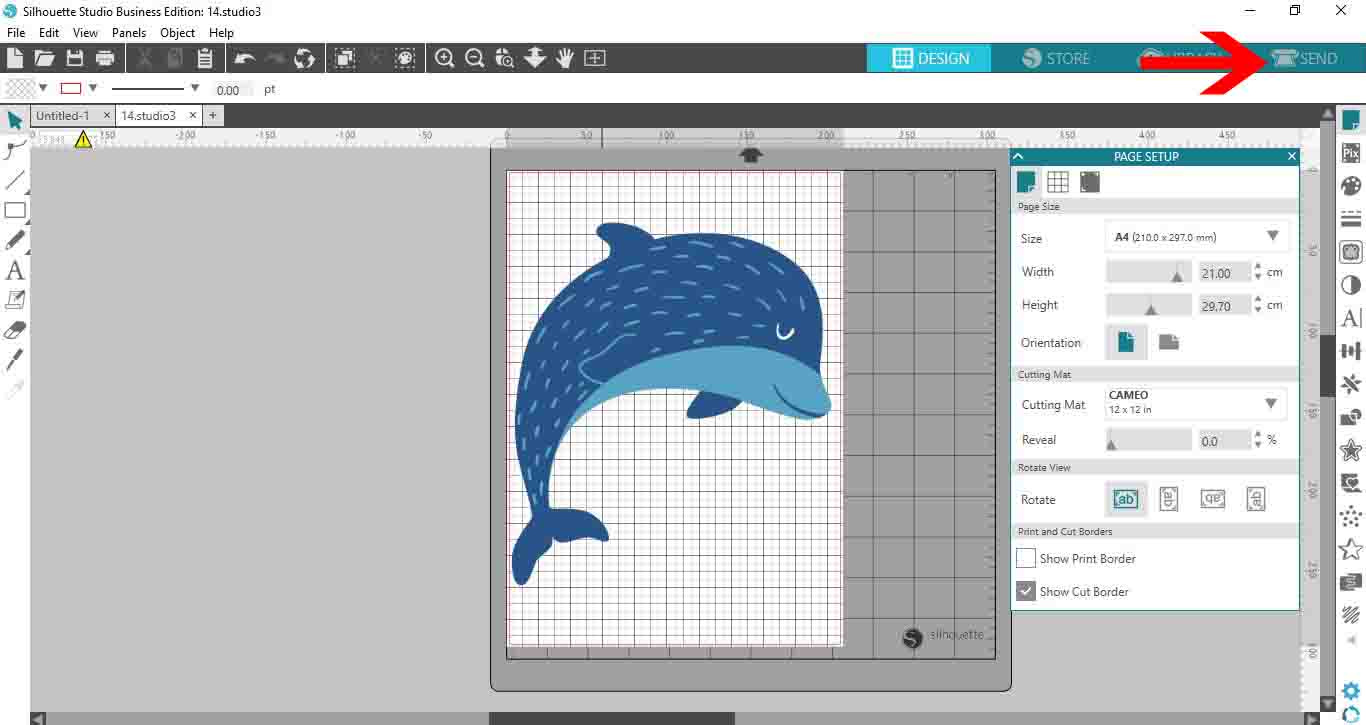
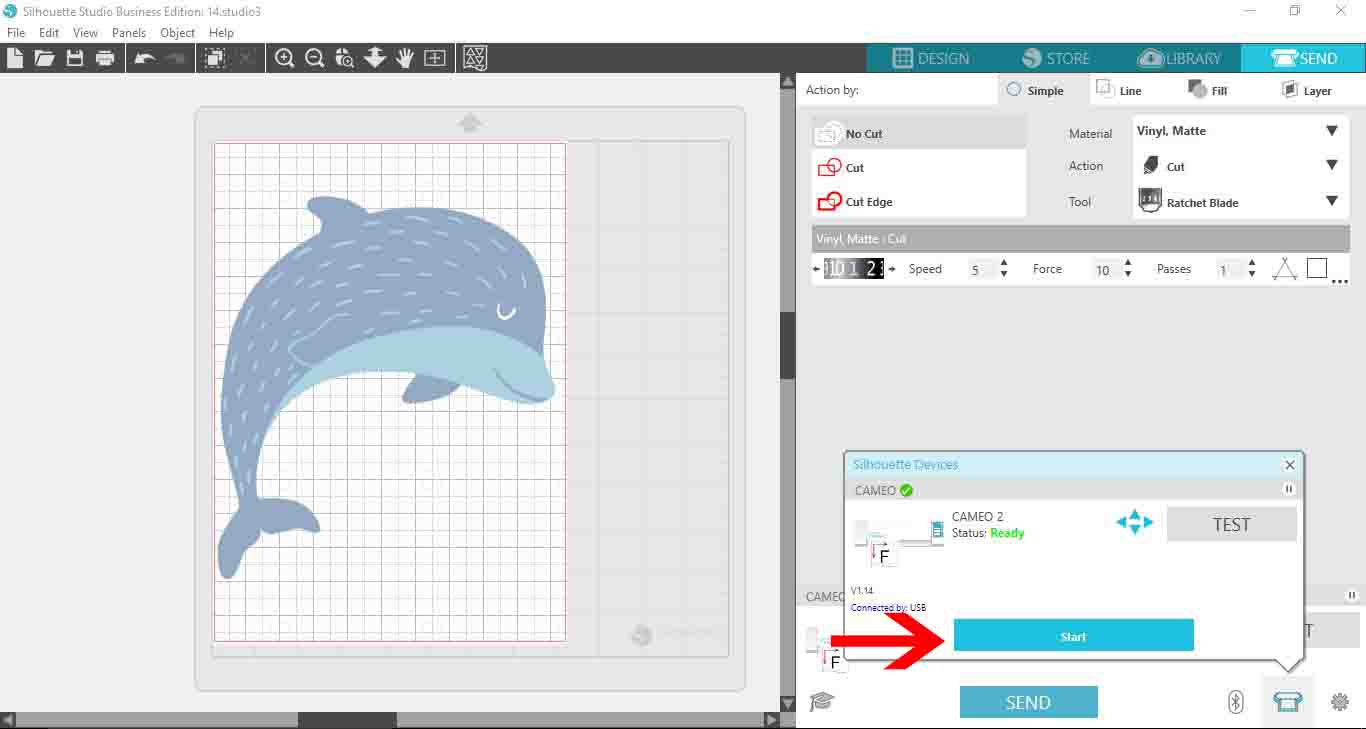
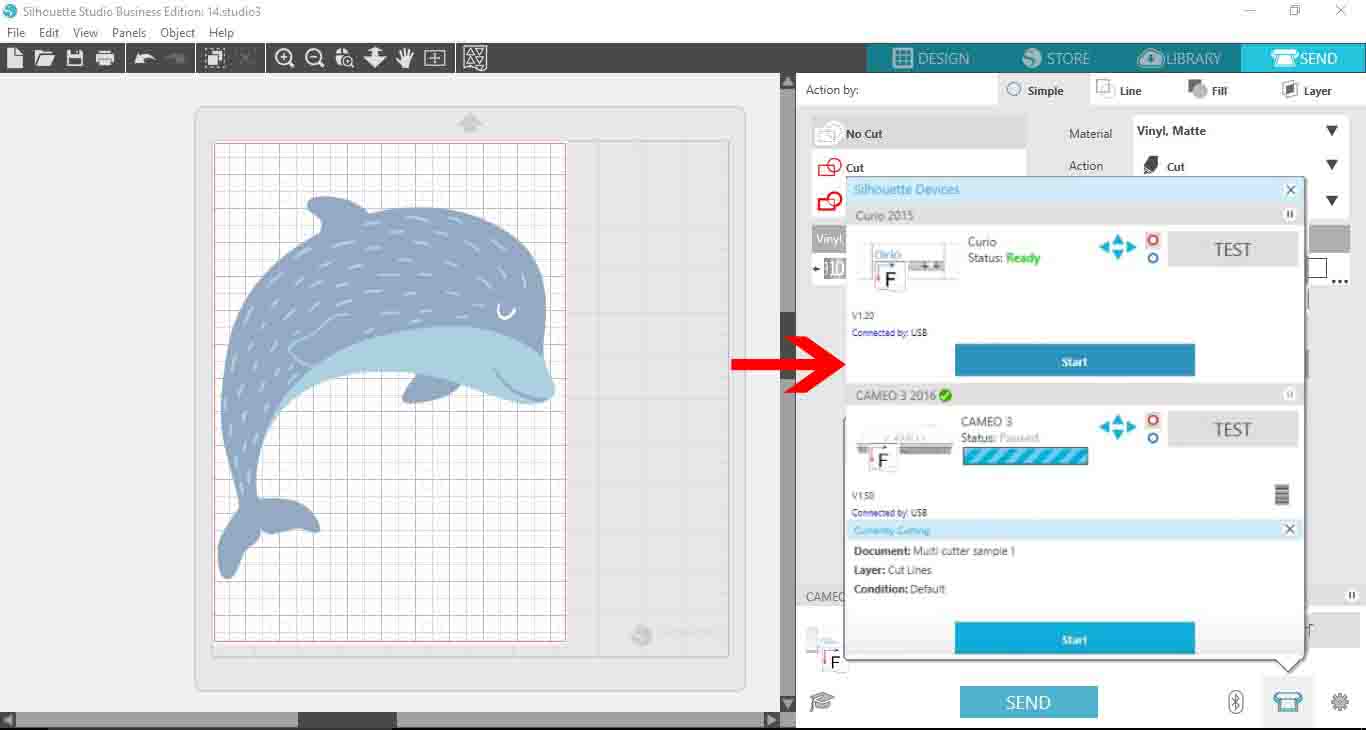
3- To cut on your first cutter, rather than just clicking send, click on the little cutter icon.

4- Your cutter that is linked to your pc will appear. click start to start cutting.
5- While cutting, you can add a machine, or if it is already linked just click on the project you want to start cutting next.Click send.
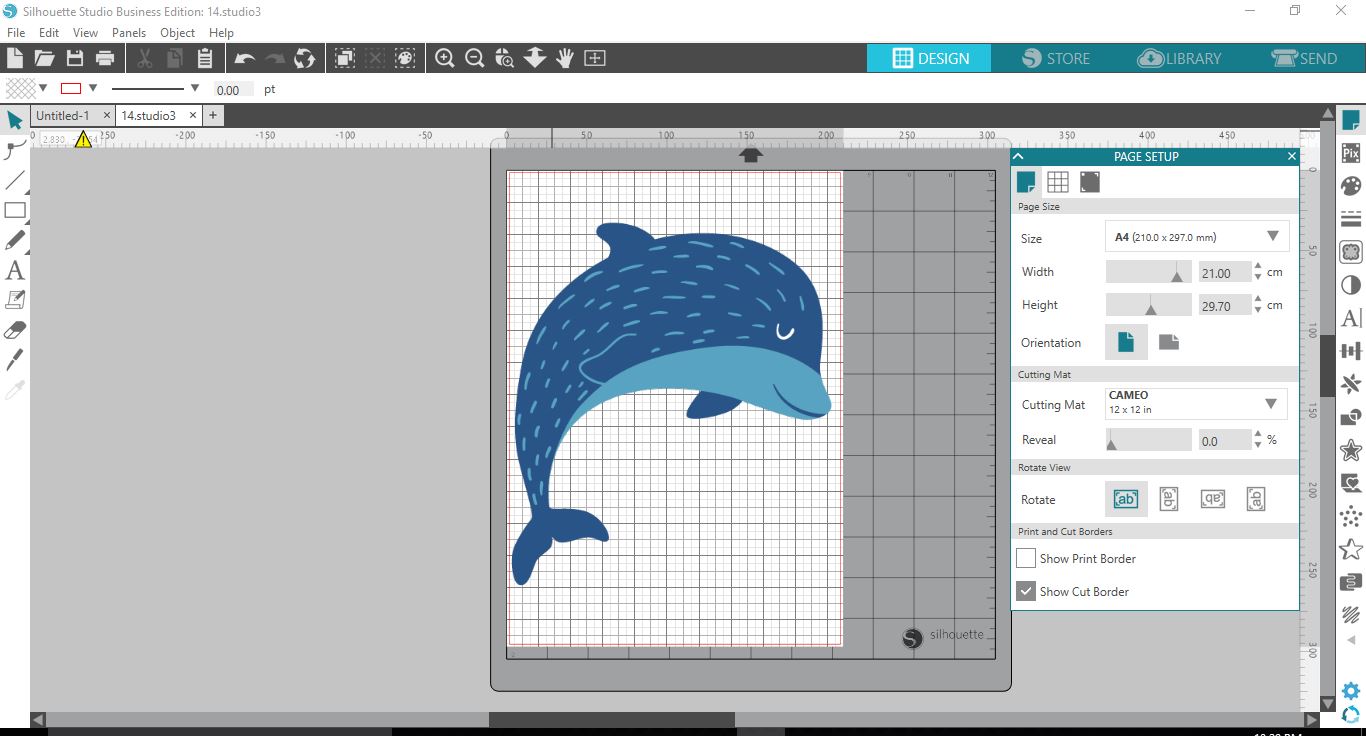
6- Click on the little cutter icon again, you will see your first cutter still working but your second cutter will appear. you can click start and this will now start cutting.
Related Tutorials
Silhouette Tutorials
Multi color foiling in Silhouette Studio with the Foil Quill
Add beautiful Multi Colored Foil Accents to your design using the Foil Quill in Silhouette Studio.
Silhouette Tutorials
Removing Unwanted Cut Lines in Silhouette Studio
Today, we'll show you three methods of removing unwanted cut lines in Silhouette Studio.
Silhouette Tutorials
How to Add an Outline Around Any Text in Silhouette Studio
Discover how to add an outline to any text in this Silhouette Studio tutorial. Quick read!
Silhouette Tutorials
How to Create Sublimation Designs in Silhouette Studio
Learn to create Sublimation Designs in Silhouette Studio in 6 easy steps!
Silhouette Tutorials
Knife Tool Overview in Silhouette Studio
In this tutorial, discover how to use the Knife Tool in Silhouette Studio in more than one way.
Silhouette Tutorials
How to Edit Text in Silhouette Studio
Learn how to edit text in Silhouette Studio in many different ways!