By Design Bundles
Cricut Tutorials4 min
Add Images/Premade Images in Cricut Design Space Mobile App
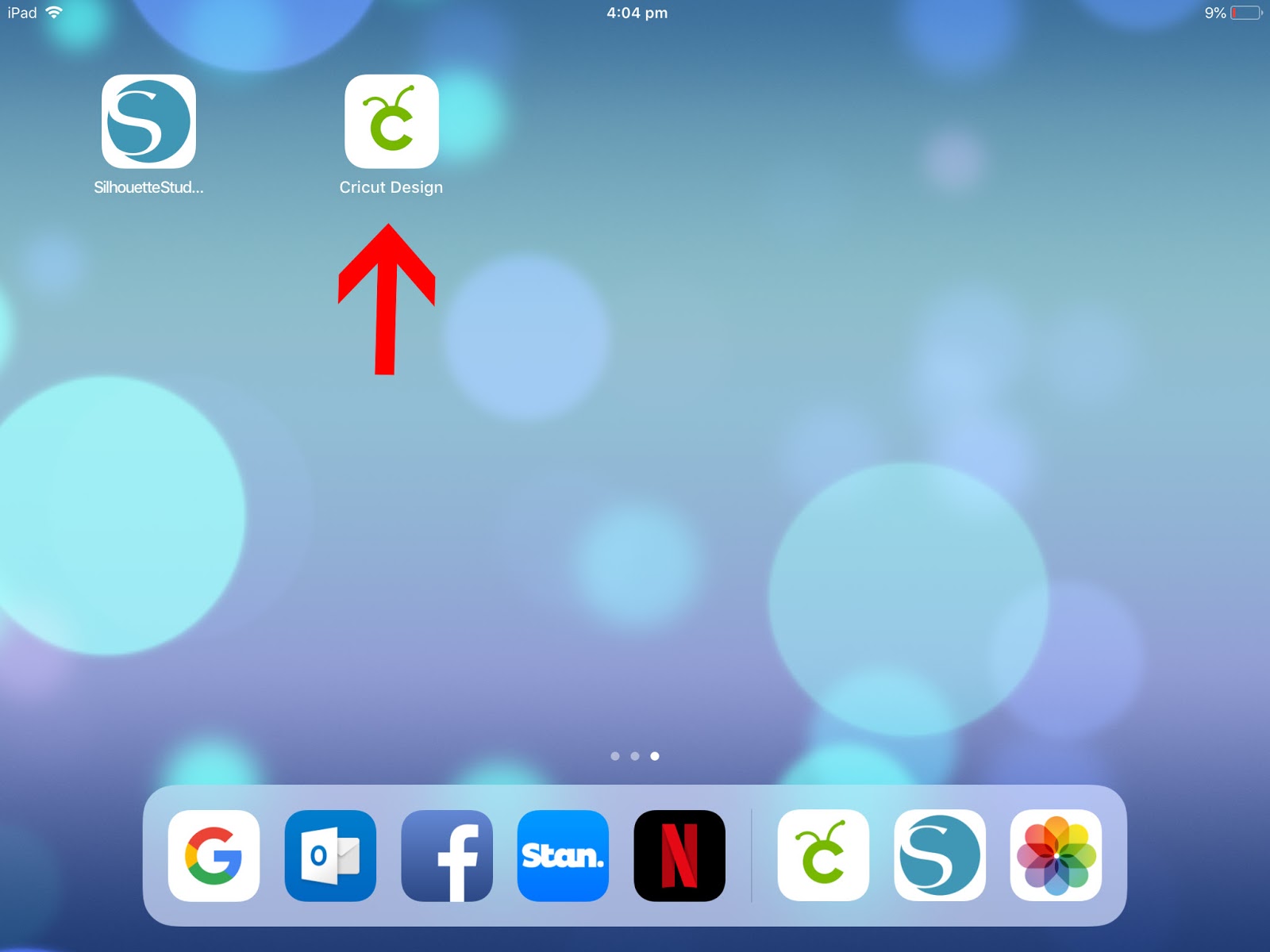
1- Open the Cricut Design Space Mobile App.
2- Tap on new project.

3- On your design space, tap on the image icon.

4- A new screen will appear. This will give you access to the whole design space library. You also have on this screen a categories. tap on it.

5- A new pop up screen will appear. This will give you a choice of many different categories. Select one.

6- When you have selected a category you can scroll through to select an image.
You also have the choice to search an image via cartridges.

7- You can also see all cartridges which were previously available in older versions of the cricut machines.

8- Once you have found the image you need click on it to select it, then click insert.

9- Your image will appear on the design space.

10- By using the green arrow icon on the image you can resize your design.

11- You also have a grey icon on your image so you can flip it.

12- This is a great option to use if you are creating heat transfer vinyls.

13- The blue icon is used to rotate your image.

14- Once you have adjusted your image you can tap on make it.

15- You will now see your image on your virtual mat. if you are happy tap to create and send to your machine.

Related Tutorials
Cricut Tutorials
Altering Images Using the Contour Tool in Cricut Design Space Mobile App
Discover how to alter images using the Contour Tool in Cricut Design Space.
Cricut Tutorials
Additional Setting Options in Cricut Design Space Mobile App
In this tutorial, learn how to customize your Canvas Settings for Cricut Design Space Mobile App.
Cricut Tutorials
How to Curve Text in Cricut Design Space Mobile App
Today we’ll focus on how to curve Text in Cricut Design Space App....
Cricut Tutorials
How to Print then Cut in Cricut Design Space Mobile App
Learn how to easily use the Print then Cut Feature in Cricut Design Space Mobile App.
Cricut Tutorials
Text Options in Cricut Design Space Mobile App
Cricut Tutorials
How to Weld Text in Cricut Design Space Mobile App
In this tutorial we will show you how to weld text in the Cricut Design Space App.