By Design Bundles
Cricut Tutorials3 min
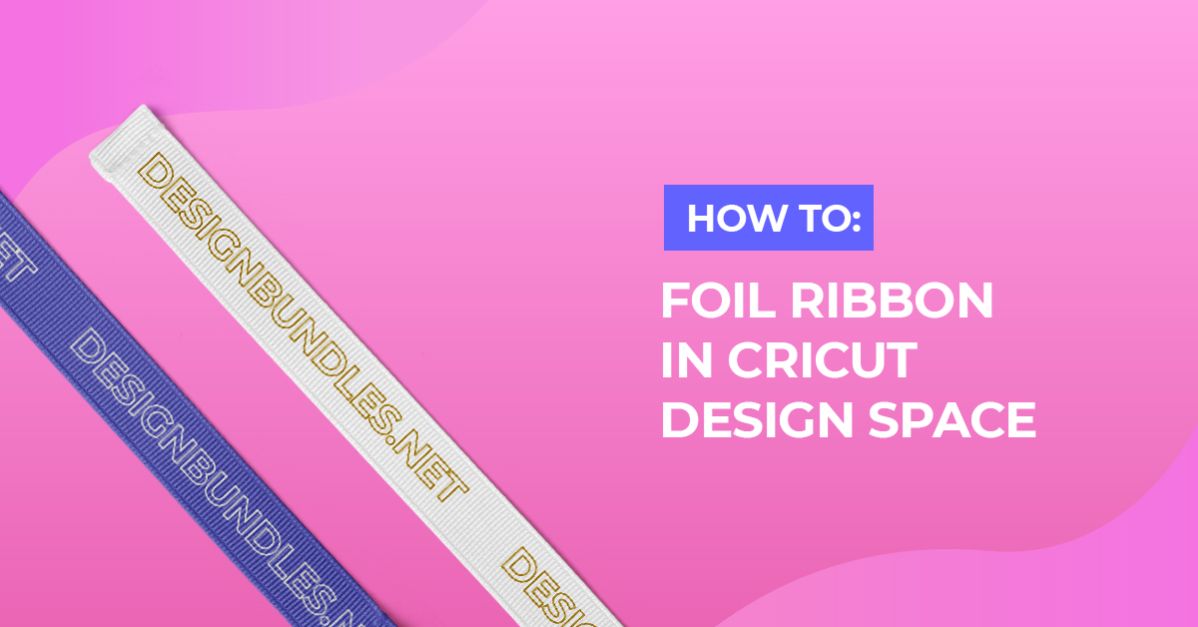
How to foil ribbon in Cricut Design Space
1- Open cricut design space and create a new project.
3- Click on upload image.
4- Upload your design or use a design from the Cricut database. I am using Valentine's Day Doodles from designbundles.net
5- Select your design.
6- Click on line type and change to draw.
7- Duplicate your design if you want the foiling to carry down the ribbon. With all the images selected click attach. Go to make it.
8- Move your image so it is the correct place to foil.
9- Turn the dial to custom.
10- Click on browse all materials.
11- search for fabric and select the option closest to the ribbon you are using. If you are unsure I have found that the printable fabric option works well on most ribbons. Click done.
12- Insert the foil quill in clamp A and then Click go.
13- Your ribbon will be foiled. If you want to foil a continuous line of ribbon. do not cut the ribbon and leave the excess over the bottom of the mat. Move the ribbon up on and place in the same place. then repeat the foiling till all the ribbon is foiled.

2- Click on the upload icon.

3- Click on upload image.
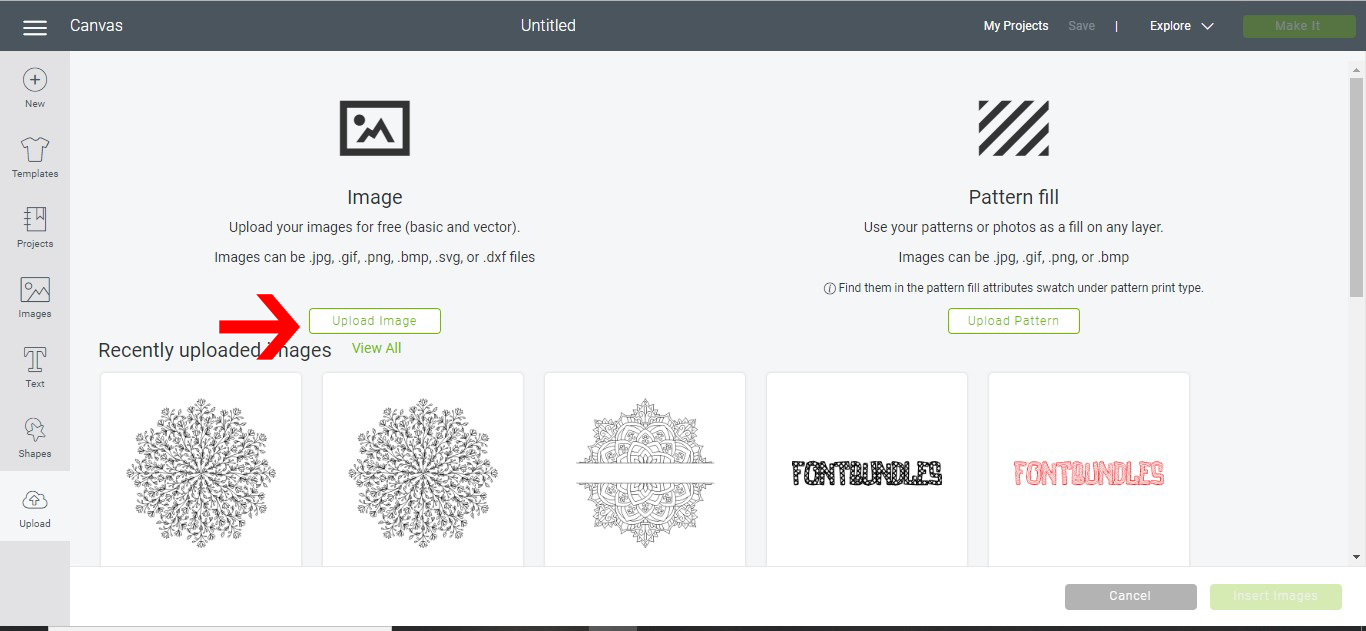
4- Upload your design or use a design from the Cricut database. I am using Valentine's Day Doodles from designbundles.net

5- Select your design.

6- Click on line type and change to draw.

7- Duplicate your design if you want the foiling to carry down the ribbon. With all the images selected click attach. Go to make it.

8- Move your image so it is the correct place to foil.

9- Turn the dial to custom.

10- Click on browse all materials.

11- search for fabric and select the option closest to the ribbon you are using. If you are unsure I have found that the printable fabric option works well on most ribbons. Click done.

12- Insert the foil quill in clamp A and then Click go.

13- Your ribbon will be foiled. If you want to foil a continuous line of ribbon. do not cut the ribbon and leave the excess over the bottom of the mat. Move the ribbon up on and place in the same place. then repeat the foiling till all the ribbon is foiled.

Related Tutorials
Cricut Tutorials
How to draw your first line in cricut design space using the foil quill
Learn to draw your first line in Cricut Design Space with this beginner step by step tutorial.
Cricut Tutorials
Creating decorative borders in Cricut Design Space using the foil quill
Learn how to to make unique borders for cards or other craft projects!
Cricut Tutorials
Foiling acetate using the foil quill in cricut design space
Cricut Tutorials
How to use fonts in cricut design space with the foil quill
Cricut Tutorials
Foiling a SVG file in cricut design space using the foil quill
Cricut Tutorials
How to foil and cut stickers in cricut design space
In this tutorial discover how to foil and cut stickers in Cricut Design Space.