By Christine Hattingh
How to Draw a Basketball
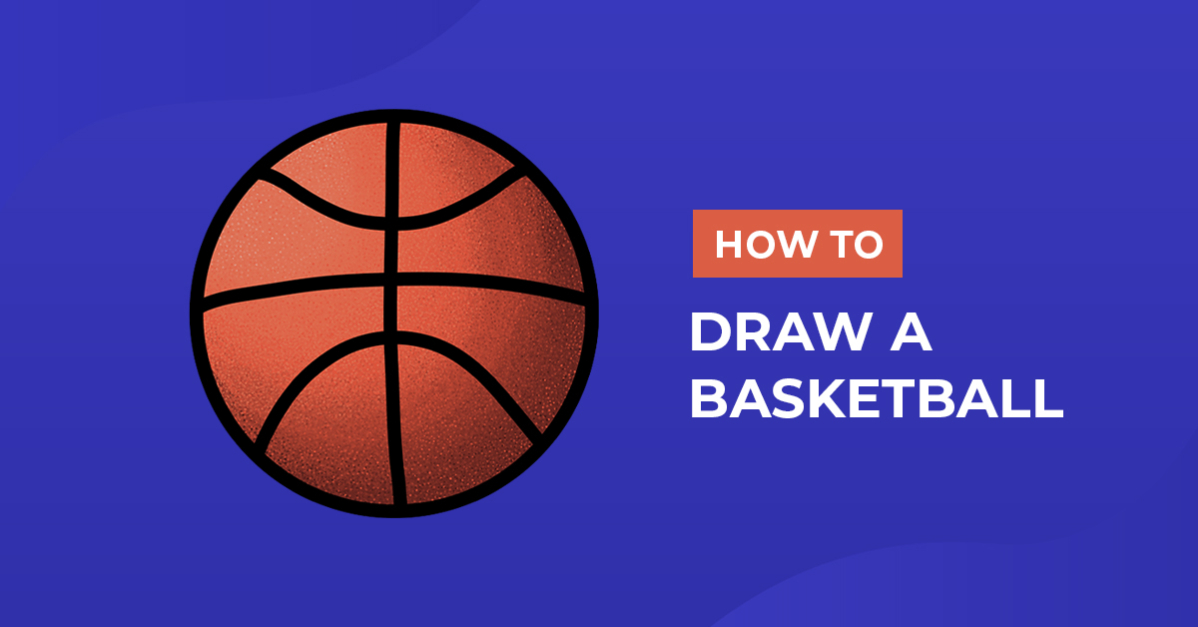
In this sporty tutorial, you will learn how to draw a basketball in just three easy steps. As one of the most iconic sports symbols, basketballs are great for creating artwork that celebrates the game. Use your illustration to make posters for your team or design decorations for a sports-themed party, stickers, SVGs, and so much more.

You can use traditional or digital supplies to draw your sports clipart. From pencils and inks to Procreate and DesignScape, anyone at any drawing skill level can follow along with this drawing tutorial.
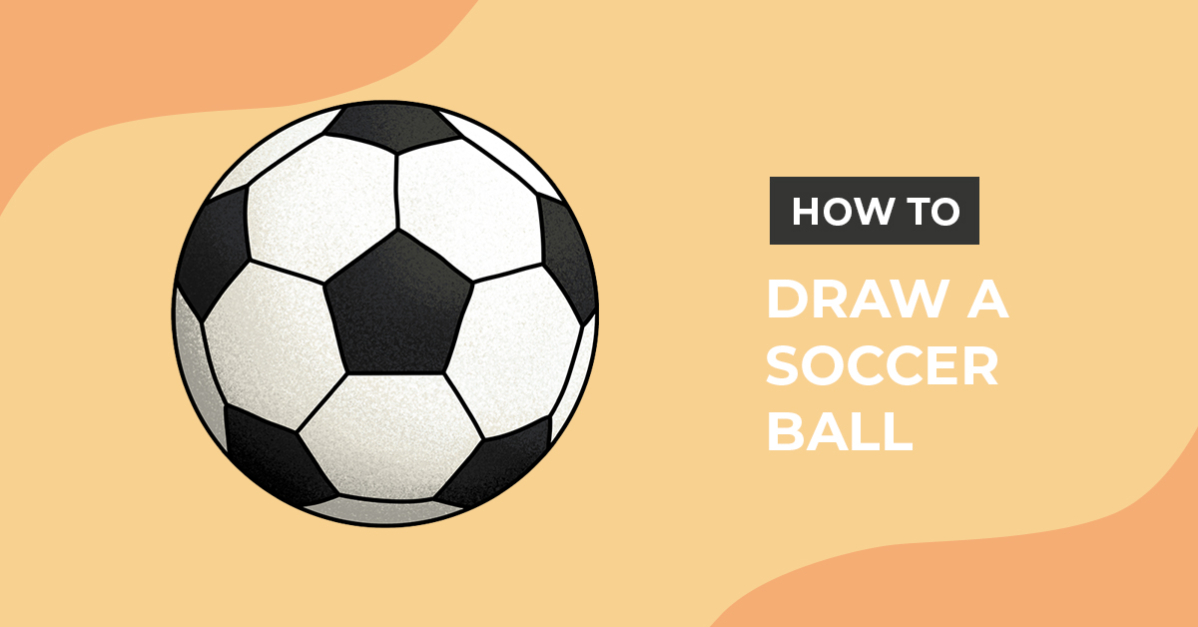
Are you creating a collection of sports illustrations for the next game day project? We have the perfect drawing guides for drawing a football or how to draw a volleyball.
Step 1 - Roughly Sketch a Basketball
Sketch the basic shape of the basketball with a medium such as a pencil or light-colored medium. In the center of your page, draw a perfect circle. You can freehand the circle, use a round object to trace around, or use the QuickShape feature in Procreate.

Next, sketch a vertical and horizontal line through your circle as we did in blue in our example sketch below. Then, draw a curved line at the top and bottom to create the line pattern on your basketball sketch.

Step 2 - Create Permanent outlines
With a permanent tool like a marker or black-colored medium, trace over your rough sketches to create a defined basketball outline. The ball's circle and pattern lines should be traced, and darkened.
A textured outline brush is a simple way to add interest to your line art. You could even use a specialized medium such as glitter pens or metallic markers to define your basketball clipart.

Step 3 - Add Color to your Basketball
Now that you have outlined the basketball illustration, it's time to add some color. Begin by coloring the surface of the ball with an orange shade. Use a colored pencil or a marker to fill in the space within the outlines.

Next, apply darker and lighter shades of orange to add shadows and highlights to the ball drawing. This will create a three-dimensional effect and give the ball some depth.
Finally, add a stipple or small dot pattern to your ball clipart to make the texture on your basketball. We use the "stipple 13" brush from this Procreate ink brush pack to apply our texture.

Create different shading and texture effects for your ball illustration with our how to blend Procreate tutorial.
Your drawing is ready to be added to your next basketball-themed crafts and projects. Great job on following along with our beginner-friendly drawing exercise. Why not create a comic text effect in DesignScape to go along with your drawing?
DesignScape is an incredible online design tool exclusive to Gold Plus Members! If you still need to become a Plus Member, sign up today and get a 30-day FREE Gold Plus Membership trial to get instant access to DesignScape and thousands of exclusive products.