By Design Bundles
Silhouette Tutorials4 min
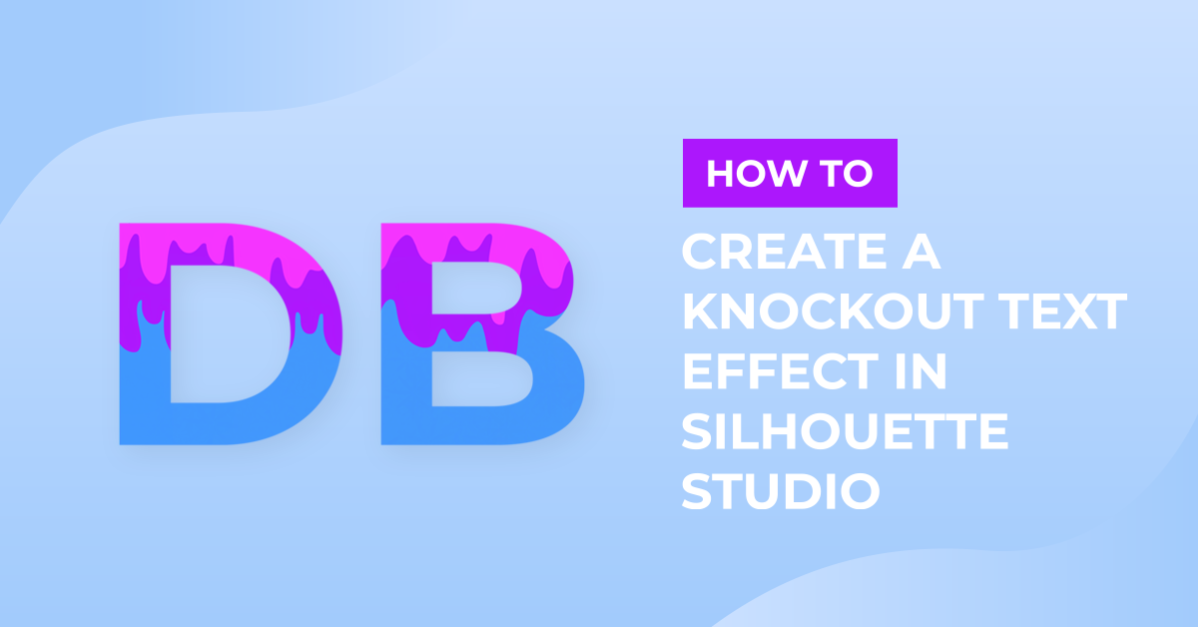
Create a Knock Out Effect in Text with Silhouette V4.1
1- Open Silhouette Studio.

2- Type your text. Change the font and size to your needs.

3- Insert the image you want to use for your knock out effect.

4- Resize the image to fit your text.

5- Place the image over the text where you would like it. Select both image and text, right click and group.

6- Right click again and copy and paste. Move the copy away from your original grouped image/text.

7- Reselect the original grouped image/text and right click, then ungroup.

8- With the original text and image selected, go to the side panel and click on the modify tool.
Select subtract.

9- The image will be subtracted from the text.

10- Select the copy. Right click and ungroup.

11- Select both image and text with the copy and in the modify panel click on crop.

12- The top section is not cropped. Select all of the parts that were cropped and group.

13- Select all the top text parts and group those also.

14- Drag the top part to the bottom part and insert the knock out part by lining it up. Select both and group.

15- Click on send and you will see in the color fill section of the cut screen that you can cut each section separately then join when cut.

Related Tutorials
Scan N Cut Tutorials
How to create a knock out effect in brother scan and cut canvas workspace
Inkscape Tutorials
How to Create a Neon Text Effect in Inkscape
Create a Neon Text Effect in Inkscape with this step-by-step tutorial!
Inkscape Tutorials
How to Create a Gold Text Effect in Inkscape
Create a Gold Text Effect in 4 steps with this beginner Inkscape tutorial.
Photoshop Tutorials
How to Create a Holographic Text Effect in Photoshop
Discover how to create a holographic text effect in Photoshop with this step by step tutorial.
Procreate Tutorials
How to Create a Neon Text Effect in Procreate
In this step-by-step tutorial, you will learn how to create a Neon Effect in Procreate.
Illustrator Tutorials