By Design Bundles
Creating decorative borders in Cricut Design Space using the foil quill
1- Open Cricut Design Space. Click on new project.

2- In design space, click on shapes.
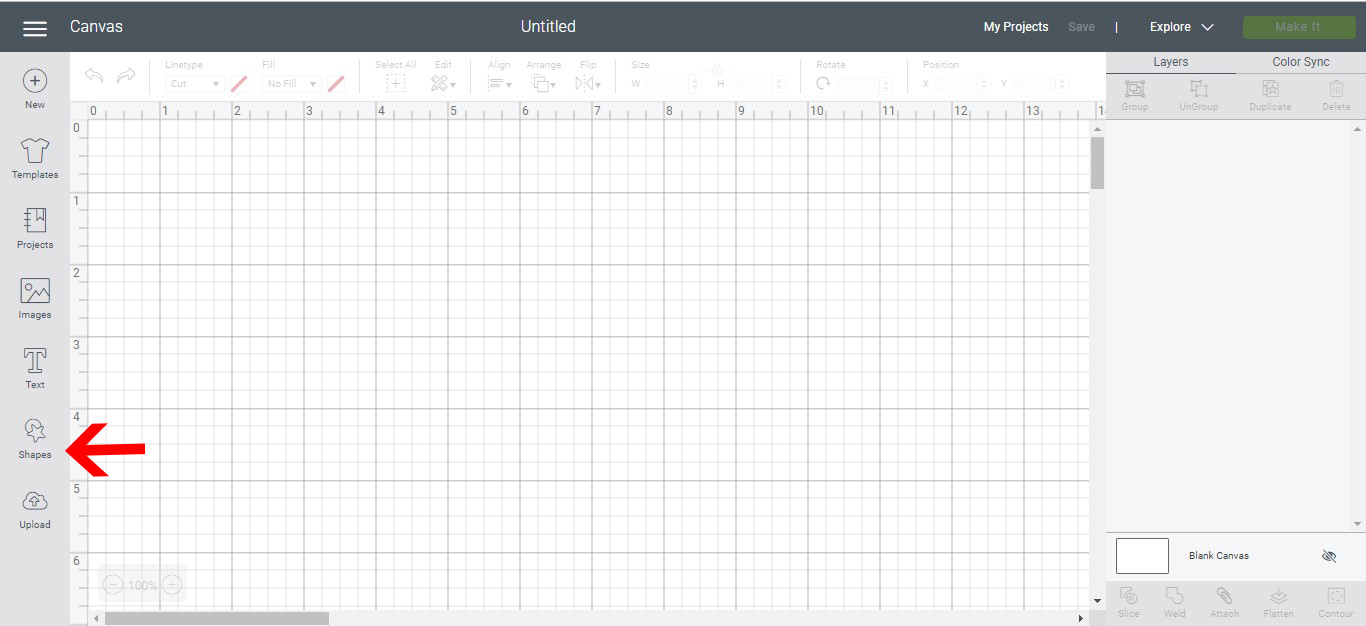
3- Select your shape. a square is great to create a border.
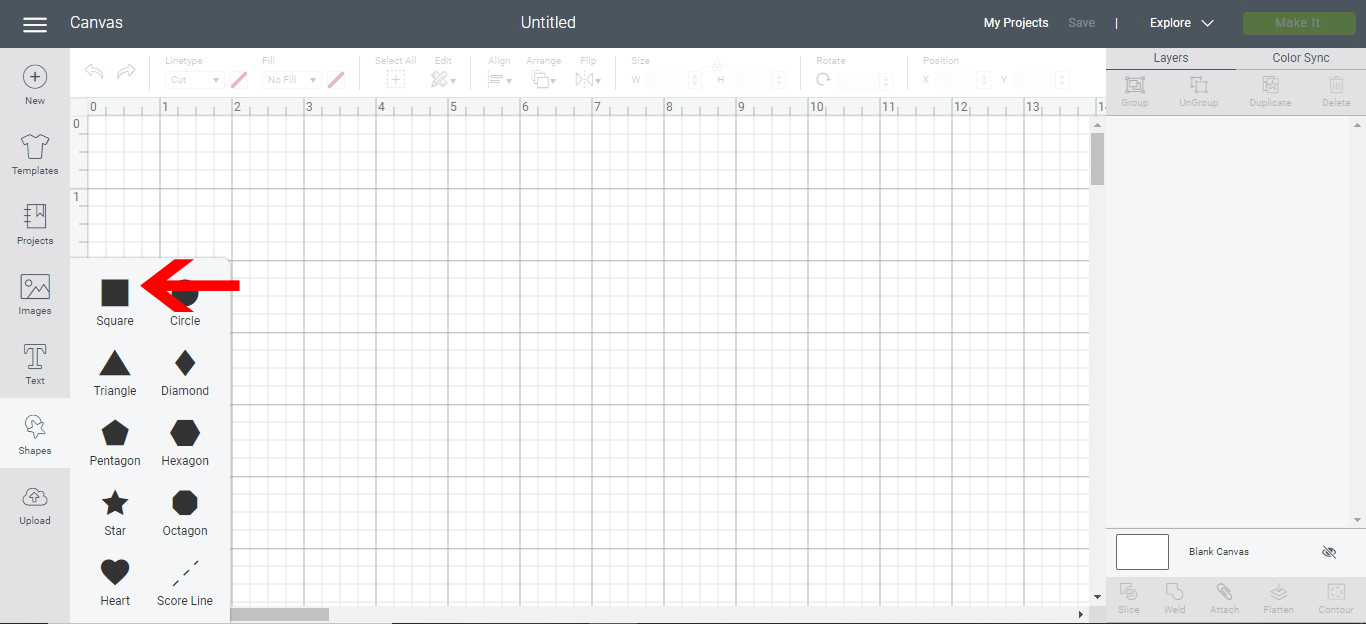
4- add a square to your design space. Next click on image.

5- In the design space images, use the search bar to find a design you would like to use for the border.
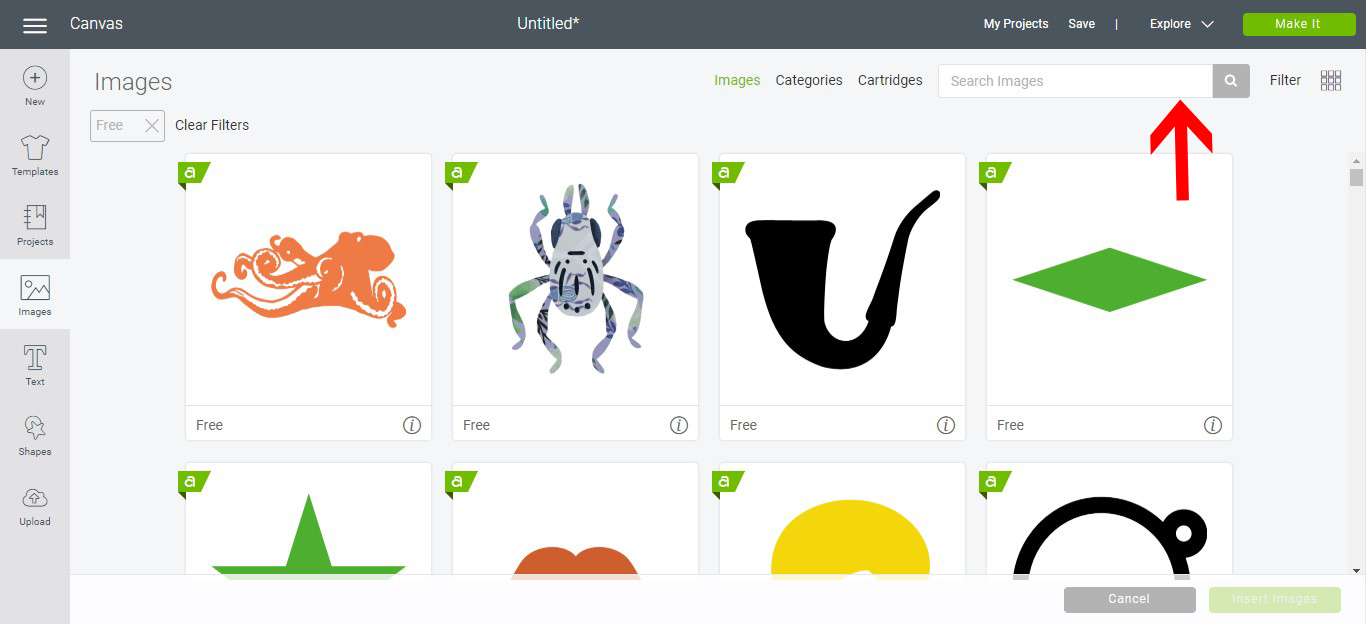
6- Once the design is found, select it, then click on insert image.
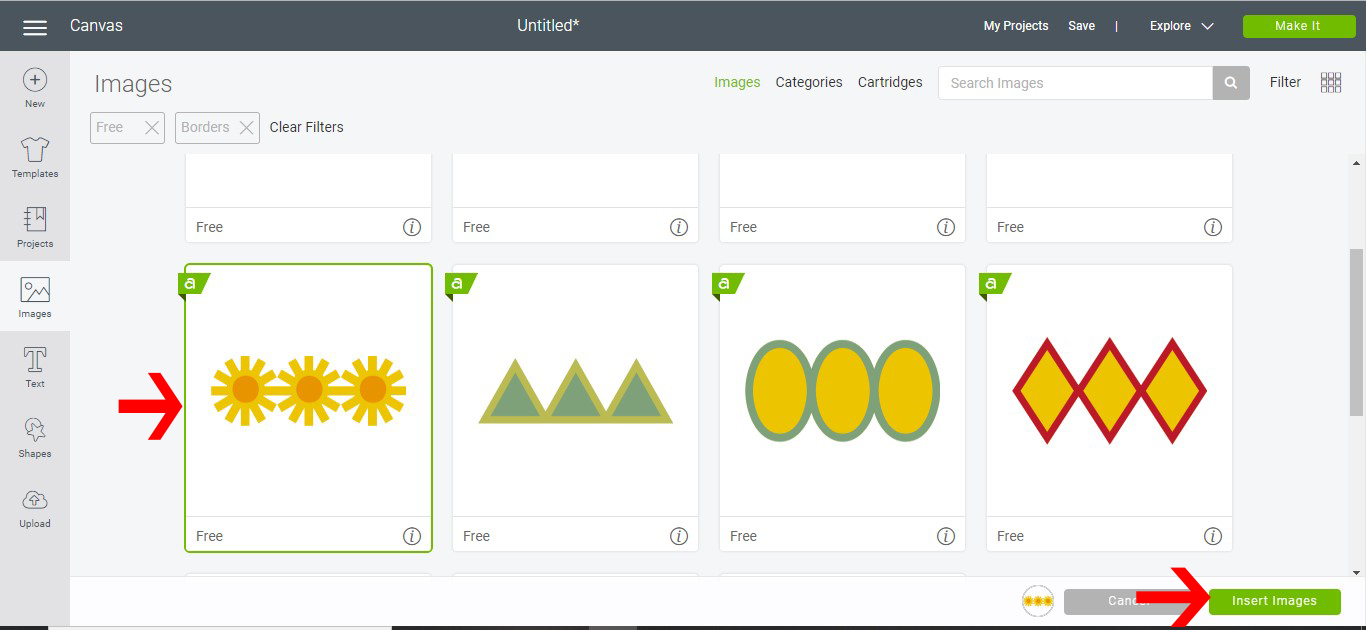
7- Once the image is on your design space, right click and duplicate it.
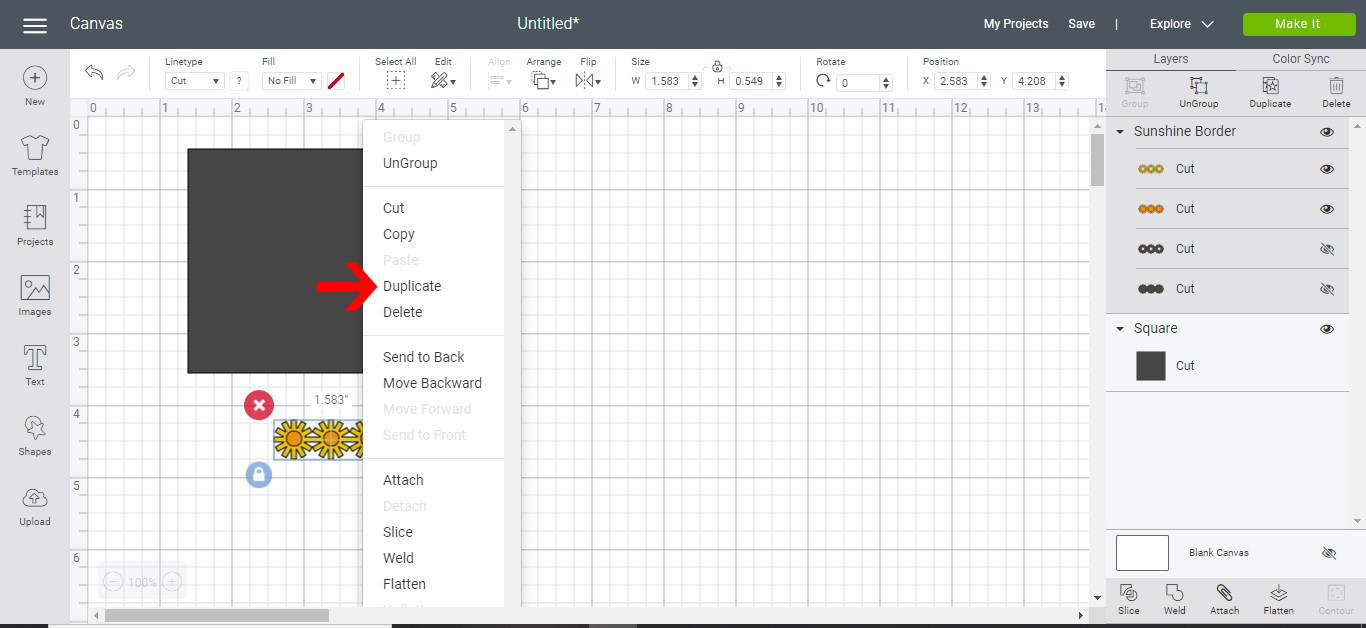
8- Repeat the duplicate until the bottom of your square/rectangle is covered. With all the images selected group them together.

9- Select both the grouped image and the shape. Weld together.

10- with the welded design selected, click on the type and select draw.

11- Click on make it and then continue.
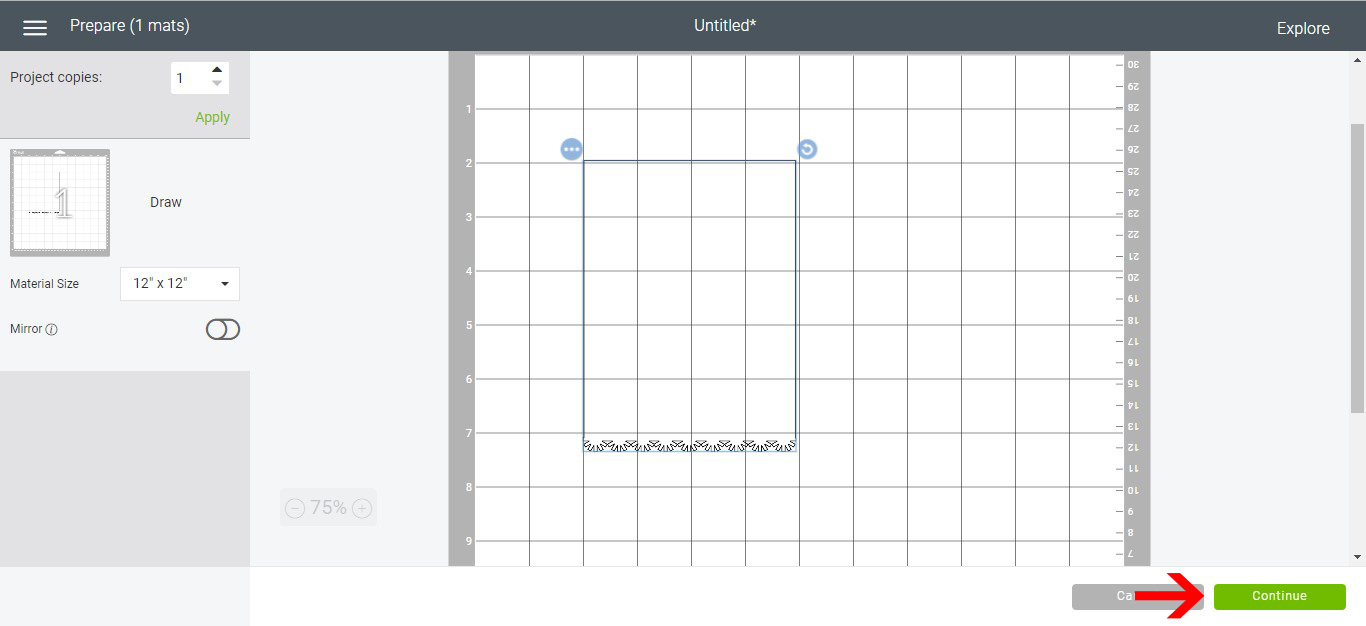
12- In the next screen you can select your media type insert your foil quill and then click go.
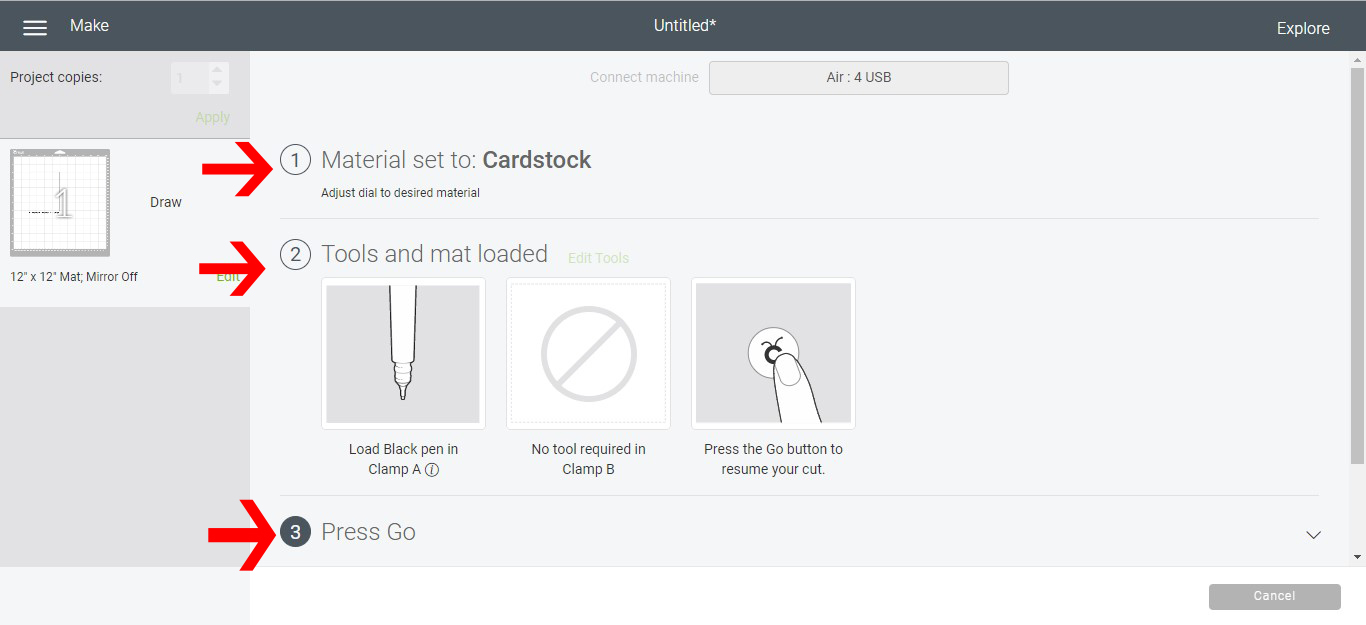
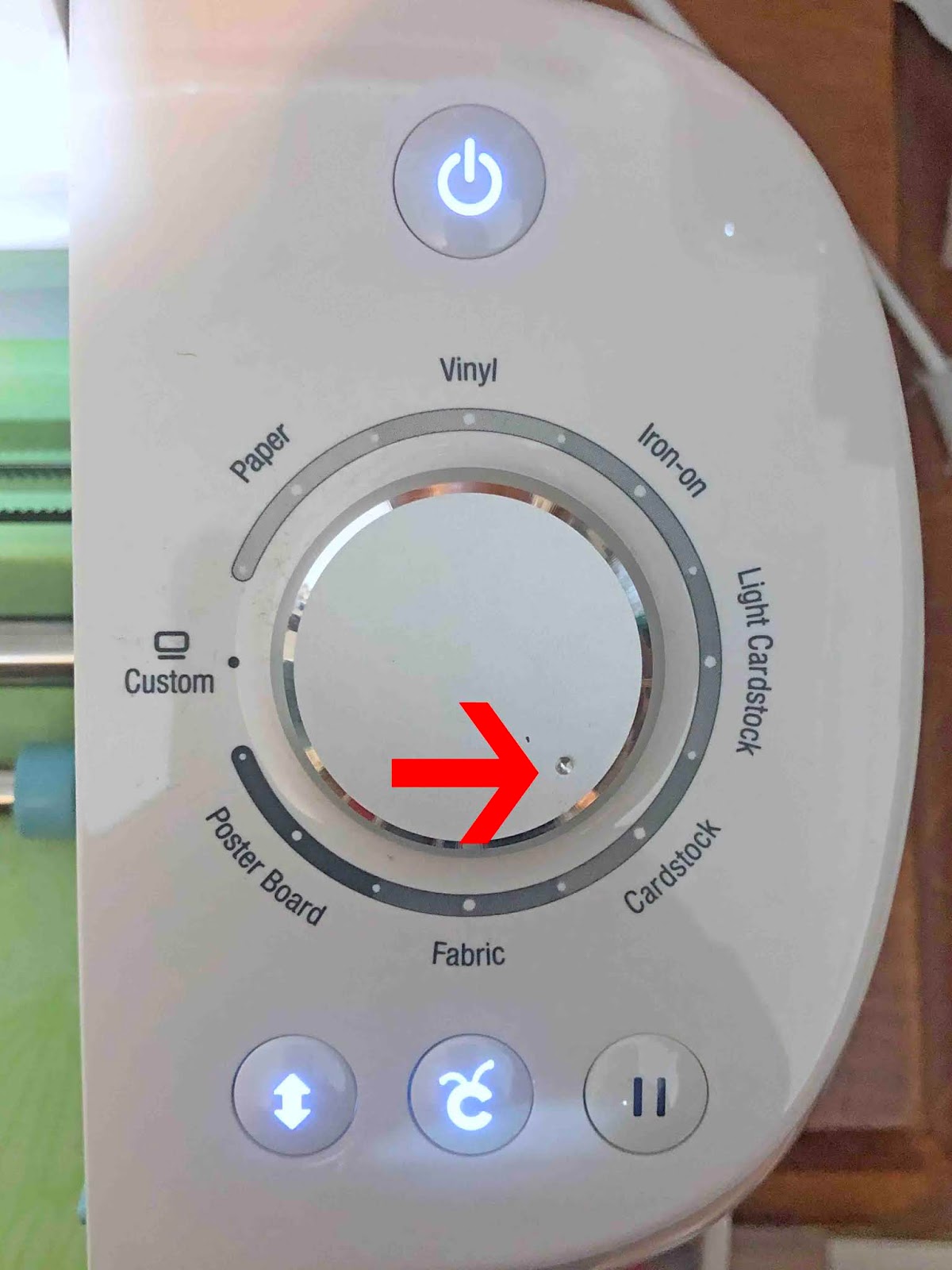
13- On the dial, you can adjust the media for your design. We are using cardstock for this design.
14- With your foil quill in the machine, click on the C button to start.
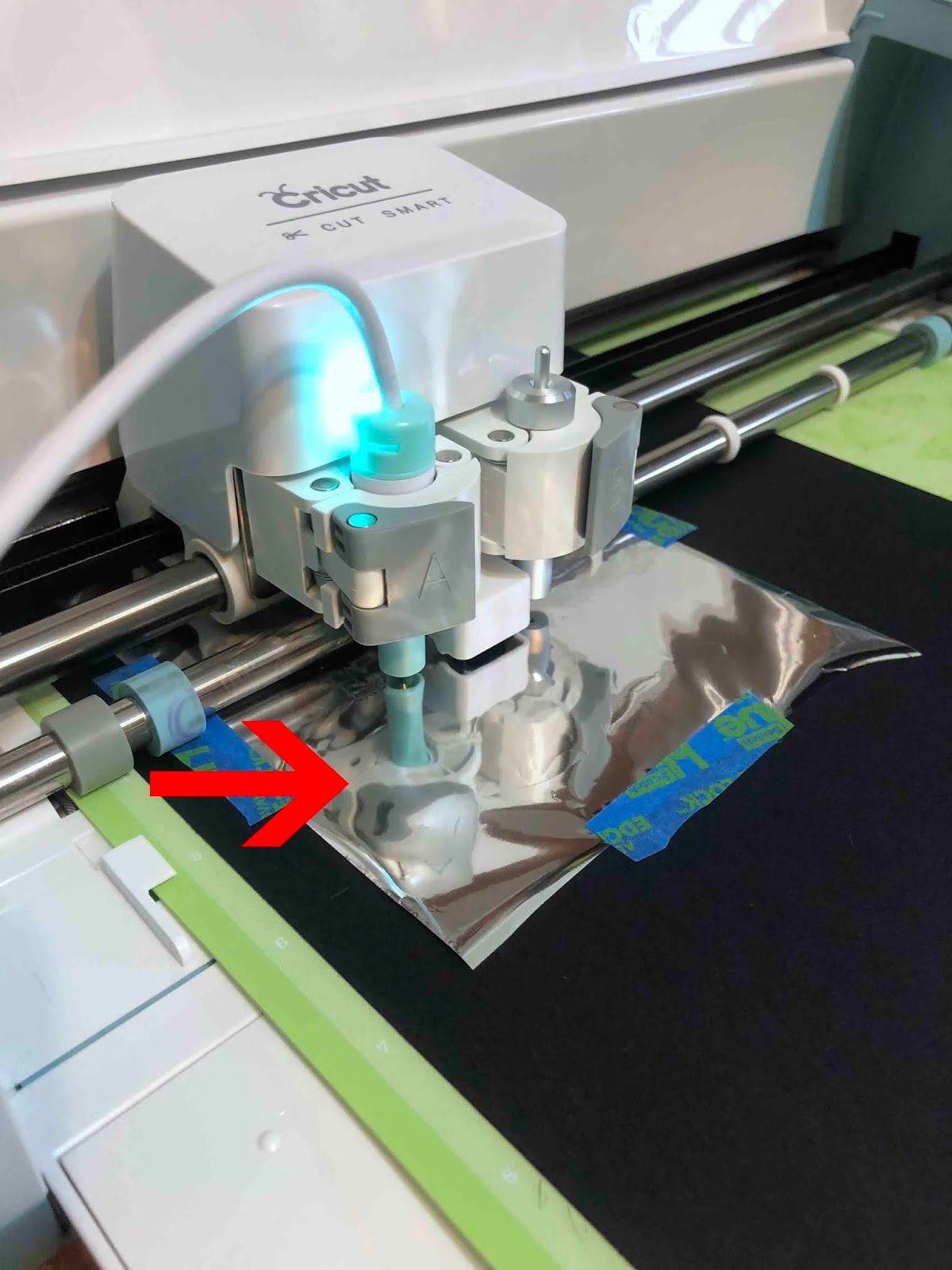
15- your border will foil on your card.
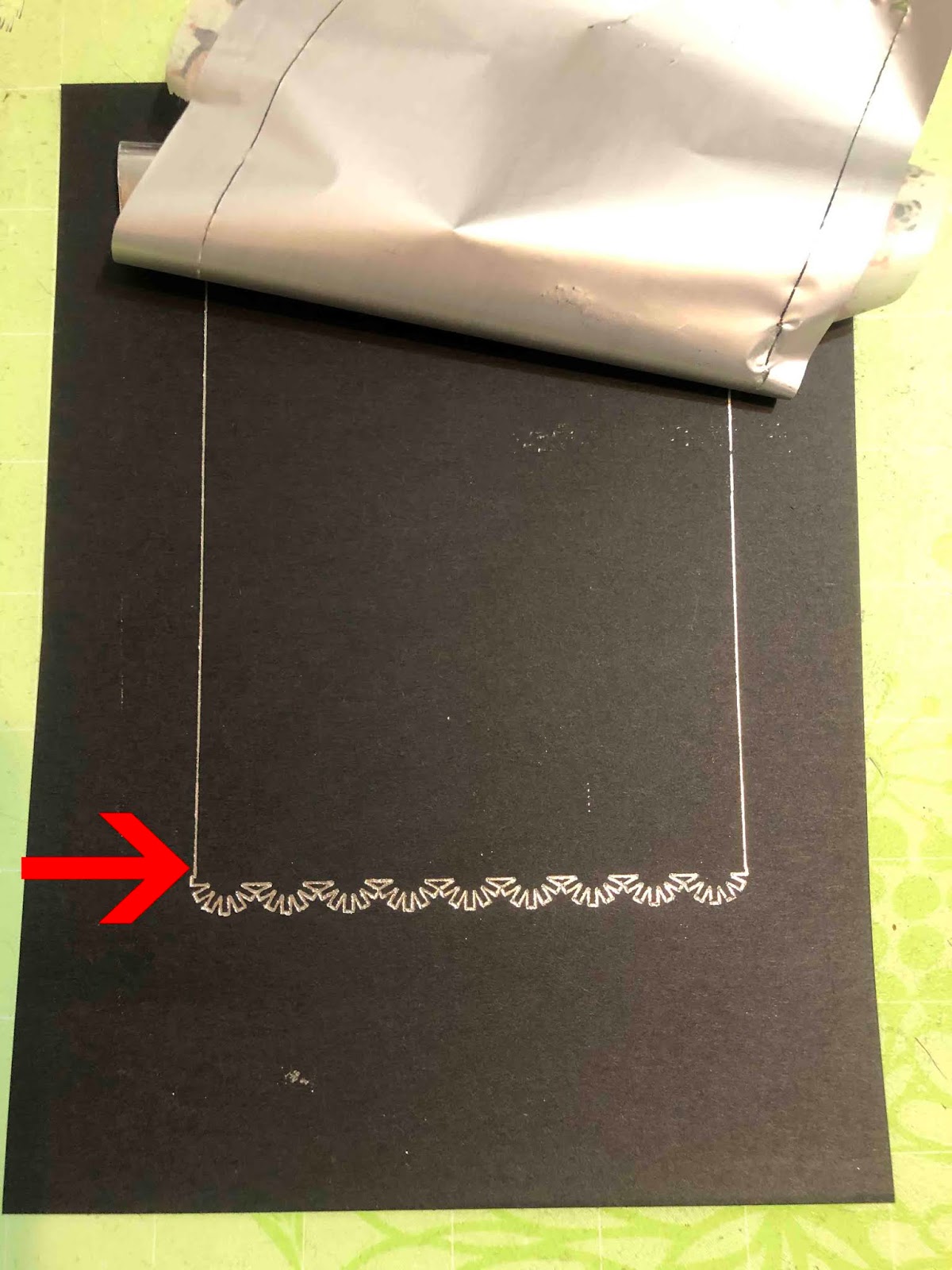
Quick as that, you have foiled your first card with Cricut Design Space. The options are endless, so go on, have some fun!