By Design Bundles
Foiling vellum in Cricut design space
1- Open Cricut design space and create a new project.
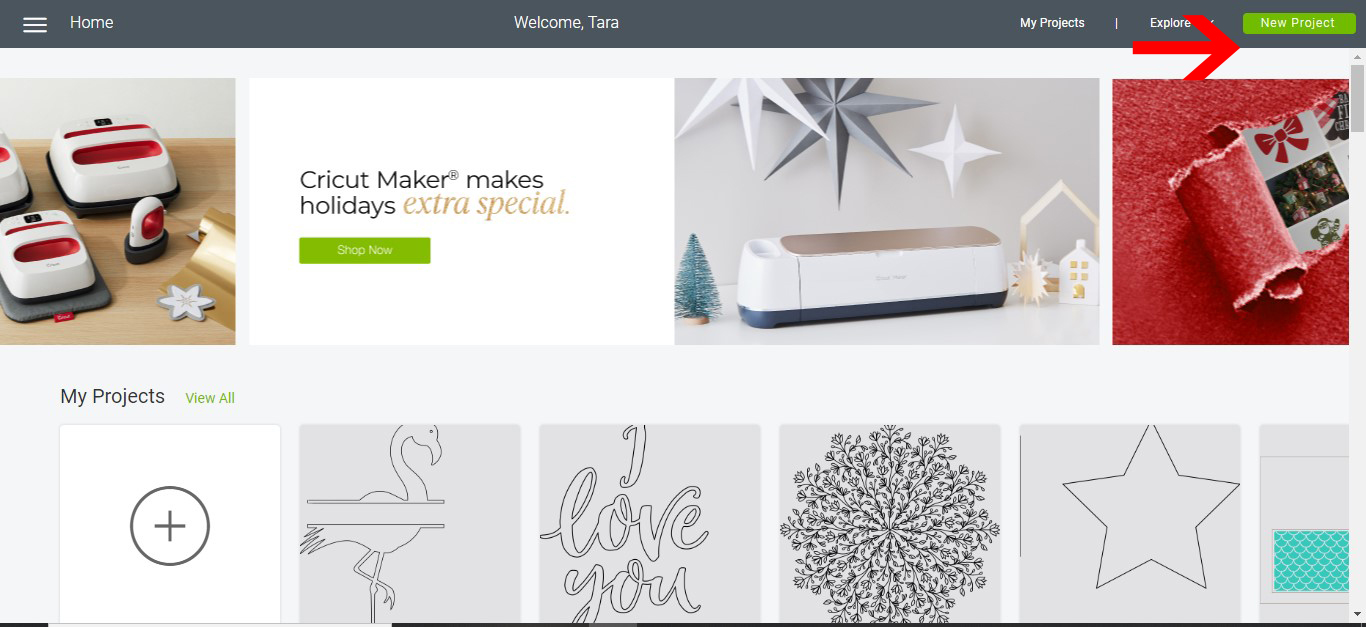
2- Click on the upload icon.

3- Select your file you want to foil on vellum. You can use a pre saved file or upload a new one.
Insert image.

4- Your design will appear as a cut file.

5- Select line type and Click on draw. Resize, then make it.

6- Readjust the design on the cutting mat. and then click continue.

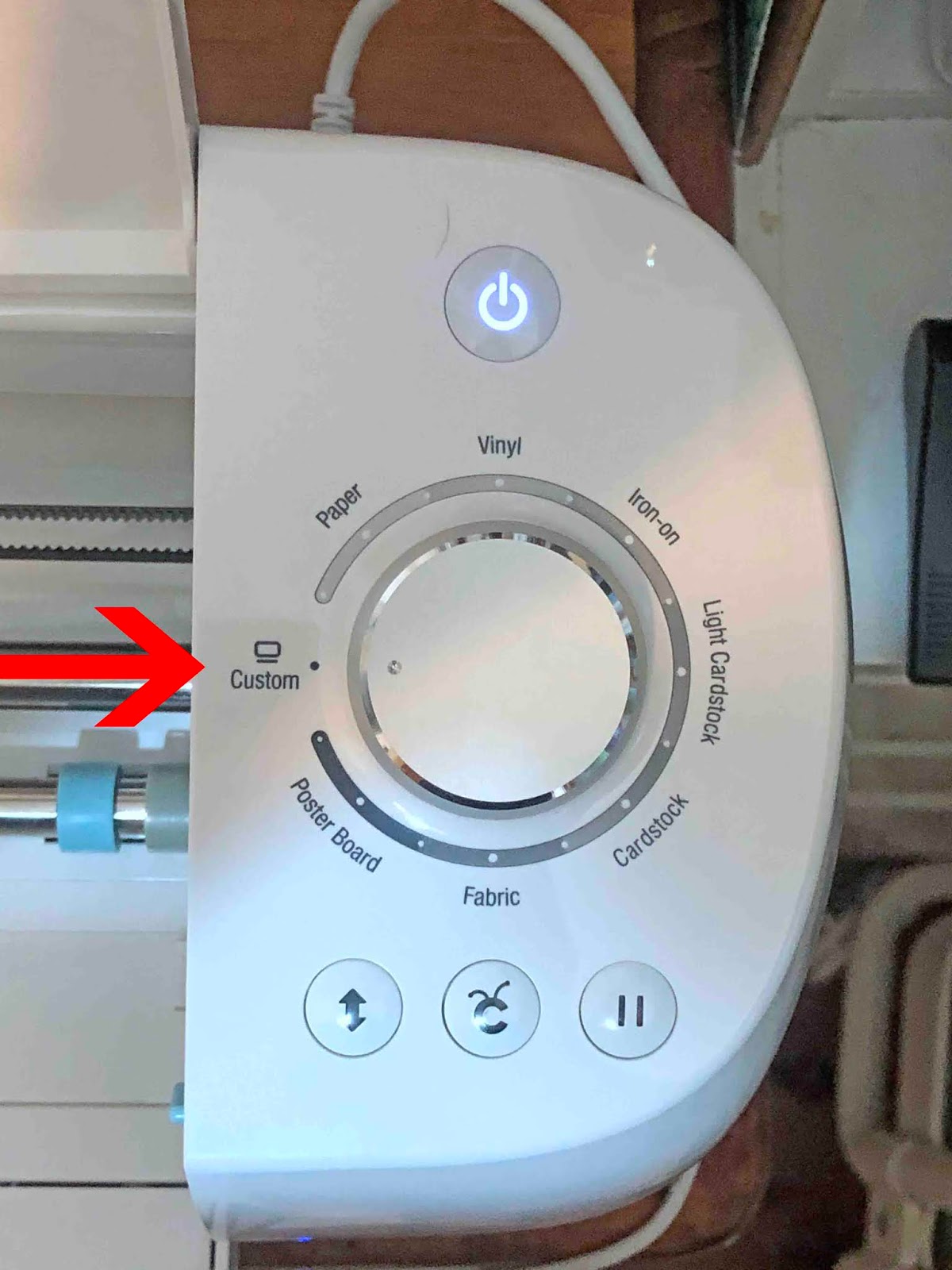
7- Set your dial to the media you are using. You can set to custom and then select vellum from the drop down options. Once you have inserted your mat and foil quill click Go.
8- your design will foil onto your vellum. you will find there is a slight embossed feel to the foiling, refine the setting slightly to compensate for this.

Doesn't that look beautiful? Foil accents always make a project extra special.