By Design Bundles
How to Use a PDF File in Cricut Design Space
1- Open Cricut Design Space and click on New Project.

2- We need to convert the PDF to a usable file in CDS so the easiest way is to use a PDF converter.
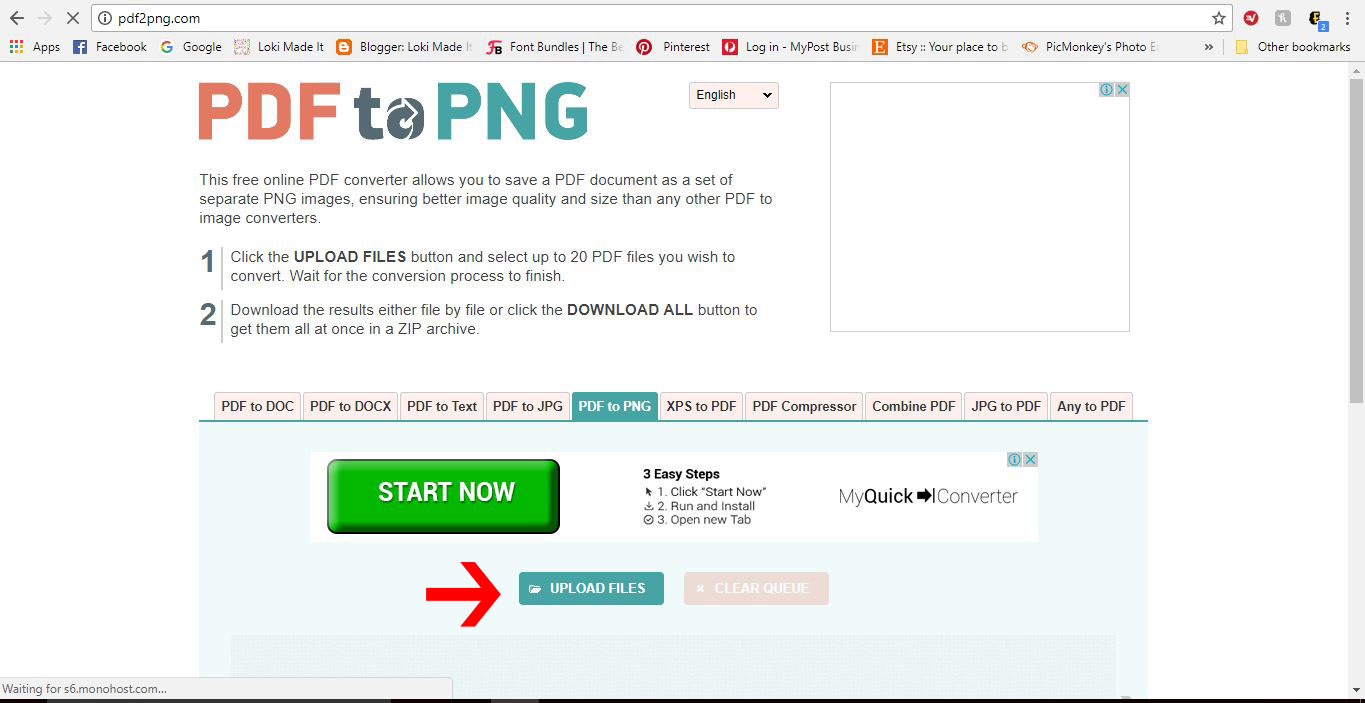
I am using PDF converter. Click on Upload Files.
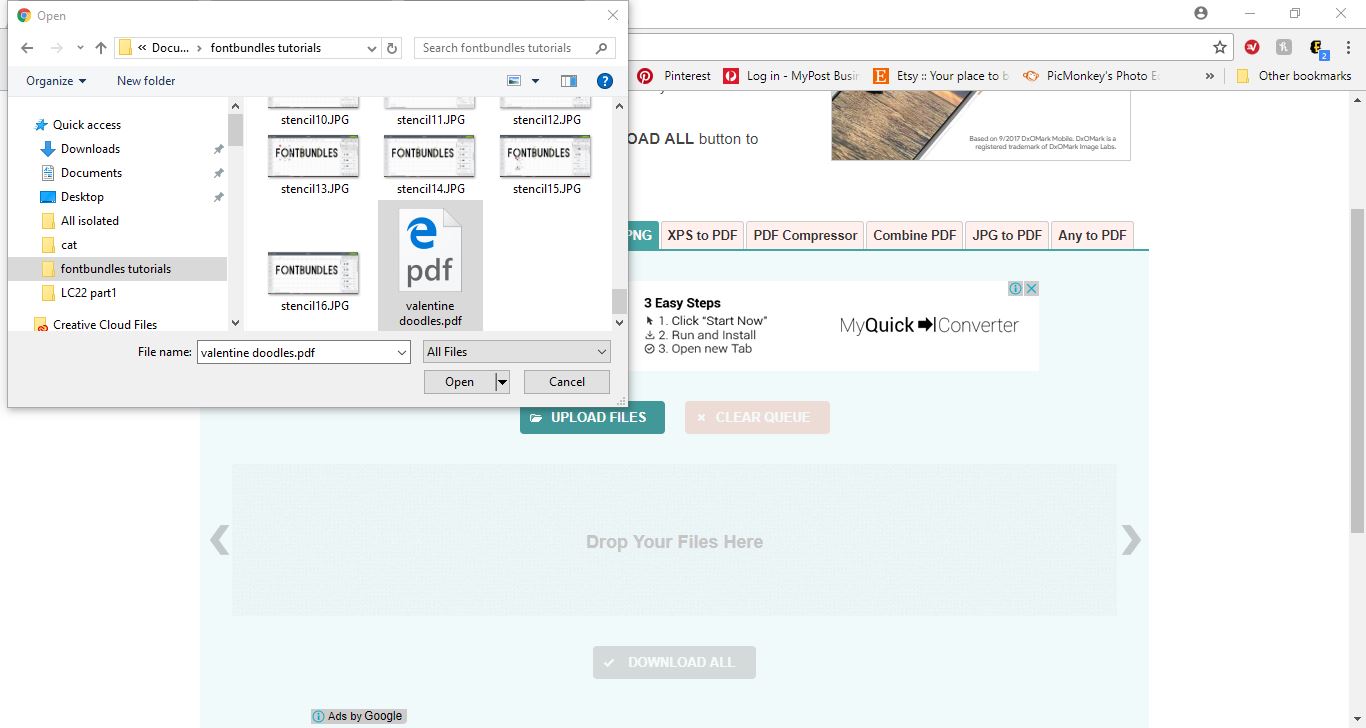
3- A new window will open. Find your PDF and click Open.
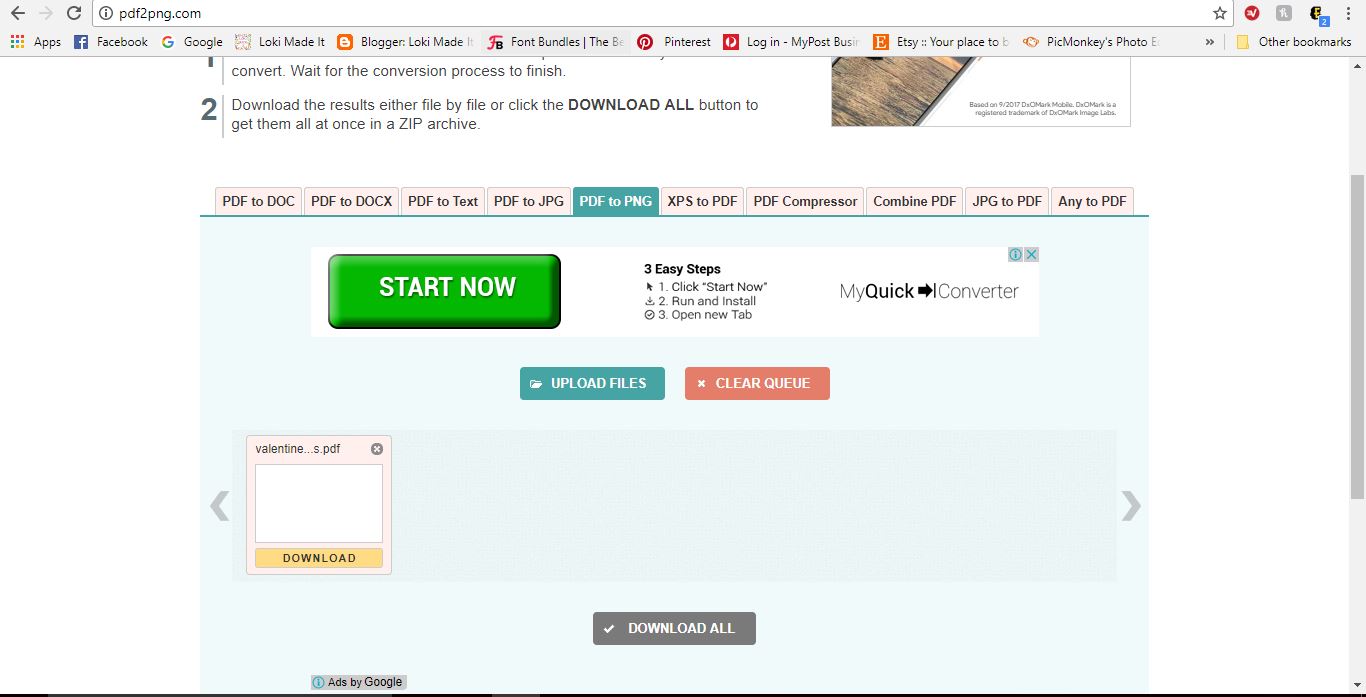
4- You will see your file getting converted.
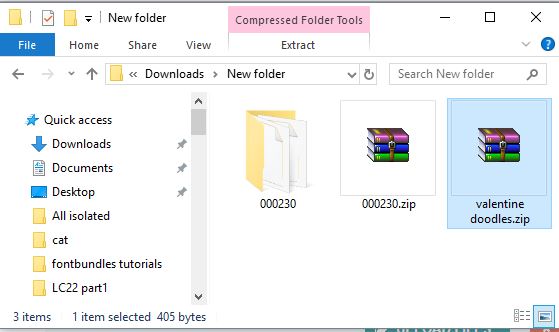
5- Download the new file. It will appear as a zipped file. Unzip the file.
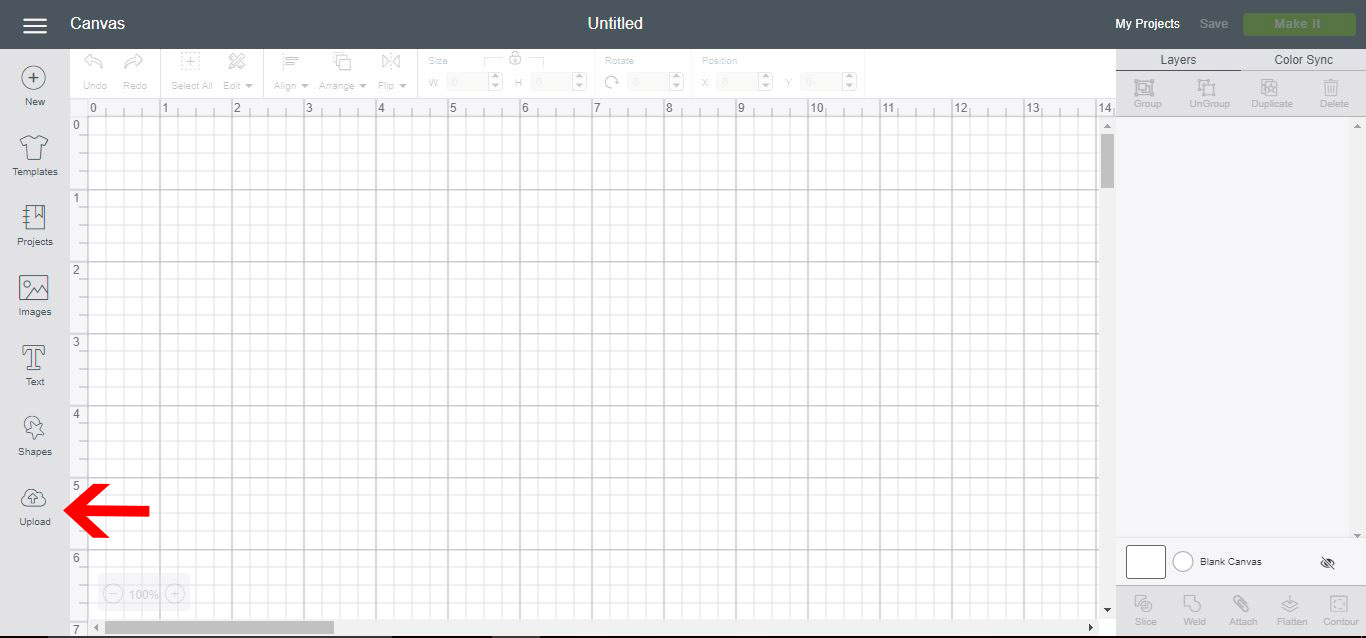
6- Go back to CDS and click on Upload.
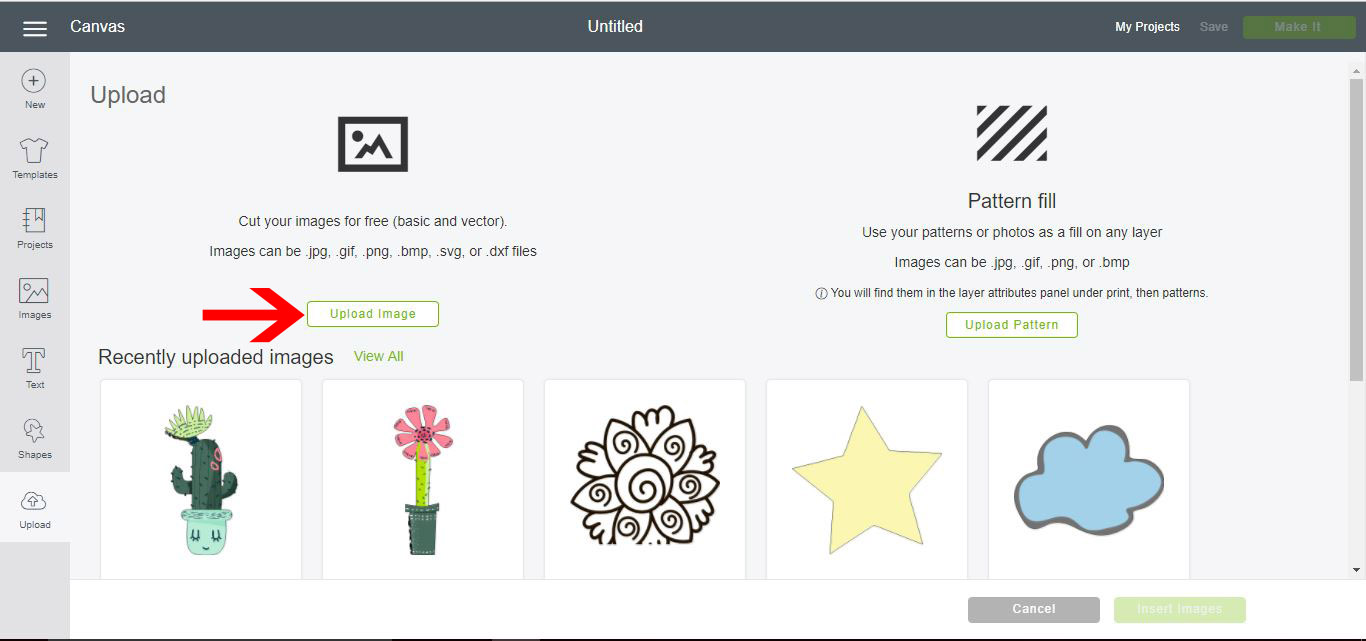
7- Click Upload Image.
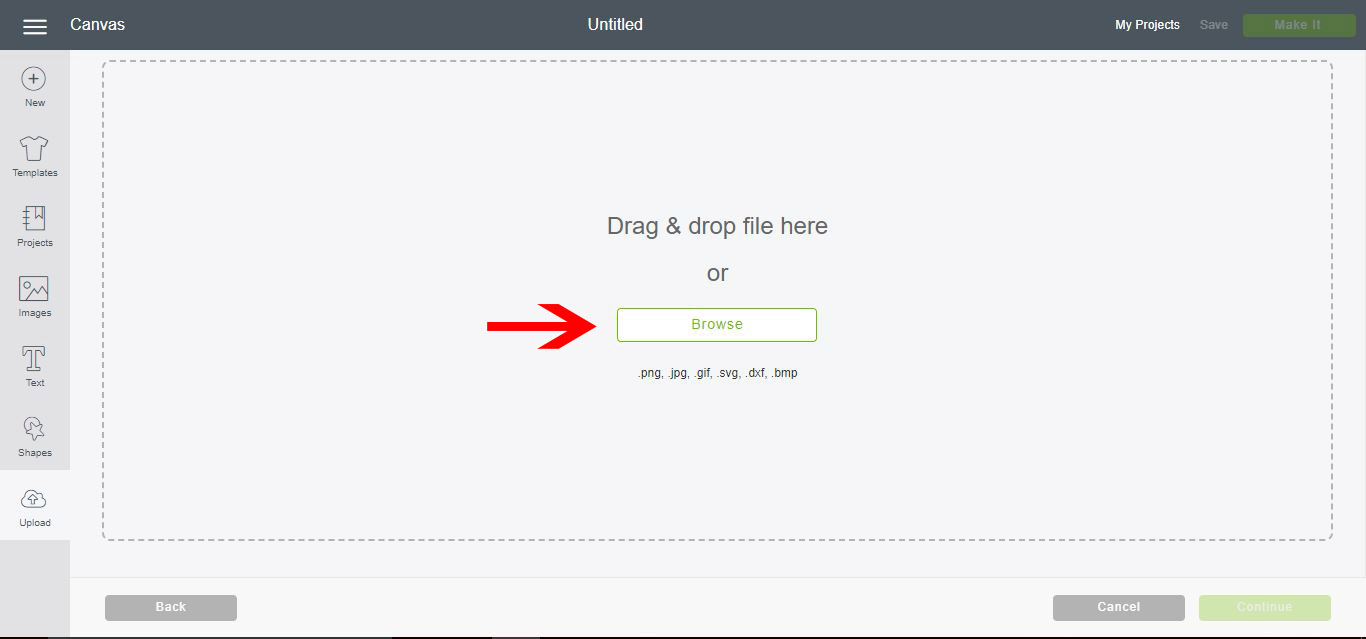
8- Click Browse.
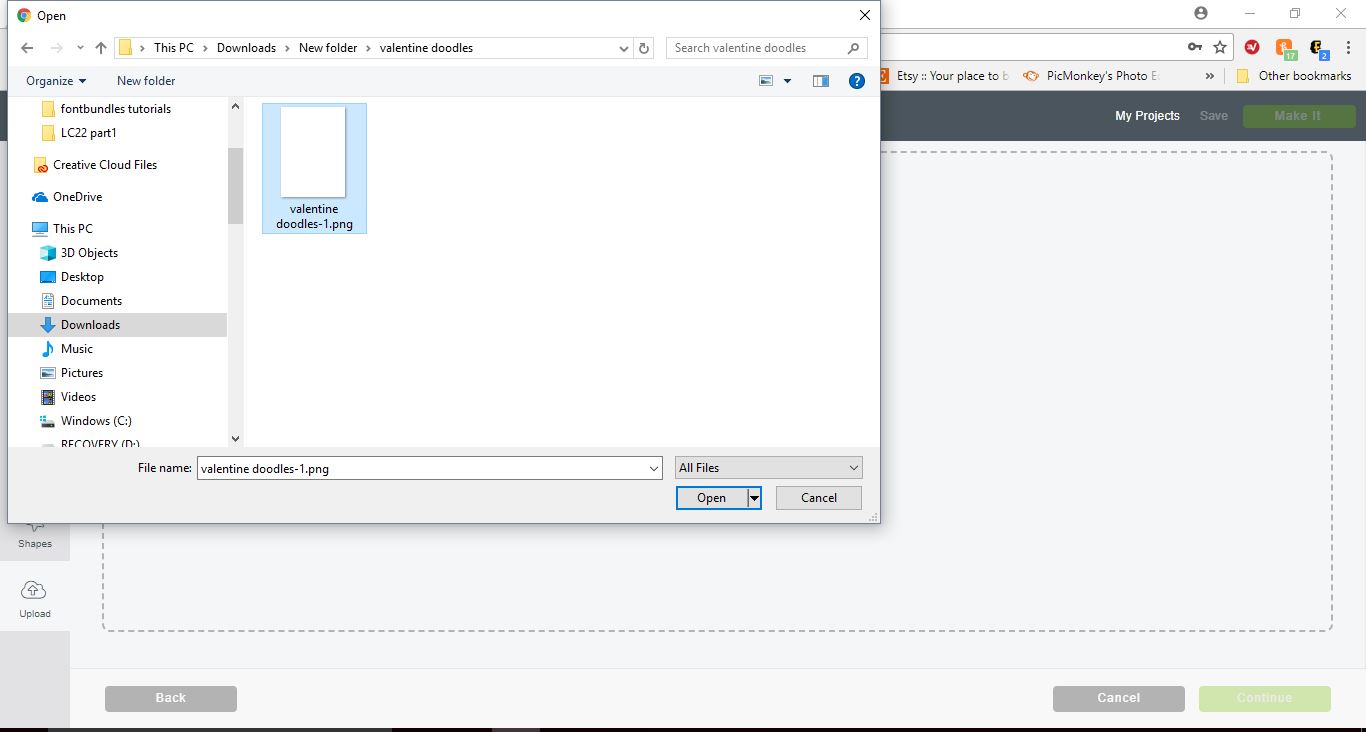
9- Select the converted PDF.
10- The file will appear on your Upload image screen. You will see that even though you have converted it to a PNG, there is still white around your images. If we cut at this point, all we would get is a large rectangle.
I am using the design, Valentine Doodle Clipart.
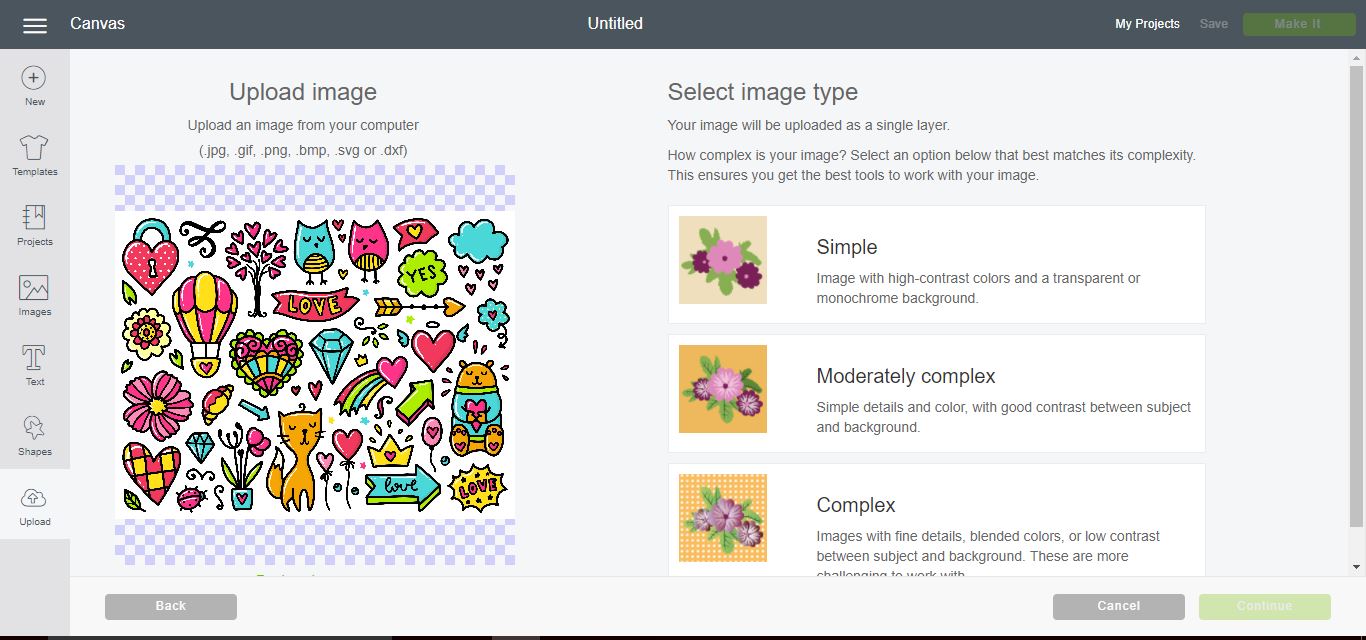
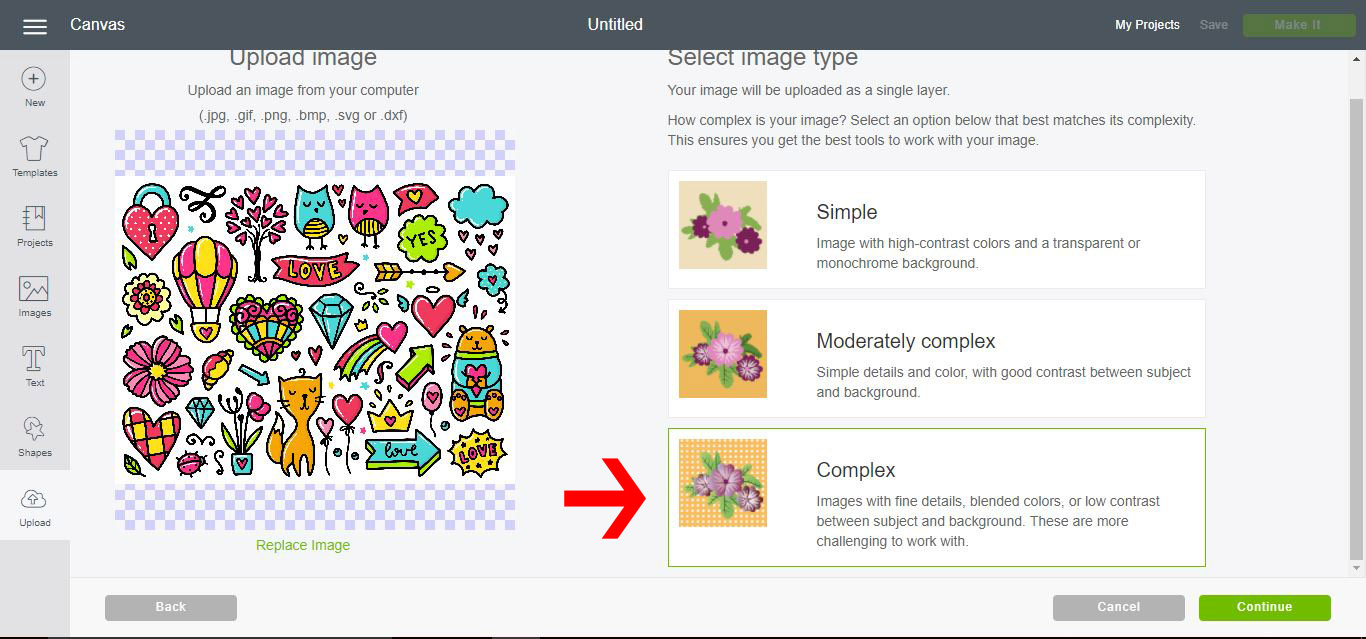
11- We need to remove the white parts. Click on Complex and then Continue.
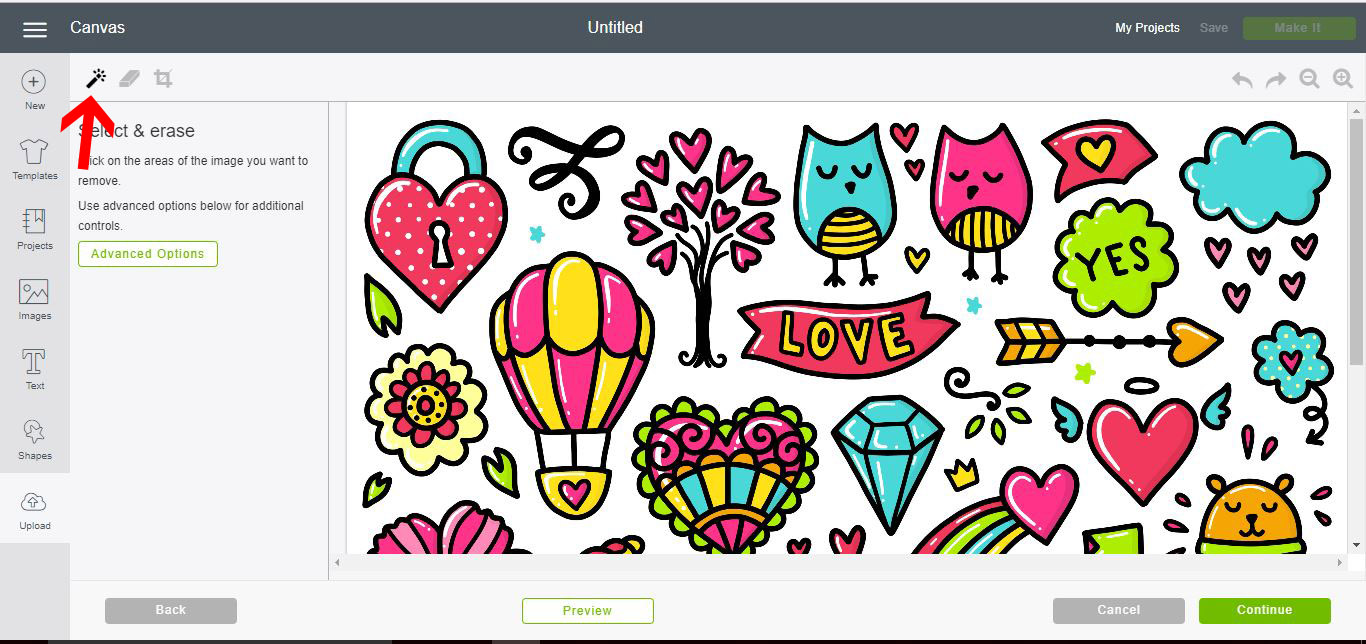
12- Click on the magic wand. Then click the white area.
13- All the white will be removed.
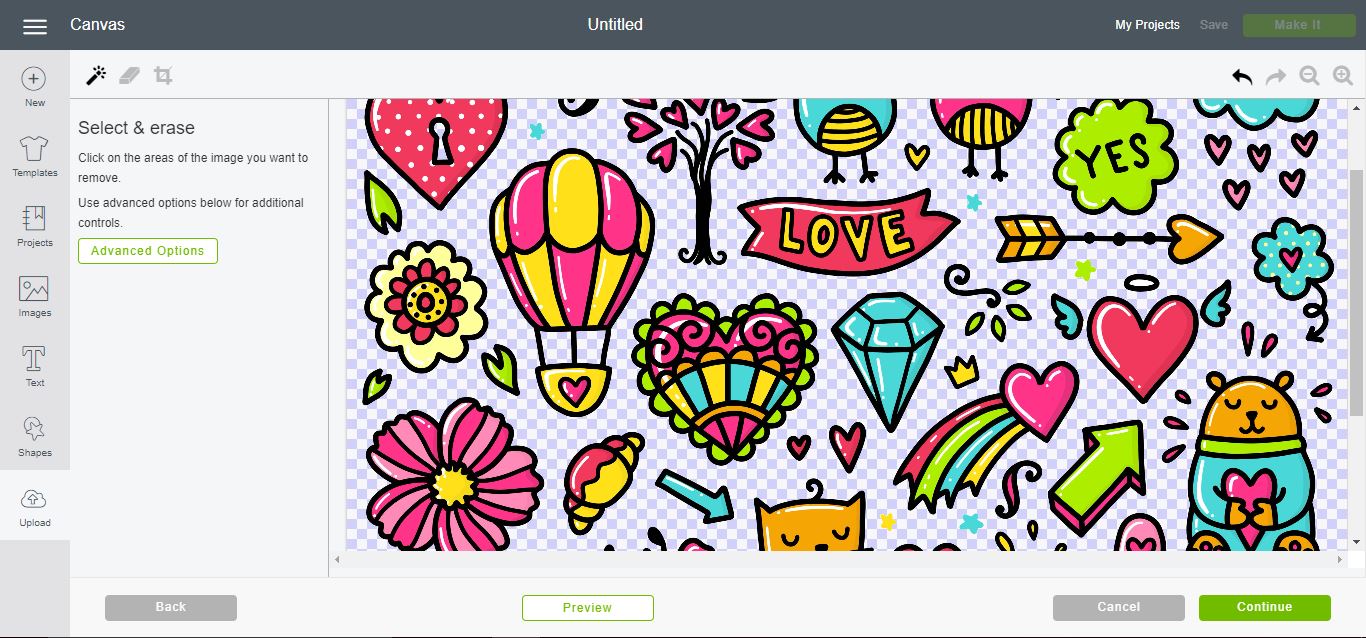
14- You can also use the eraser tool to remove any extra pieces you do not need. Once you are happy click on Preview.
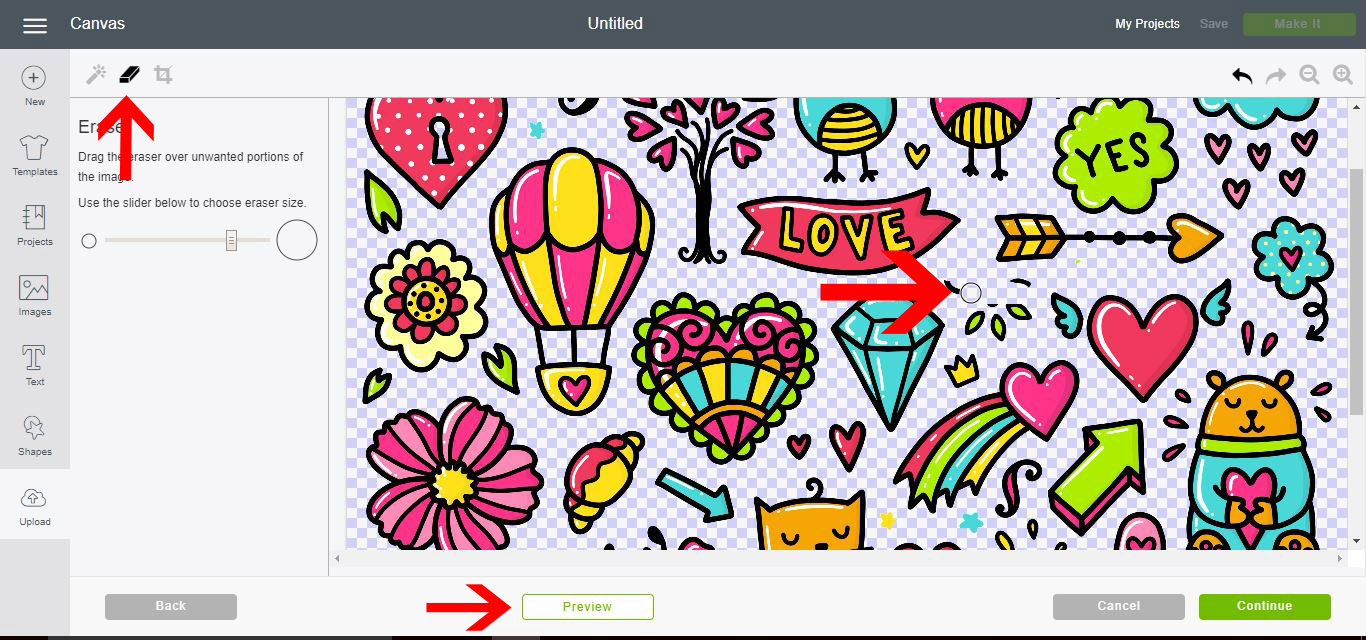
15- Check the silhouettes. Each one will be a cut line. Click Continue.
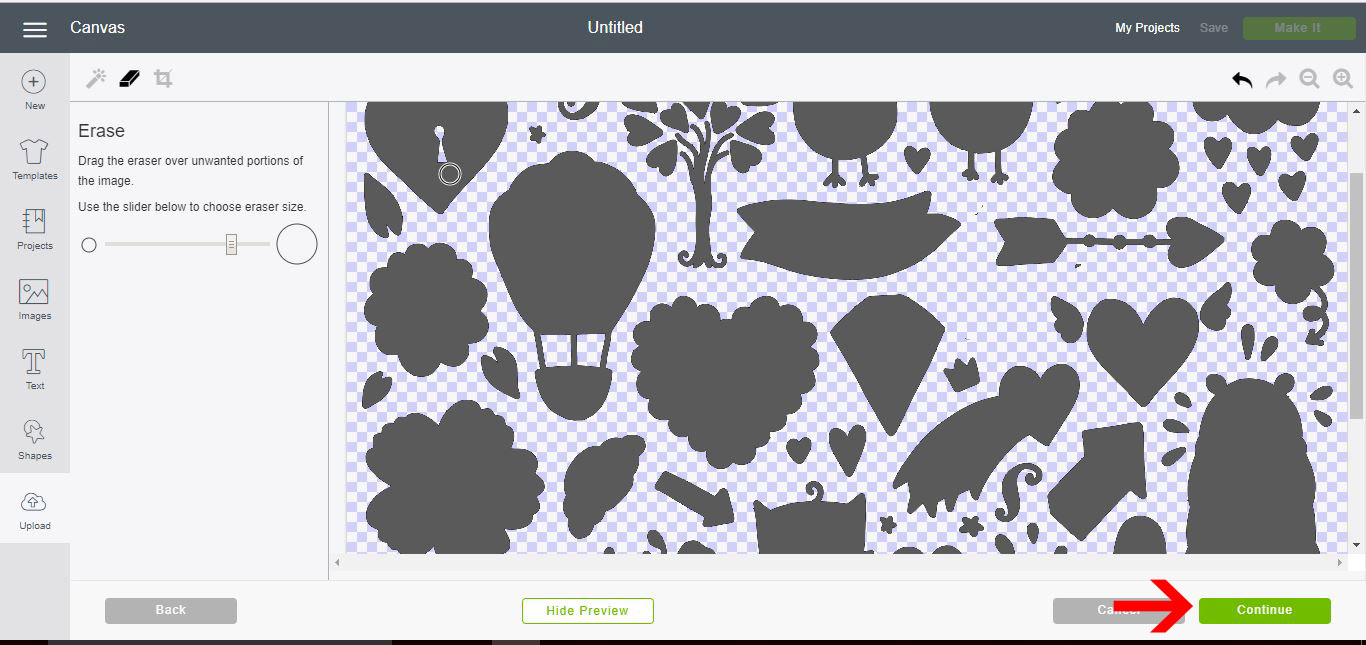
16- Select print and cut and then Save.
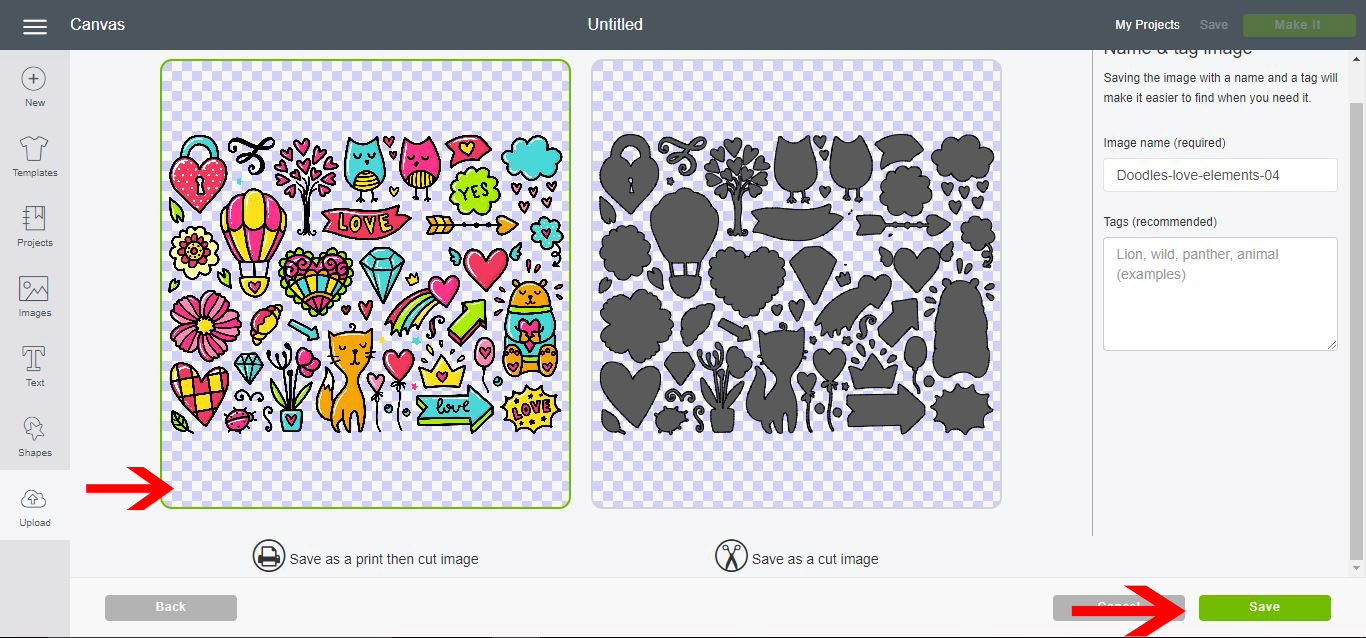
17- Your file will be now in your library. Select it and insert.
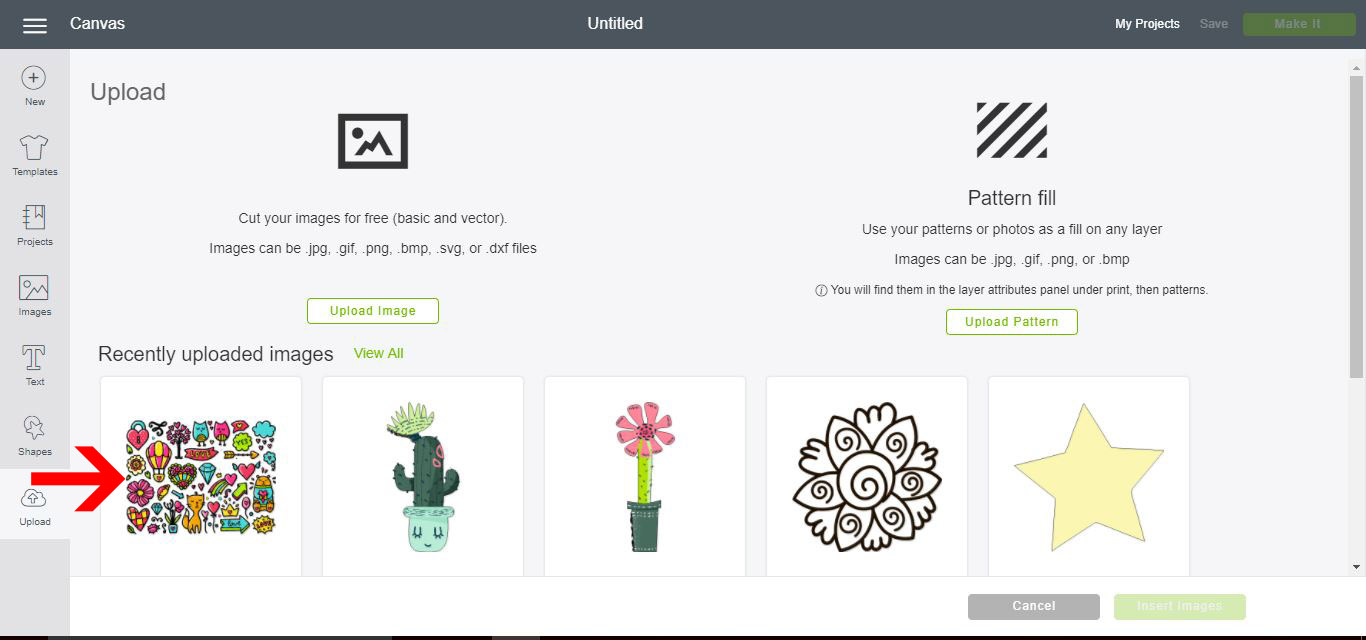
18- Your design will appear on your design area. Resize and then click Make It.
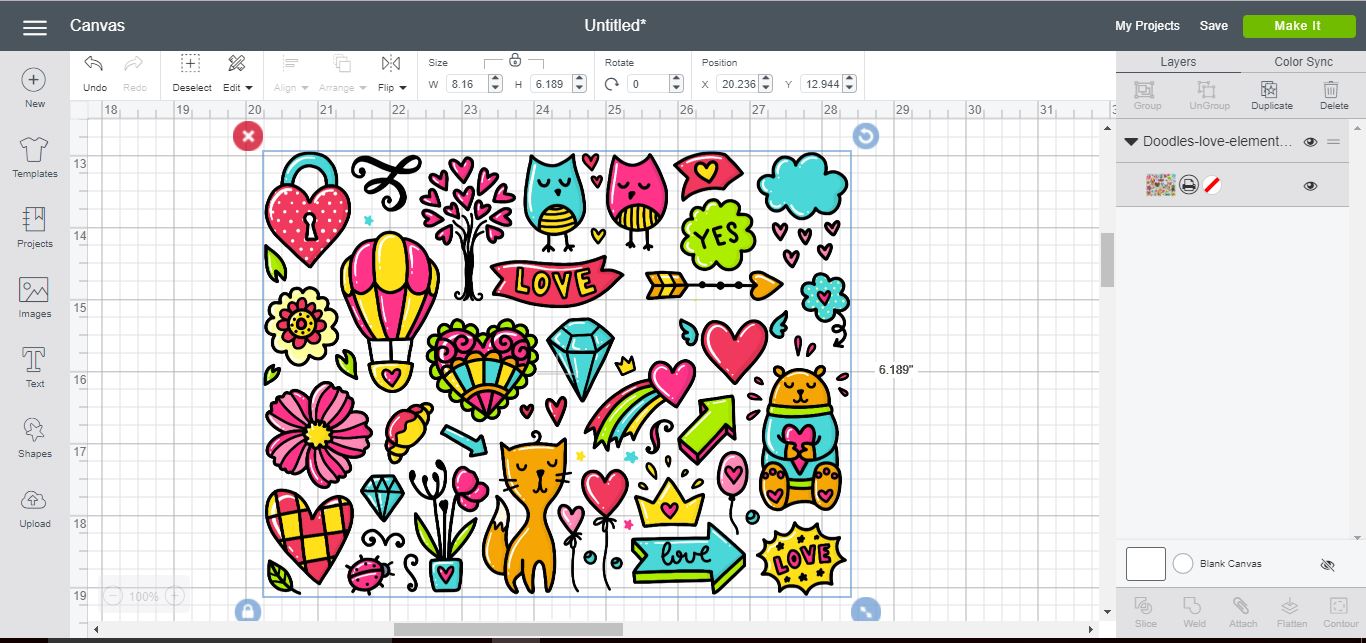
19- The print and cut lines will appear around your design. Follow the prompts to print then cut your design.
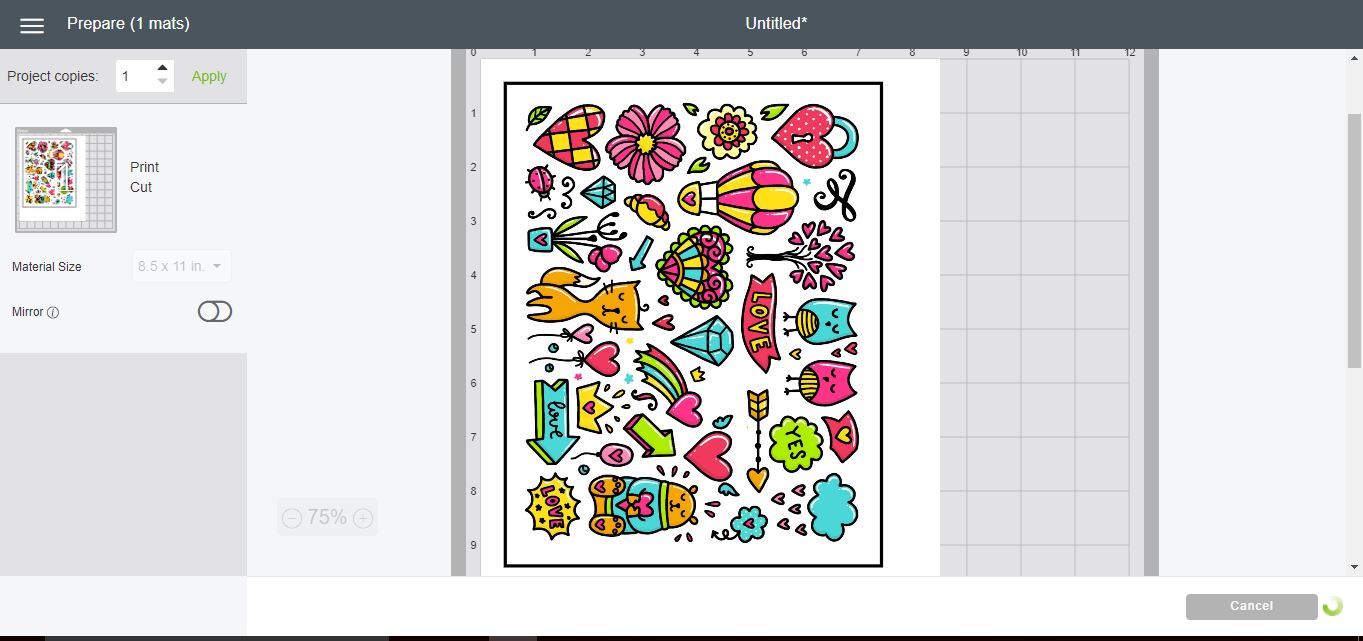
There you go, you now know how to use a PDF file in Cricut Design Space.