By Nadine Spires
How to Draw a Strawberry
In three easy steps, we will show you how to draw a vibrant strawberry. Fresh, juicy strawberries are perfect for summer fruit projects. You can turn them into funny berry pun greeting cards or create cute stickers for your planner. Fresh produce packaging will look more inviting at markets with your strawberry drawing.

For our drawing exercise, we are using watercolor Procreate brushes. You can use any medium you have available to draw and color your design. This can be pencils, crayons, or digital programs like Procreate or DesignScape.
DesignScape is one of the many features Plus Members get to enjoy. Why not join up today with a FREE 30-day Gold Membership trial?
We have more fruit clipart tutorials where you can learn how to draw a lemon and draw a peach.
Step 1 - Create Your Rough Strawberry Sketch
Let us begin our strawberry illustration by creating rough sketches first. For your rough sketches, use a pencil or light-colored medium that you can hide when adding color later on.
Sketch the Shape of Your Strawberry
First sketch the base shape of your design. We drew a teardrop shape with a rounded point. You can also make your sketch more squared, or heart-shaped.

Sketch the Stem and Leaves
Next, create the stem in the center at the top of your strawberry. Make an oval shape with a vertical rectangle sticking out of the top.

Then, sketch the strawberry leaves going around the center of the stem. See our sketch below to give you a better idea.

Make Dots for the Seeds
On a strawberry, there are tiny seeds all over it. Easily sketch the seeds by simply making dots all over your sketch.

Step 2 - Outline the Rough Strawberry Sketch
With our rough sketch complete, we are going to create defined outlines. Feel free to use any permanent medium that you are comfortable with. Outline the entire sketch, leaving out any overlapping sketch lines you don't want to be included.
You can add the seed outline or dots during this step, or in the next step after adding color. We will be adding our seeds to the drawing last so that they are more prominent.

Step 3 - Add Color to Your Strawberry
In our final step, we are adding color using watercolor brushes. We have a great tutorial where you can learn how to shade in Procreate if you want to know more.
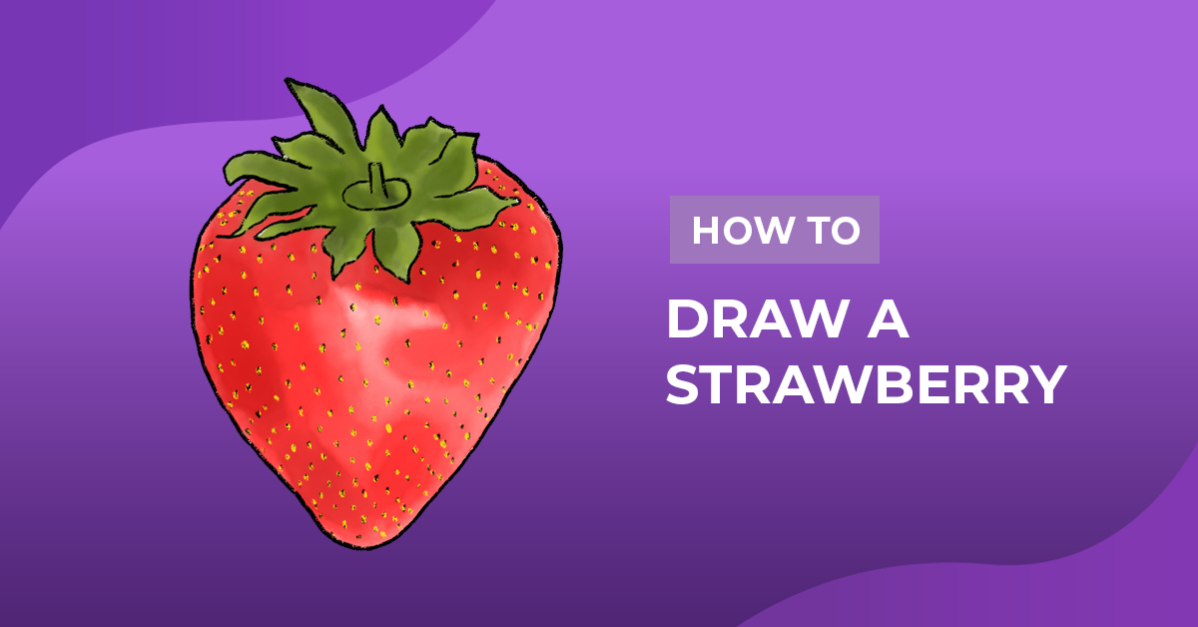
For your strawberry colors, you will need red for the berry, green for the leaves, and black with yellow for the seeds. We first added the base red and green colors to our sketch. We went over the seeds with a black medium, then added yellow.
Shadows were added with darker shades of red and green. Lastly, we added some highlights with two shades of light red.

There you go, your strawberry clipart is now ready for all of your yummy projects. You could even make a bowl filled with different fruits using our drawing tutorials. Why not create a selection of creative fruit ideas with cute smiling faces like this Kawaii Pineapple created in Procreate?