By Design Bundles
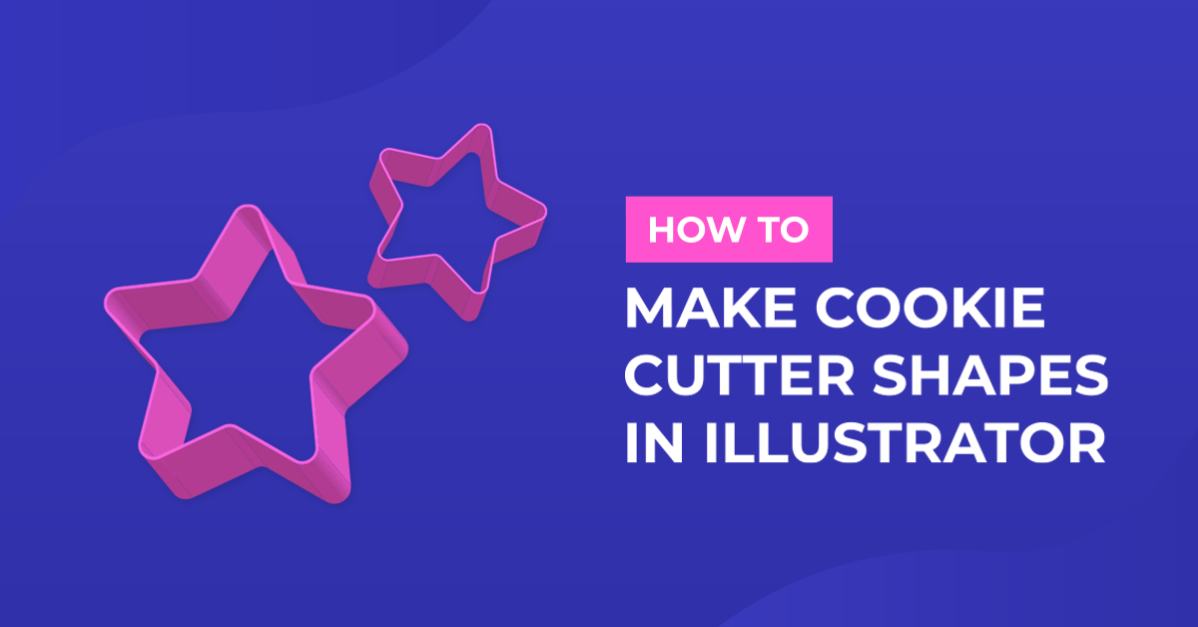
Cookie Cutter Shapes in Illustrator
For this tutorial, we will use some Shapes for the “Cookie Cutters”.
1 - In Illustrator, create a “New Document”.

2 - “Place” (Shift + Command/Control + P) the “Shapes” into the document.


3 - Select the imported image and click “Image Trace” from the Top Menu, click the “Advanced” arrow to show more settings and check the “Ignore White” box. When you are done, click “Trace” and then “Expand” in the Top Menu.


4 - Right-click on top and choose “Ungroup”.

5 - Change the “Fill” color of your shapes with some bright shades prom the “Swatches Panel”.


6 - Select one of the “Shapes” and go to Effects > Extrude & Bevel. Change the “Custom Rotation” angles to your liking (we used 23°, 27°, -10° and 0°) and “Classic” for “Bevel”.


7 - Use the same “Custom Rotation” angles for the other shapes. You may need to use different “Bevel” options depending on the shapes. We used “Tall-Round” and “None”. Repeat in all your Shapes.


8 - If you want to modify the “Effect” for a Shape, with it selected, head to the “Appearance Panel” and double-click on “3D Extrude & Bevel” to open the panel.

9 - When you are happy with your shapes head to Object > Expand Appearance to convert them to vectors.


10 - Check out your work!

1 - In Illustrator, create a “New Document”.
2 - “Place” (Shift + Command/Control + P) the “Shapes” into the document.
3 - Select the imported image and click “Image Trace” from the Top Menu, click the “Advanced” arrow to show more settings and check the “Ignore White” box. When you are done, click “Trace” and then “Expand” in the Top Menu.
4 - Right-click on top and choose “Ungroup”.
5 - Change the “Fill” color of your shapes with some bright shades prom the “Swatches Panel”.
6 - Select one of the “Shapes” and go to Effects > Extrude & Bevel. Change the “Custom Rotation” angles to your liking (we used 23°, 27°, -10° and 0°) and “Classic” for “Bevel”.
7 - Use the same “Custom Rotation” angles for the other shapes. You may need to use different “Bevel” options depending on the shapes. We used “Tall-Round” and “None”. Repeat in all your Shapes.
8 - If you want to modify the “Effect” for a Shape, with it selected, head to the “Appearance Panel” and double-click on “3D Extrude & Bevel” to open the panel.
9 - When you are happy with your shapes head to Object > Expand Appearance to convert them to vectors.
10 - Check out your work!
by @lornacane
Related Tutorials
Silhouette Tutorials
How to Create a Basic Cookie Cutter in Silhouette Alta 3D Printer
Illustrator Tutorials
Heart Shapes in Illustrator
Silhouette Tutorials
How to Add Embossing Effect to Cookie Cutter Using a SVG file In Silhouette Alta 3D Printer Software
In only 4 steps, discover how to make an embossed cookie cutter with the Silhouette Alta 3D printer.
Photoshop Tutorials
Cookie Cutter Shape in Photoshop
Illustrator Tutorials
Creating patterns using shapes in Illustrator
Illustrator Tutorials