By Design Bundles
How to Make a Procreate Rainbow Brush
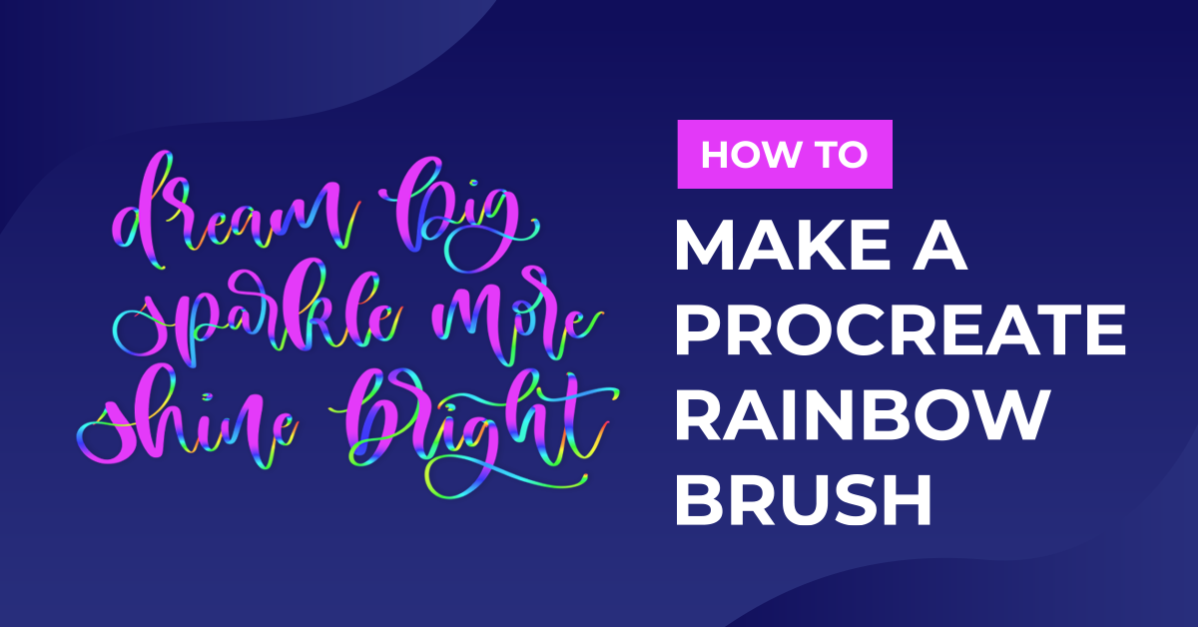
Do you want a multicolored rainbow brush that you can make from your favorite standard Procreate Brush? In this tutorial, I’ll take you through the steps on how you can turn any brush into a fun rainbow brush. We are using the Blackburn brush that comes standard with Procreate to make our rainbow brush.
Please note: This feature was released in Procreate v4.2, if you have an older version you will need to update Procreate.
Step 1 - Duplicate a Brush
We are going to work with a standard brush provided by Procreate. To select a brush go to the “Brush Library” which is the brush icon on the top right side of your toolbar. After locating the brush (ours was under Drawing) we are going to duplicate it. To duplicate a brush swipe left on the brush and select “Duplicate”.
You will now see two versions of the same brush. The duplicate of the brush will have a (1) next to the name. Tap on that one to start making edits.

Step 2 - Edit Color Dynamics
You will have the “Brush Studio” open after tapping on the duplicate brush. We are only going to change our “Color dynamics” so tap on it to show additional settings. There are 2 changes we are going to make, one under “Stroke color jitter” and “Color pressure”.
The see the change you will need to change the “Drawing Pad” color. Simply tap on “Drawing Pad” clear your drawing board and select a color. Draw a stroke on the Drawing pad preview. You will not see any change if it’s a black or white stroke.
Color pressure
Under “Hue” move the slider to the right. As we move the slider you will see more colors being added to your stroke.
Stroke color jitter
This is optional if you want different colors for each stroke. Play around with it so see how many times you want your color to change.
When you are happy with how the brush looks, tap on “Done”.

Step 3 - Test the brush
Now it’s time to test our new brush. I’m going to write Design Bundles, lifting my Pencil after each letter. You can see that my brush color changes based on pressure and each new stroke start on the previous color.
If you want to make changes to the brush, simply go back to Step 2 and test again.

Rainbow Brush Vividness
You may have noticed the brush colors don’t look right, maybe a little too light or dark. This happens due to the brush color vividness. If you use a light color like pastels your rainbow brush will show light, almost faded. If your selected color is dark like browns, deep purples etc. it will be muddier looking. If you change your brush color to black or white there will be no color change in your stroke.
To get a vivid rainbow brushstroke, choose colors that are neon and well saturated.

We are done! If you liked this tutorial, check out our other Procreate tutorials such as importing Procreate stamps, drawing ribbon lettering, and drawing a butterfly in Procreate.