Get Unlimited Access to Thousands of Premium Fonts and More! Start Creating for Free Now

FontBundles.NET
Pricing
FontBundles.NET

Categories

New

Account

Start Free Trial
3 Ways You Can Use Silhouette Studios Sticky Notes

By Design Bundles

3 Ways You Can Use Silhouette Studios Sticky Notes


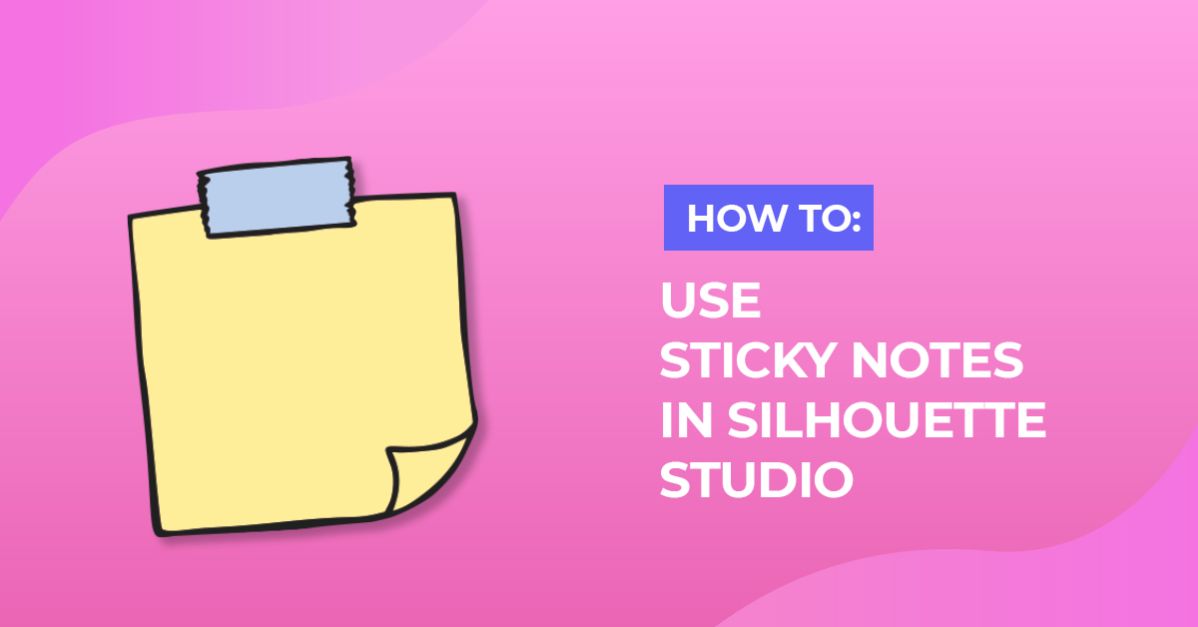
Last year, Silhouette introduced Sticky Notes which makes it easier to save additional information with your designs.
There are plenty of ways you can use Sticky Notes to get the most out of the handy feature.
  1. When using a calligraphy font in Silhouette Studio, you have to weld the letters so they don't cut out individually. When you weld words and phrases, you lose all font information. Use Sticky notes to save the font name and font size alongside your design.
  2. If you download a lot of SVGs from other designers, you'll want to keep track of where you got the designs and what kind of license they came with. You can add the design name, website name and link, and copyright information to the design and save it to your library along with the sticky note. If the design also includes any sort of instructions for how to use it, you can add those here.
  3. If you create designs yourself and want to share the Silhouette Studio file with others, you can include your name, a copyright notice, how you intend people to use the file, and even include links to your social media profiles, your website, and online shop.

Can you think of any ways you would use Sticky Notes? Share your ideas in the comments.

Related Tutorials

Silhouette Tutorials

Sticky Notes in Silhouette V4.1

Learn how to use Sticky Notes in Silhouette Studio and keep track of your design information.
Silhouette Tutorials

How to Use Silhouette Files in Cricut Design Space

Discover how you can use your Silhouette Studio file in Cricut Design Space.
Silhouette Tutorials

How to Use the Silhouette Cloud

Silhouette Cloud lets you access previously downloaded designs & fonts on up to 5 different devices.
Silhouette Tutorials

How to Use Advanced Color Settings in Silhouette Studio

Discover the Advanced Color Settings in Silhouette Studio!
Keep going

You may also like

All silhouette tutorials
The weekly drop

Fresh tutorials, trends & free files.

Join 6 million makers getting our best craft guides and exclusive freebies straight to their inbox.

No spam. Unsubscribe anytime.
3 Ways You Can Use Silhouette Studios Sticky Notes - Design School | Design Bundles