Get Unlimited Access to Thousands of Premium Fonts and More! Start Creating for Free Now

FontBundles.NET
Pricing
FontBundles.NET

Categories

New

Account

Start Free Trial
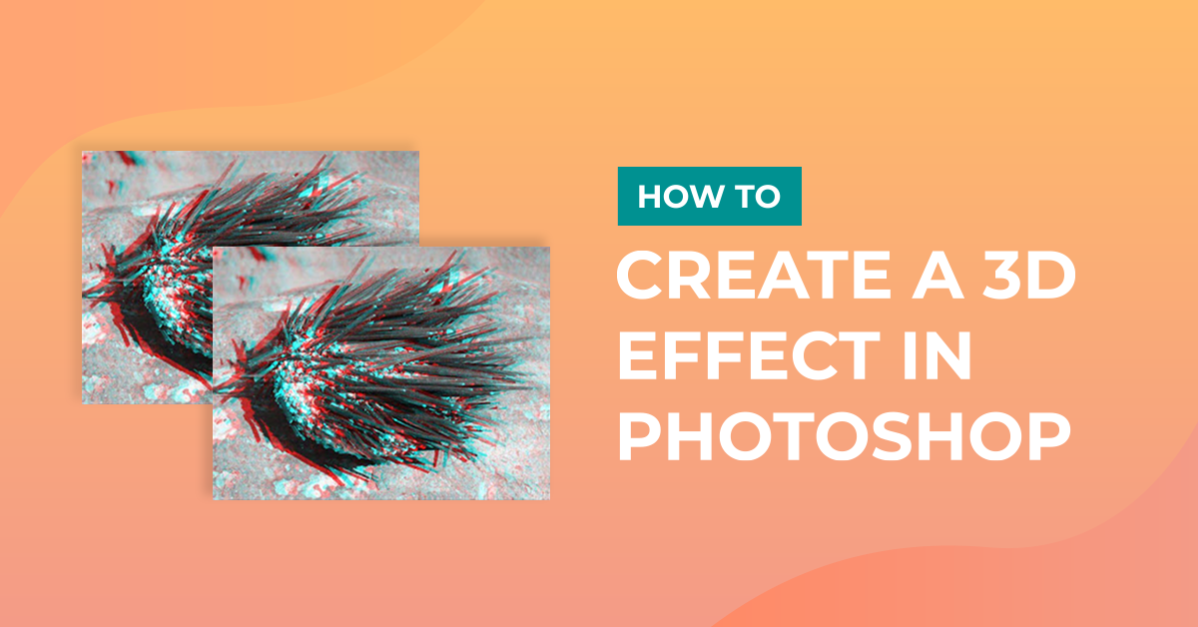
How to create a 3D effect in Photoshop

By Design Bundles

How to create a 3D effect in Photoshop

1- Open Photoshop.

2- Open a black and white image.

3- Duplicate the background (Ctrl J)

4- Rename the duplicate layer to red.

5- Uncheck the background layer.

6-With the red layer selected select the FX icon and then click on Blending options.

7- In the new window uncheck then select the red channel and uncheck the green and blue channels.

Click OK.

8- Duplicate the red layer.

9- rename the new layer cyan.

10- Uncheck the red layer and keep the background layer unchecked too

11- Select the Fx icon and select blending options.

12- Uncheck the red channel and select the green and blue channels. Click OK.

13- Unhide the red layer (1) select the layer and then click on the move tool (2).

14- With the red layer selected, use the arrow keys on your keyboard and move the layer right approx 10 clicks.

15- Select the cyan level. With the arrow keys on your keyboard click approx 10 click left.

16-Finally re select the background layer. Your 3D image is now complete.

Related Tutorials

Canva Tutorials

Create 3D effect in Canva

Learn how to create a 3D Pop Out Efect in Canva with this step by step tutorial.
Photoshop Tutorials

How to Create a Holographic Text Effect in Photoshop

Discover how to create a holographic text effect in Photoshop with this step by step tutorial.
Photoshop Tutorials

How to Create a Faded Blur Effect in Photoshop

Create a faded blur effect in Photoshop using these technique and add mystery to your images.
Photoshop Tutorials

How to Create a Smoke Effect in Photoshop

Learn how to add smoke to your photos in Photoshop with this step by step tutorial.
Photoshop Tutorials

How to Create a Line Distortion Effect in Photoshop

In this tutorial learn how to create a line distortion effect in Photoshop.

Keep going

You may also like

All photoshop tutorials
The weekly drop

Fresh tutorials, trends & free files.

Join 6 million makers getting our best craft guides and exclusive freebies straight to their inbox.

No spam. Unsubscribe anytime.