By Design Bundles
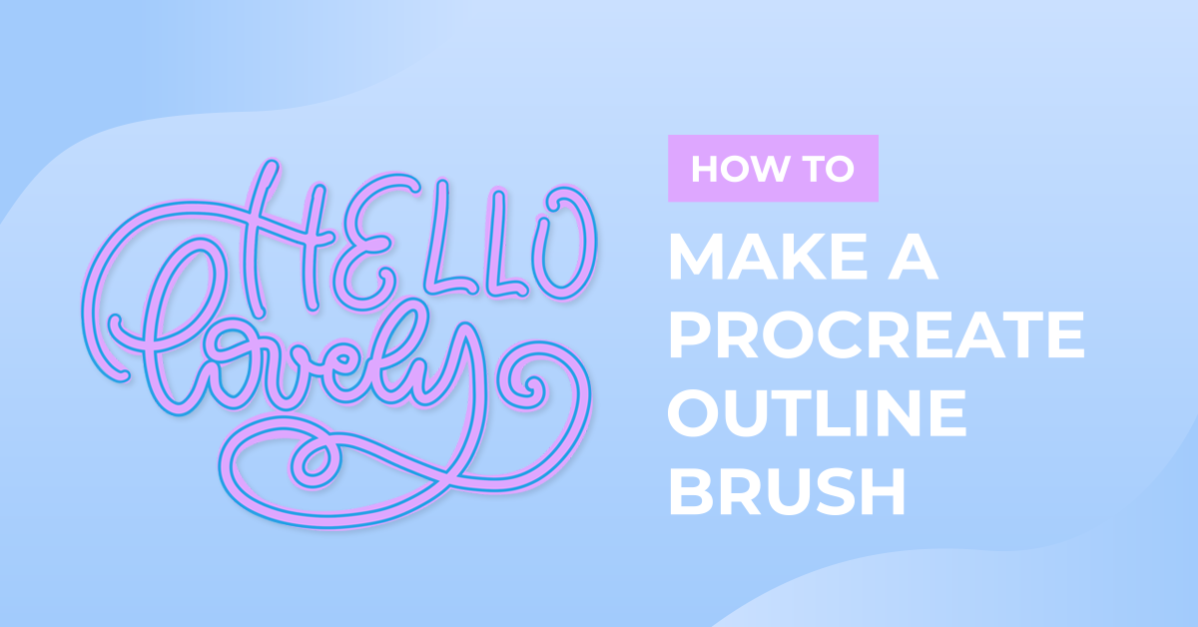
How to Make a Procreate Outline Brush
In this tutorial, we are going to create an outline brush in Procreate. Outline brushes are a type of dual brush, which means we will be combining two brushes for this outline effect.If you are short on time, check out the Procreate outline brushes available on Design Bundles! Before we get started, make sure you have read our in-depth guide on makingProcreate brushes.
Please note: we have the latest version of Procreate 5X. If you do not see the features mentioned below, ensure your Procreate is up-to-date.
Step 1 - Duplicate a Brush
We are going to work with a standard brush provided by Procreate. To select a brush go to the “Brush Library” which is the brush icon on the top right side of your toolbar. After locating the brush, duplicate it. Duplicate the brush once more. We want 3 of the same brush, the original brush + 2 Copies.

Step 2 - Combine Brushes
We need to combine the 2 copies of our brush. To do this, select both copies, and next to the wording “Brush Library” you will see the (+) symbol is replaced with “Combine” and “Delete”. Tap on “Combine” and then tap on the combined brush.

Step 3 - Setting the Blend
In the Brush Studio, you will see the 2 brushes, one being the primary and the one below is the secondary brush. You can edit each brush separately, but we want the two brushes to stay the same, and only making edits on the secondary brush to create our outline brush.
Tap on the secondary brush to select it. Tap on it again to display the blend modes. Tapping on the “Normal >” indicator you will see a list of all blend modes available, we want our brush to be on the “Difference” blend.
Tap off the brushes to continue editing.

Step 4 - Set a max size
At this point, your brush stroke will no longer show on the drawing pad, but don’t panic we will fix it now. With the secondary brush still selected in your settings panel head to “Properties”. In Properties, under “Brush behavior” adjust the “Maximum Size” lower. As you start lowering the max size you will see the Primary brush showing as an outline.
You can adjust the “Maximum Size” as much or as little as you want to. The lower you adjust the maximum size the thicker your outline for the brush will be and vise versa. Once you are happy with the outline thickness, tap on “Done” to apply the settings.

Step 3 - Test the brush
Now it’s time to test our Outline brush. I’m going to write Design Bundles in a script style without lifting my pencil. This gives me a continuous outline effect. If you lift your pencil you will have overlapping strokes, if this happens you can always erase the overlapping lines to give a continuous stroke effect.

We are done! If you liked this tutorial, check out our other Procreate Brush tutorials such as importing Procreate stamps, drawing ribbon lettering, and drawing a butterfly in Procreate.