

Design School
Scan N Cut Tutorials
Are you an aspiring crafter or creator looking to learn more about creative projects with the Brother Scan and Cut software? If so, we can help!
Jam-packed with Scan N Cut tutorials on everything from foiling a JPEG image to creating a die-cut frame with text for all your scrapbooking projects, you’ll find something to meet all of your creative needs as a crafter! It doesn’t matter if you’re a maker, a creator, or a designer; we have you covered with some of the best Brother Scan N Cut DX tutorials for your die-cutting machine.
Whatever the model of your Brother Scan N Cut machine, you can enjoy an easy-to-follow guide or video tutorial to learn something new about crafting, designing, and creativity.
Using the Foil Quill with the Scan N Cut
As a crafter, new things can be daunting. However, we’re here to help you take the plunge into a whole new type of designing with the foil quill! Have you ever wanted to create a foiled candle? Or maybe wanted to see how well the foil quill works on ribbon? Either way, there’s something for every crafter when it comes to using the foil quill tool.
Using the foil quill with your Brother Scan N Cut is a breeze, and you can even use the free SVG designs from Design Bundles to do it!
Scan N Cut Paper Crafts
If you want to branch out with different types of creative projects, you’ll be happy to know that we have tutorials on various paper crafts for whatever your crafty heart desires. It doesn’t matter if you want to try your hand at greeting cards or creating a die-cut frame; we have the perfect tutorial for you.
And if papercrafts are your thing, why not try using digital papers in the Brother Scan and Cut? Digital papers make stunning design backgrounds and add a splash of color and visual interest to image transfer projects.
Combining Free Designs & Free Scan N Cut Guides
Did you know that there are several free designs built right into your Brother Scan N Cut software along with our free designs? You can’t go wrong using our free tutorials to help you get the most out of your Brother Scan N Cut!
Brother Scan N Cut- Auto layout function

Advanced Editing Options in Brother Scan N Cut
Brother Scan N Cut Character input function tutorial
Brother Scan N Cut- Welding in Brother Scan N Cut tutorial
Brother Scan and Cut - Scan to cut data tutorial.

Brother Scan N Cut Direct Cut Tutorial

How to Use Built in Designs in Brother Scan n Cut
How to make a simple and detailed stencil stencil in brother scan and cut canvas workspace
How to make a pop up insert for a card in brother scan and cut canvas workspace
How to replicate in Brother scan and cut canvas workspace

Spacing images evenly on a line in Brother scan and cut canvas workspace
Error message information in brother scan and cut canvas workspace

How to create a lattice effect in brother scan and cut canvas workspace
How to Flip Text and Images in Canvas Workspace
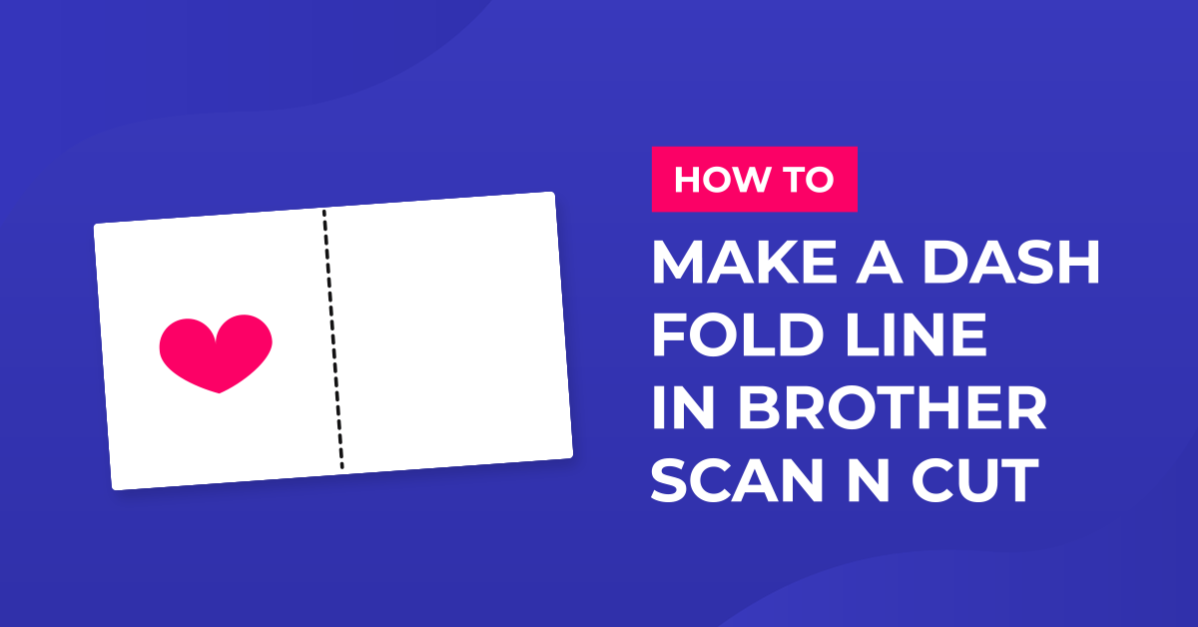
How to Make a Dash Fold Line in Brother Scan N Cut

Remove cut lines from shapes in brother scan and cut canvas workspace
How to create a shaped word card in brother scan and cut canvas workspace
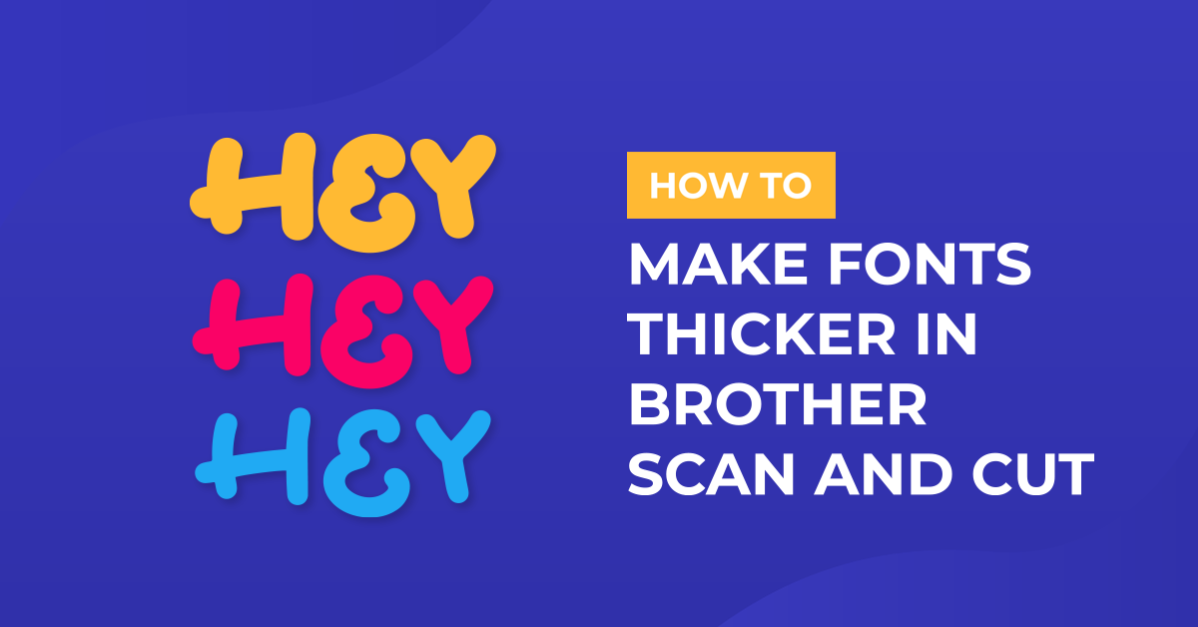
Making fonts thicker and thinner with brother scan and cut canvas workspace
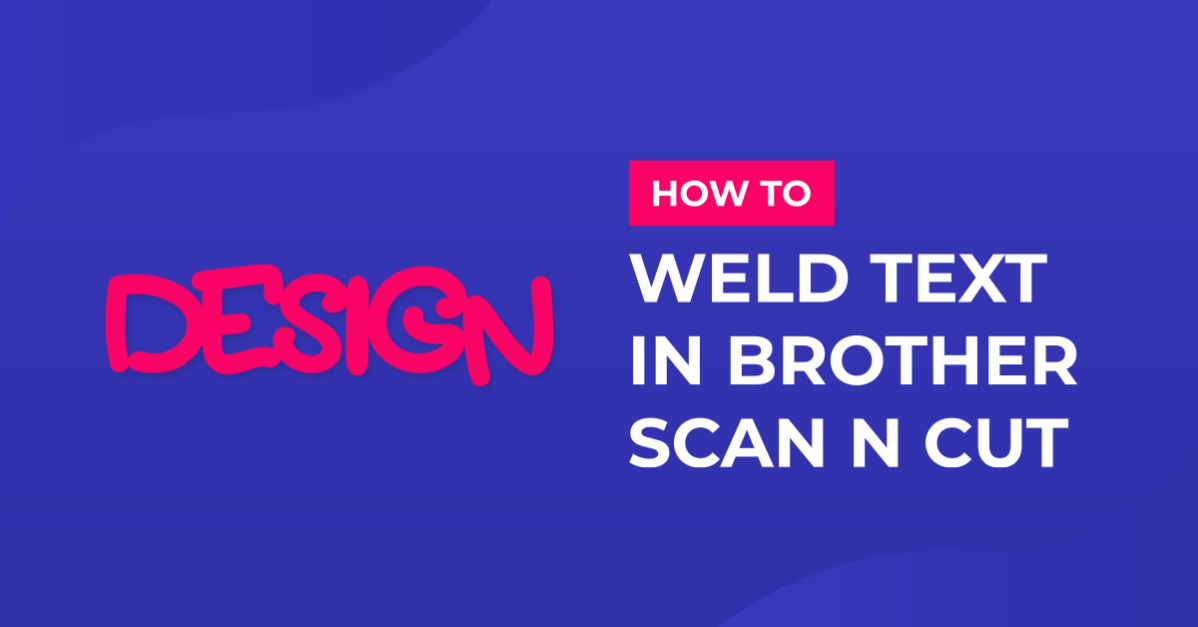
Two ways to weld text in Brother scan and cut canvas workspace
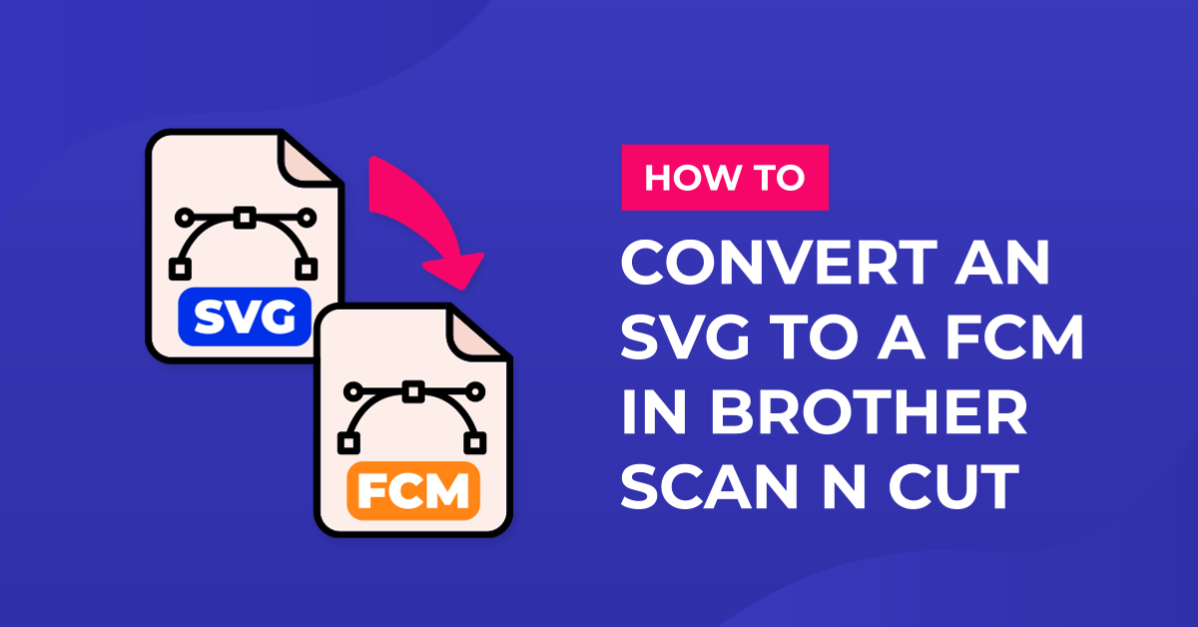
Converting SVG to FCM cutting fine in Brother scan and cut canvas workspace

Brother scan and cut workspace process overlap functions

Creating a split monogram with Brother scan and cut canvas workspace

Tracing an image in Brother scan and cut canvas workspace
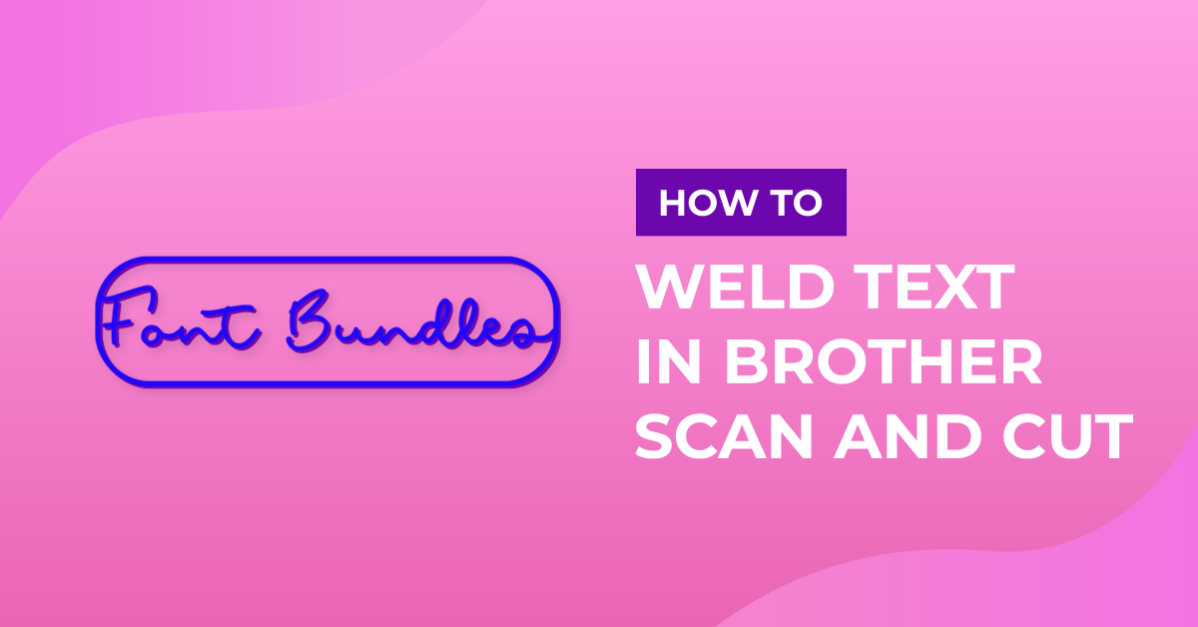
Welding words and frames in brother scan and cut canvas workspace
Showing 49–72 of 72 tutorials
Learn with our exclusive scan n cut tutorials. These easy-to-follow, step-by-step guides take you from novice to pro one make at a time - grab a free resource and follow along.
Fresh tutorials, trends & free files.
Join 6 million makers getting our best craft guides and exclusive freebies straight to their inbox.