
By Design Bundles
Silhouette Tutorials2 min
Silhouette Mobile App Drawing Basics
In this tutorial, you will learn all about drawing basics in the Silhouette Mobile app.
1- Tap on the Silhouette mobile app.

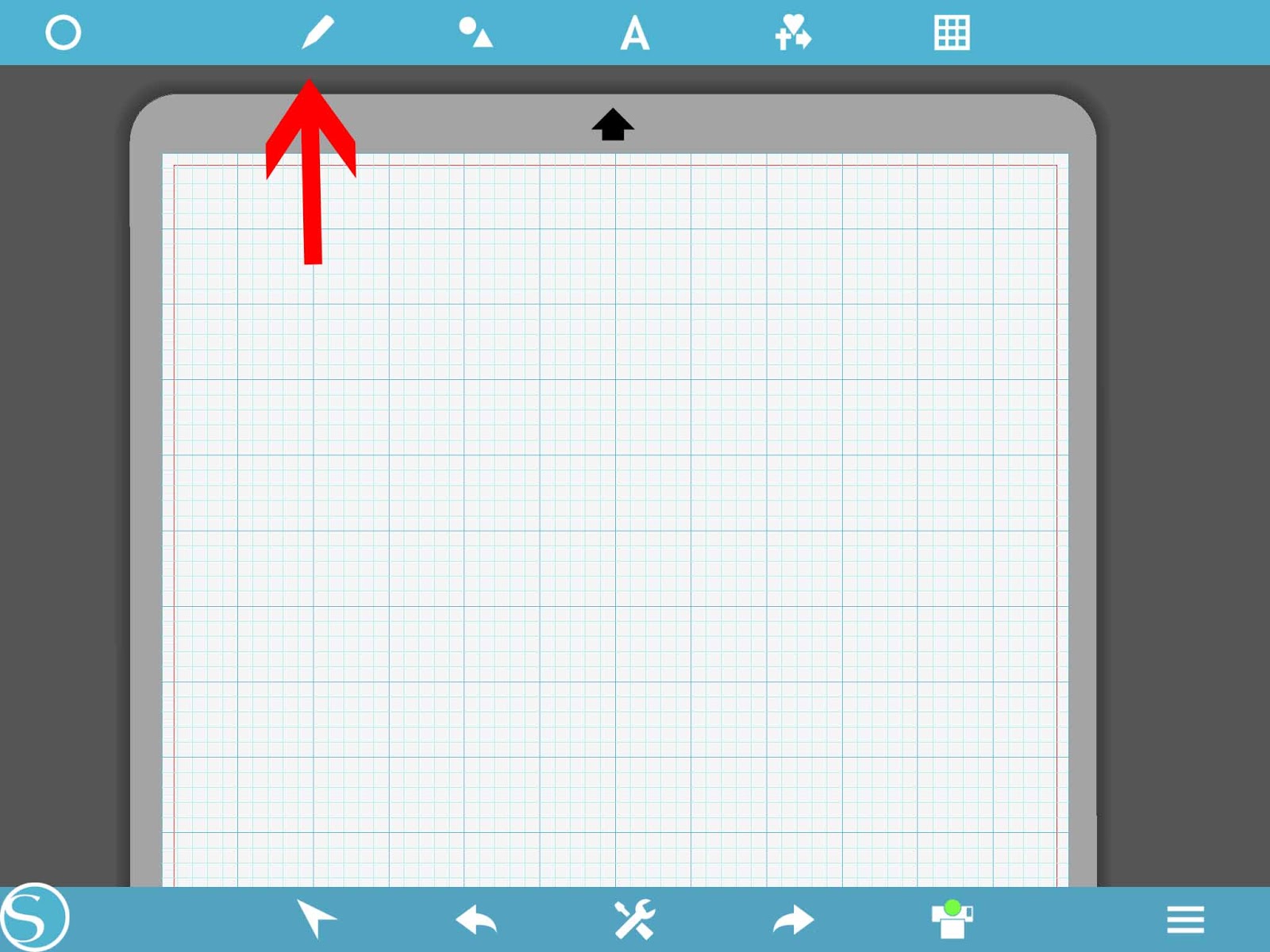
2- Click on thepen tool.
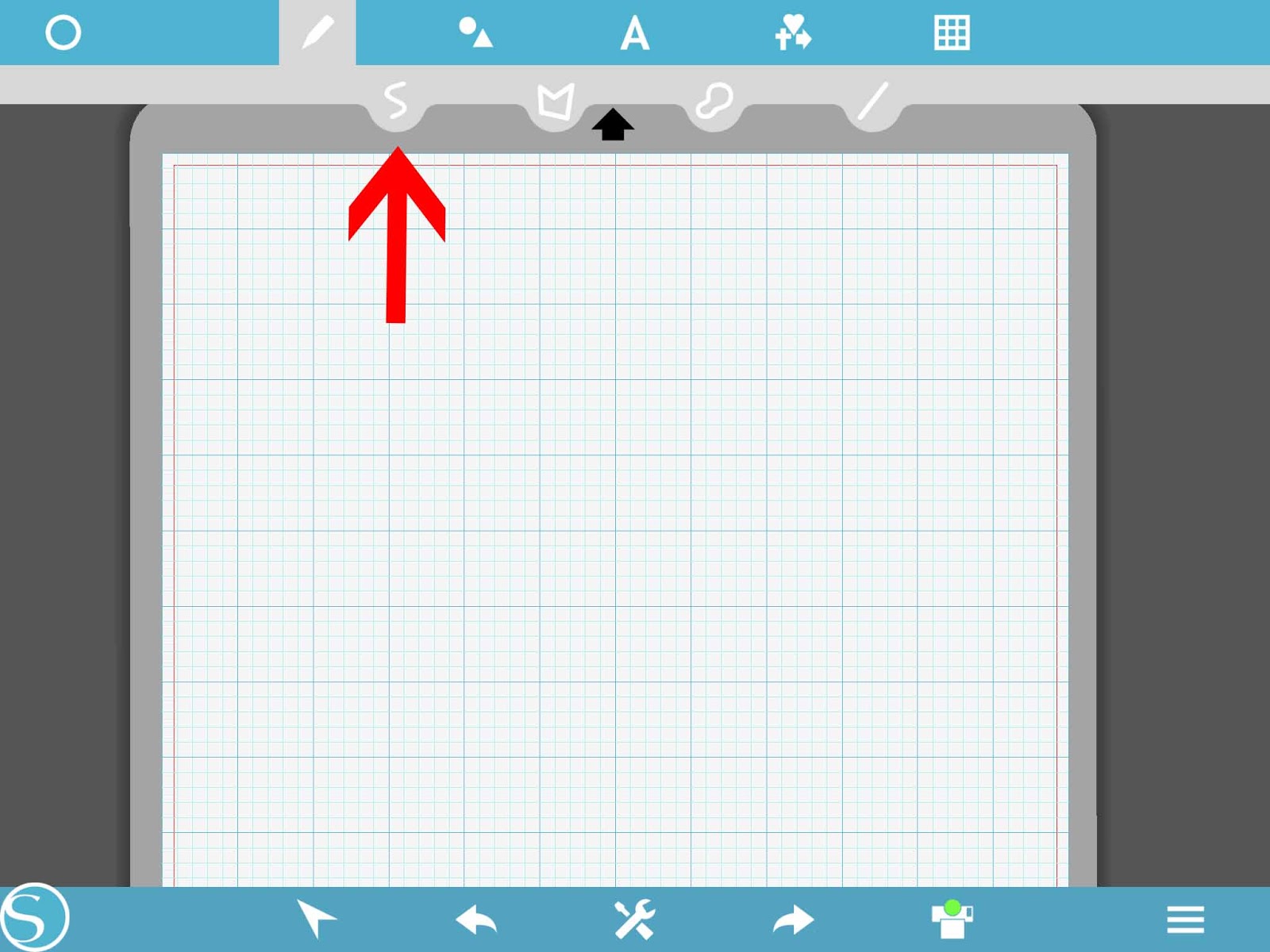
3- In the drop down menu you will see 4 different options. Click on the first one the freehand tool.
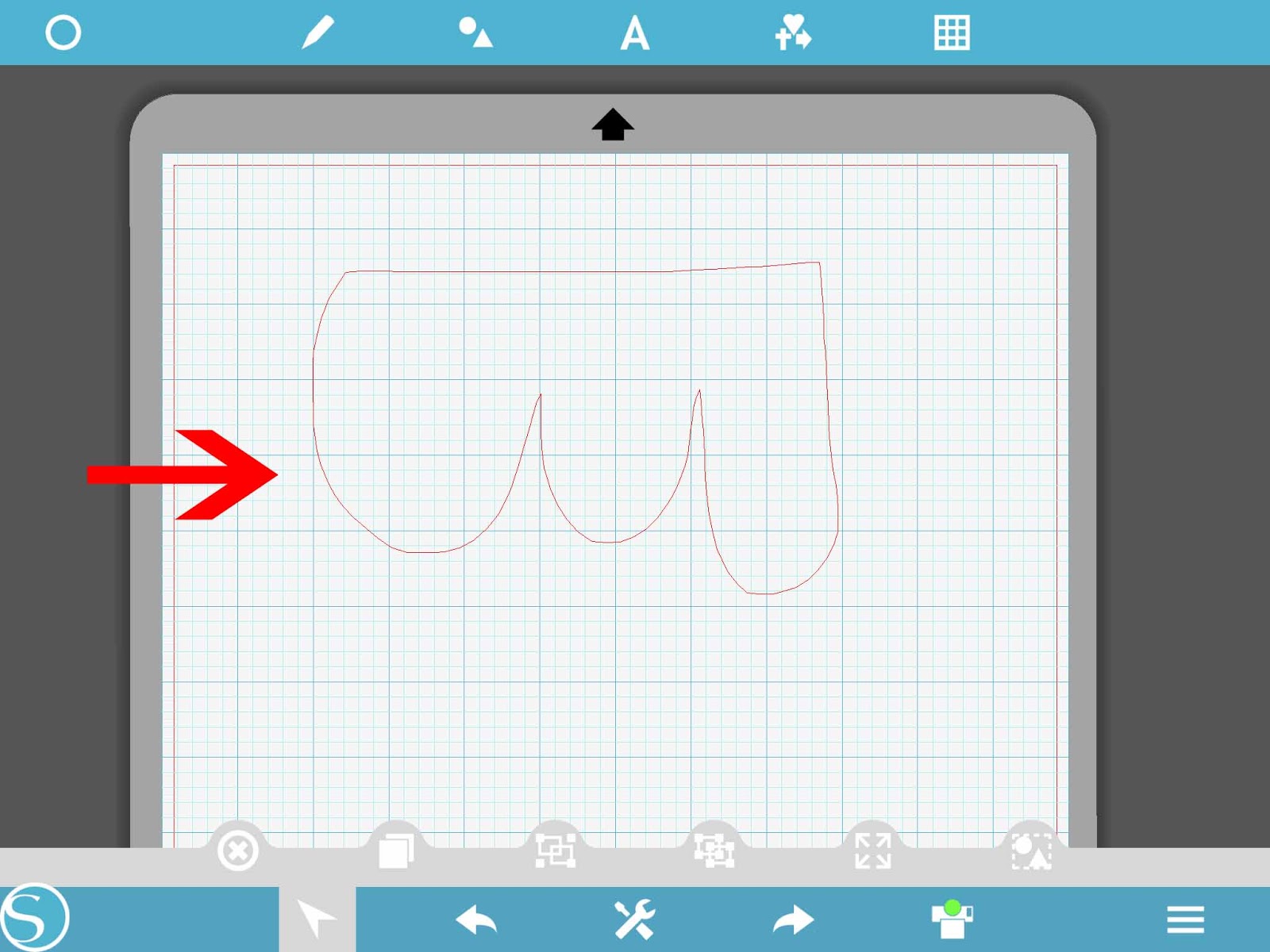
4- With the freehand tool you can draw any shape.
5- Then next icon is the polygon tool.
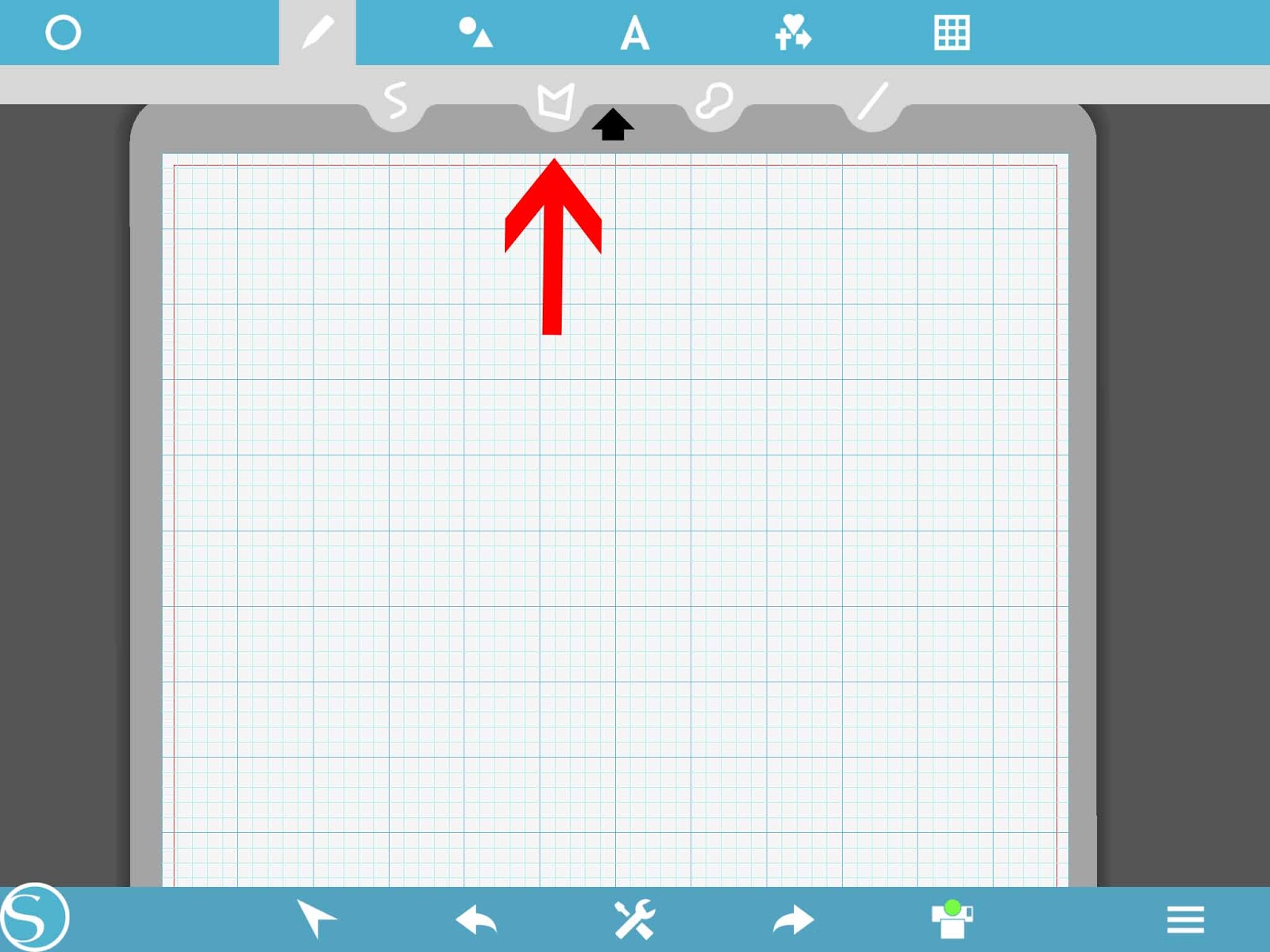
6- with the polygon tool you can draw straight lines to create different shapes.

7- The next is the curved shape tool.
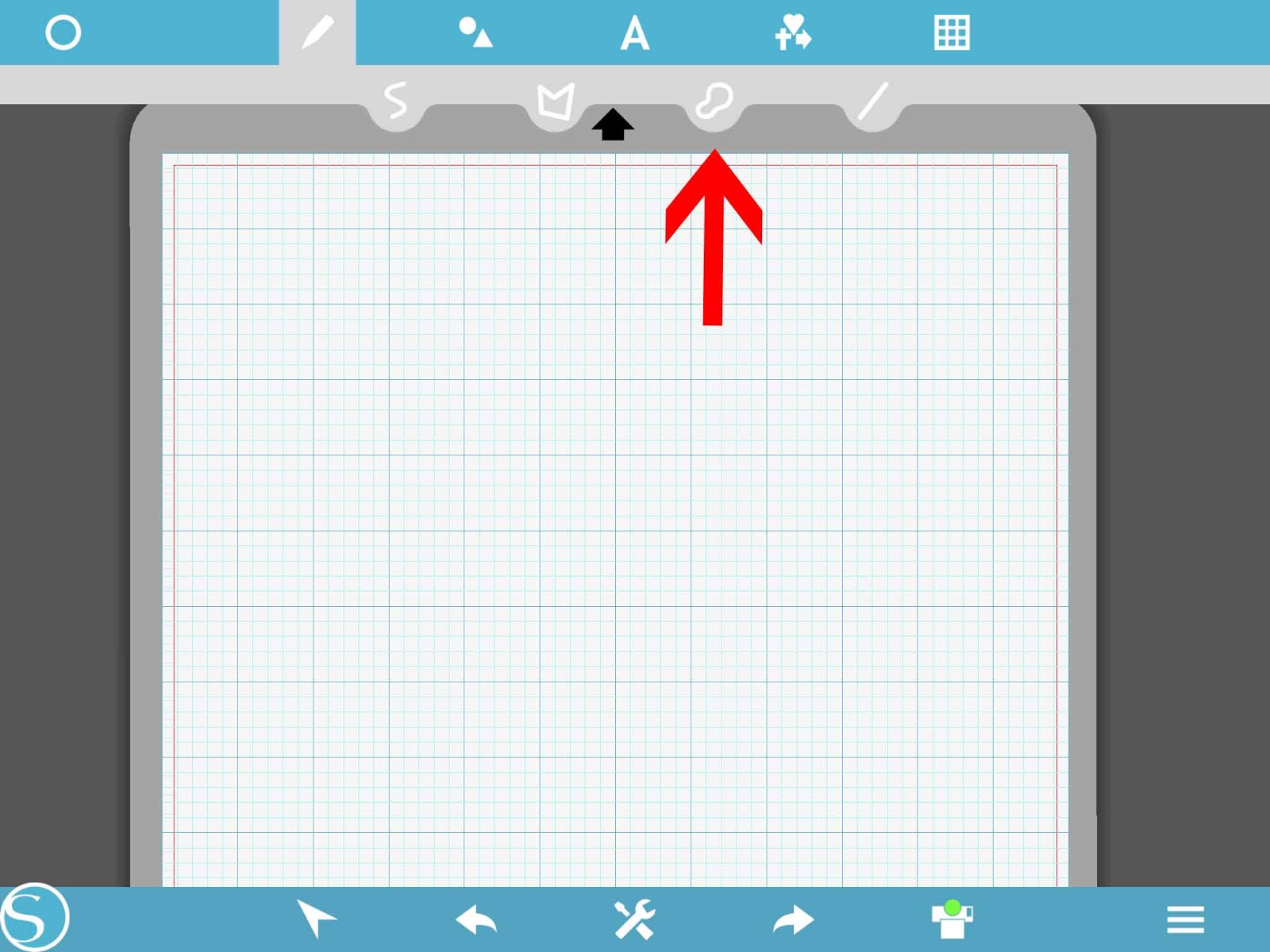
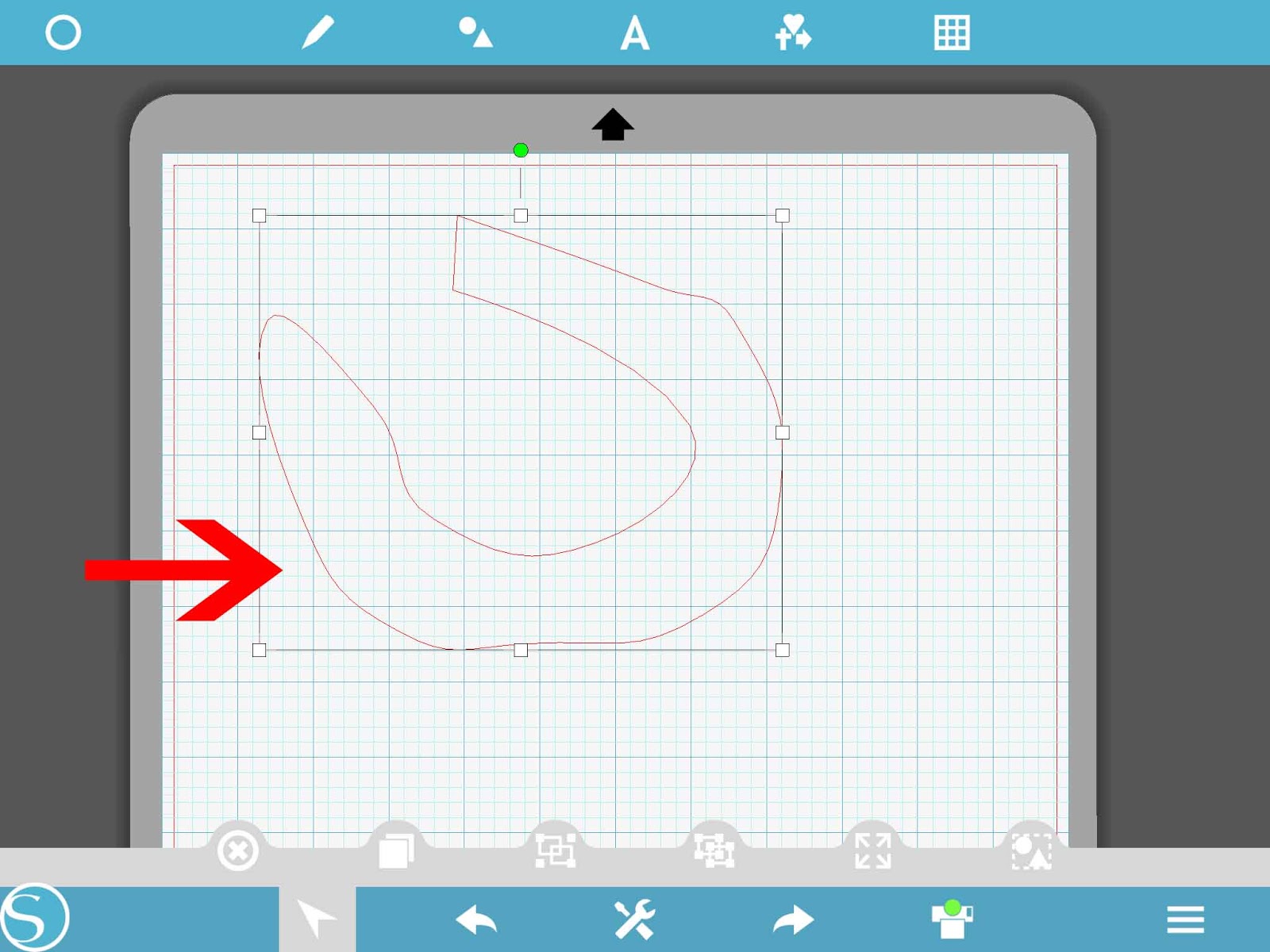
8- The curved shape tool allows you to draw a design and as you draw each line it will be curved.
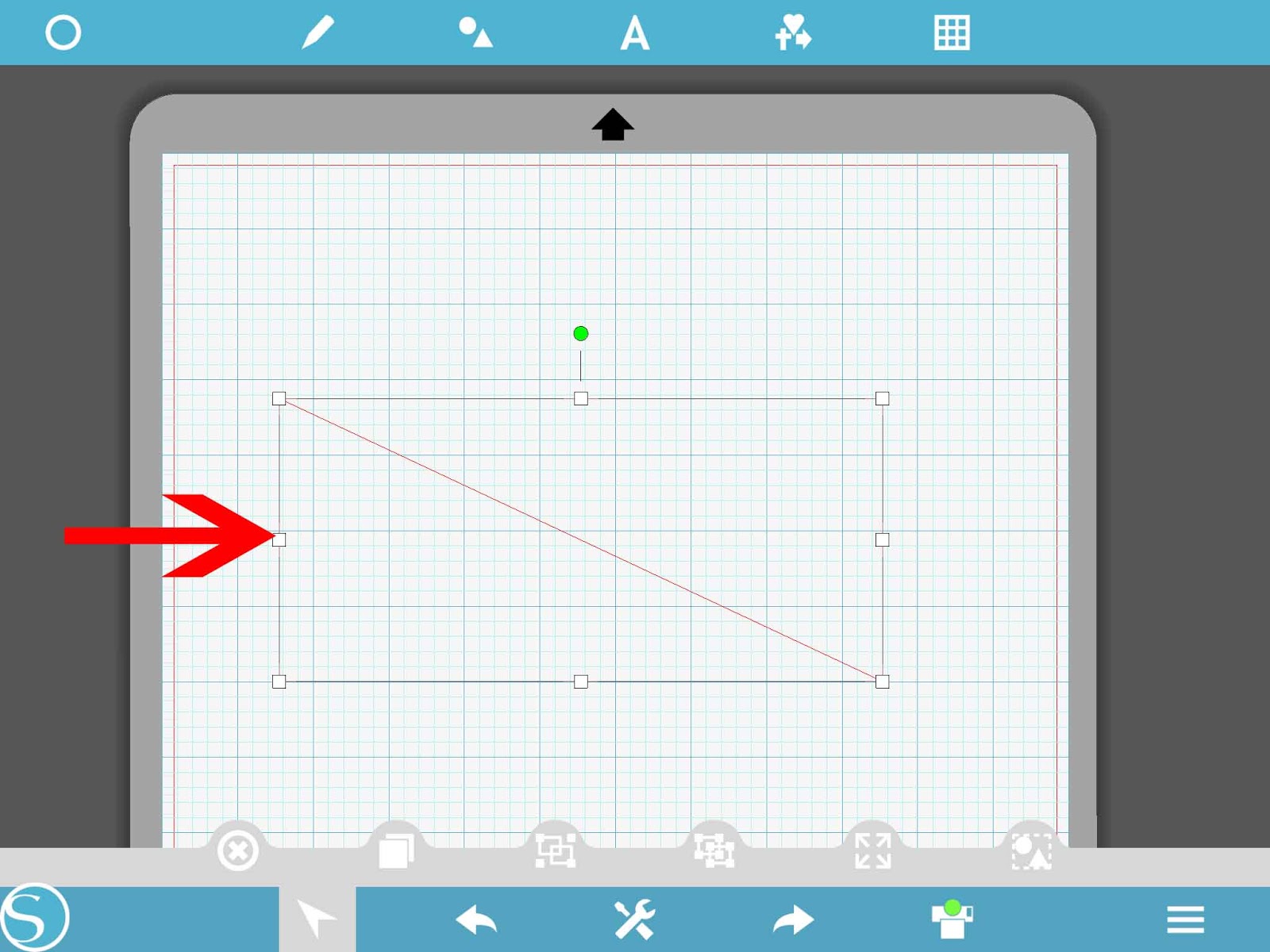
9- Lastly is the line tool.
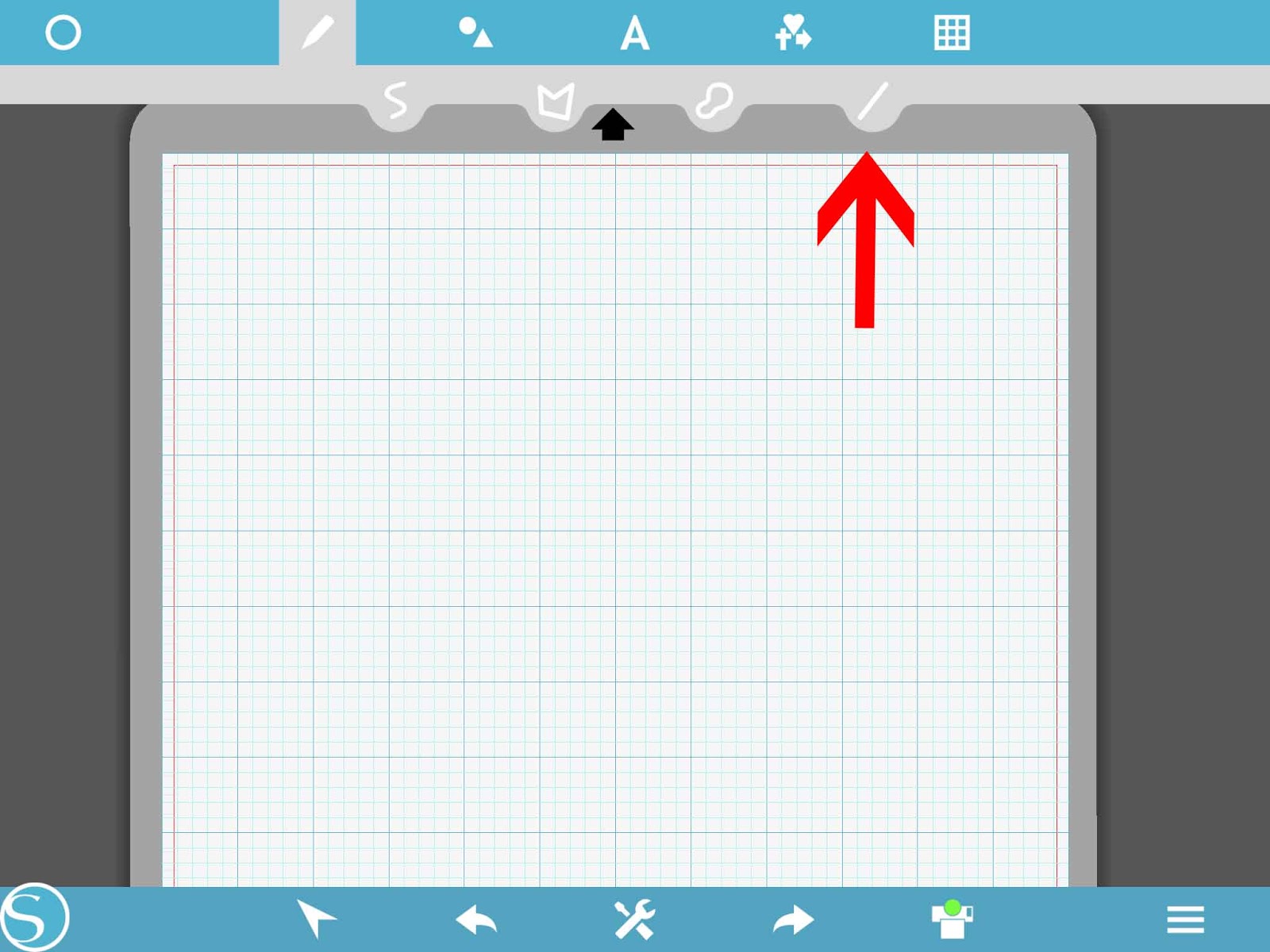
10- This will allow you to draw straight lines for your design.
Related Tutorials
Silhouette Tutorials
Silhouette Mobile App Basics
Learn the basics of how to use the Silhouette Mobile app and its settings in this tutorial.
Silhouette Tutorials
Silhouette Mobile App Text Basics
Cricut Tutorials
How to Curve Text in Cricut Design Space Mobile App
Today we’ll focus on how to curve Text in Cricut Design Space App....
Cricut Tutorials
How to Print then Cut in Cricut Design Space Mobile App
Learn how to easily use the Print then Cut Feature in Cricut Design Space Mobile App.
Cricut Tutorials
Text Options in Cricut Design Space Mobile App
Cricut Tutorials
How to Weld Text in Cricut Design Space Mobile App
In this tutorial we will show you how to weld text in the Cricut Design Space App.