By Design Bundles
Cutting Designs in Silhouette Mobile
*Note- You will need the Silhouette Link installed in your PC/laptop and your PC/Laptop connected to the Silhouette machine for you to cut from your mobile device.
1- Open Silhouette mobile.
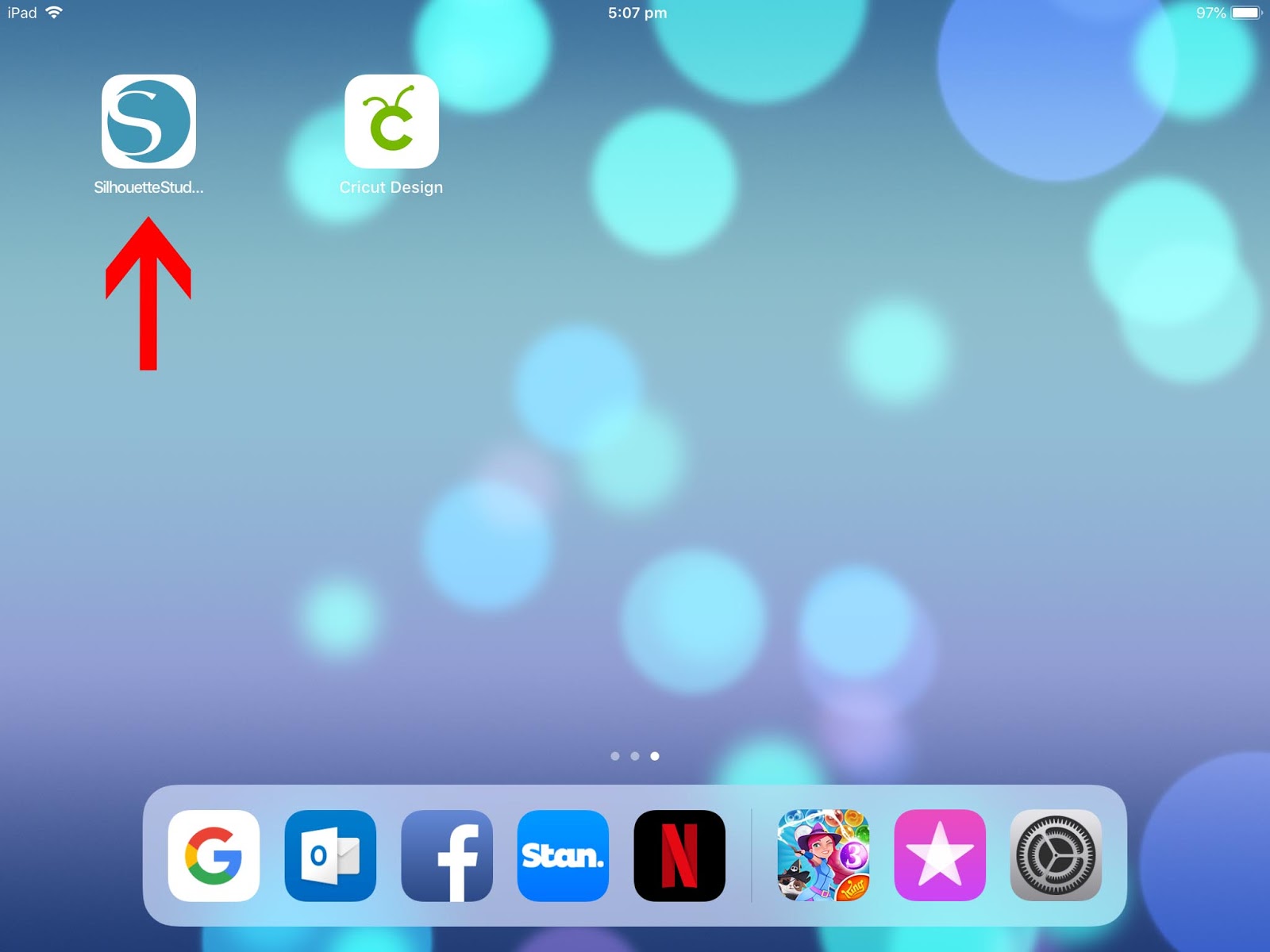
2- Once you have designed your cut file, you can cut them directly from your mobile device to your Silhouette Machine. You will see a green dot on the printer icon when it is connected.
*Note- You will need Silhouette Link installed in your PC/laptop and your PC/Laptop connected to the Silhouette machine for you to cut from your mobile device.

3- By tapping on the cutter icon you can see the cutter that is connected.

4- If you tap on the cutter icon again, any other machine will appear. You can then choose the machine you would like to use.
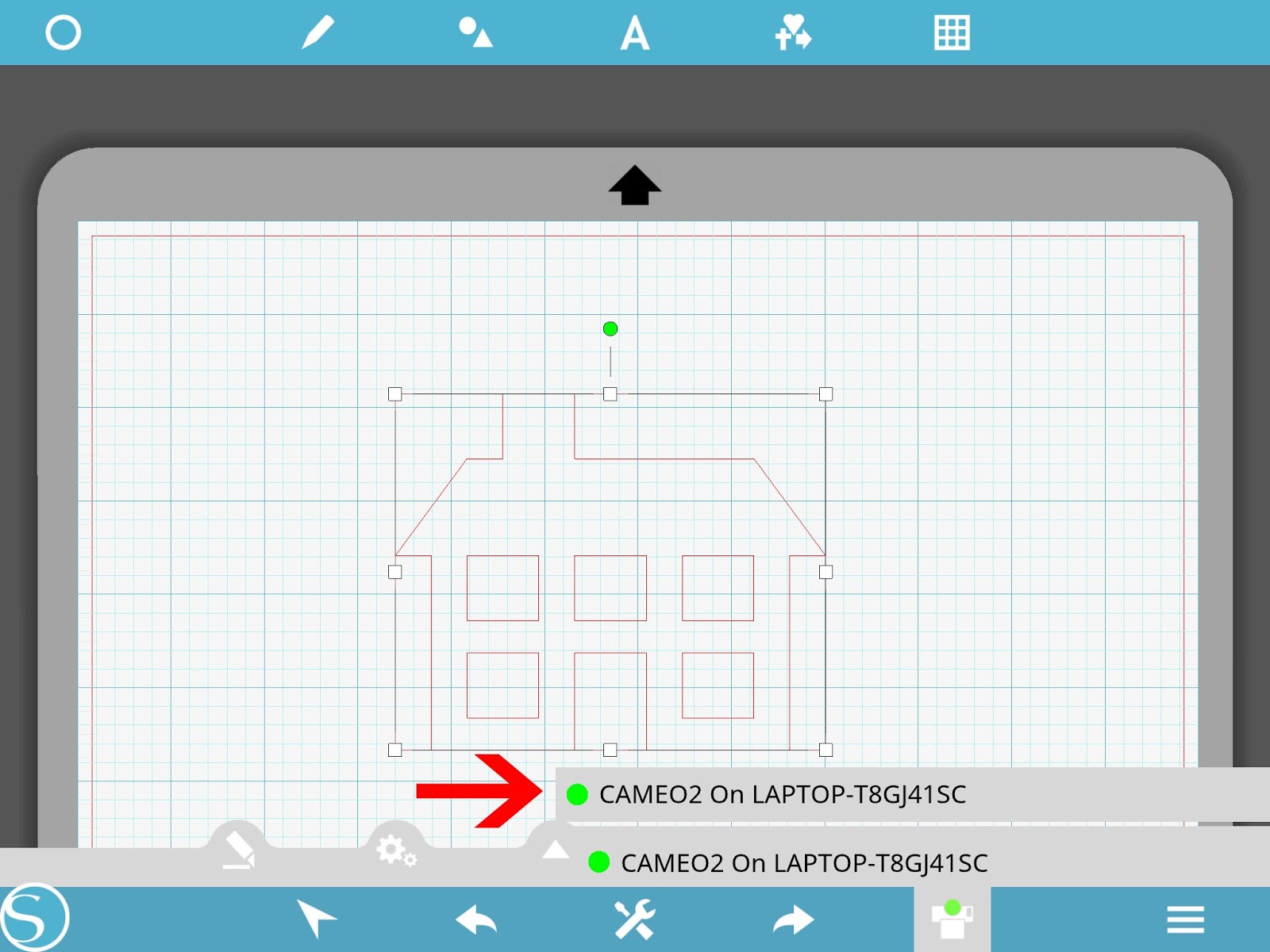
5- You can also adjust the blade depth and thickness. Tap on the setting icon.

6- A new window will appear and here you can choose if you are using a blade of pen, and the depth, speed and thickness of your blade. Tap on OK once you are happy with the settings.

7- By selecting the blade icon it will sent your design to your machine. You will see a screen asking you to load the media.
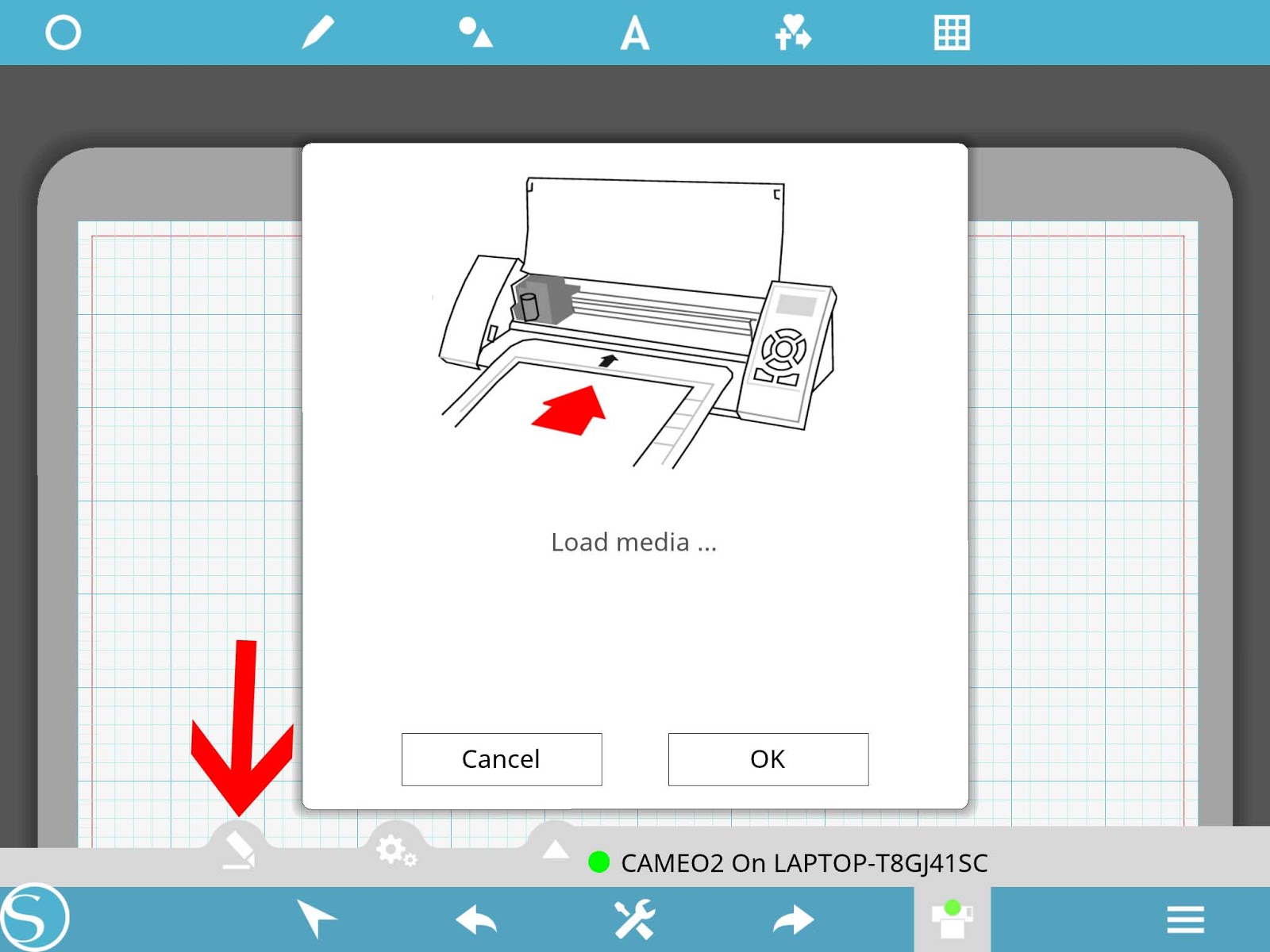
8- Once the media is loaded a new screen will appear letting you know that your design are now cutting.