

Design School
Silhouette Tutorials
Silhouette Tutorials, activate! Crafters, makers, and designers can now access some of the best Silhouette tutorials for beginners. Experienced crafters can use the free Silhouette tutorials to learn even more about craft and design.
Whether you’re a crafter looking for Silhouette cameo tutorials to help you install your Foil Quill tool or Silhouette Studio tutorials for beginners to start foiling on leather, ribbon, and more, we can help.
Whatever the model of your Silhouette Machine, enjoy an easy-to-follow guide or video tutorial and learn something new about craft, design, and creativity.
Learn how to use fonts, SVG’s and 3rd party files in the best way possible with your Silhouette, avoid mistakes and frustrations as you become a Silhouette Pro, troubleshooting your way through our Design School!
Silhouette Mobile App Basics
Silhouette Mobile App Drawing Basics
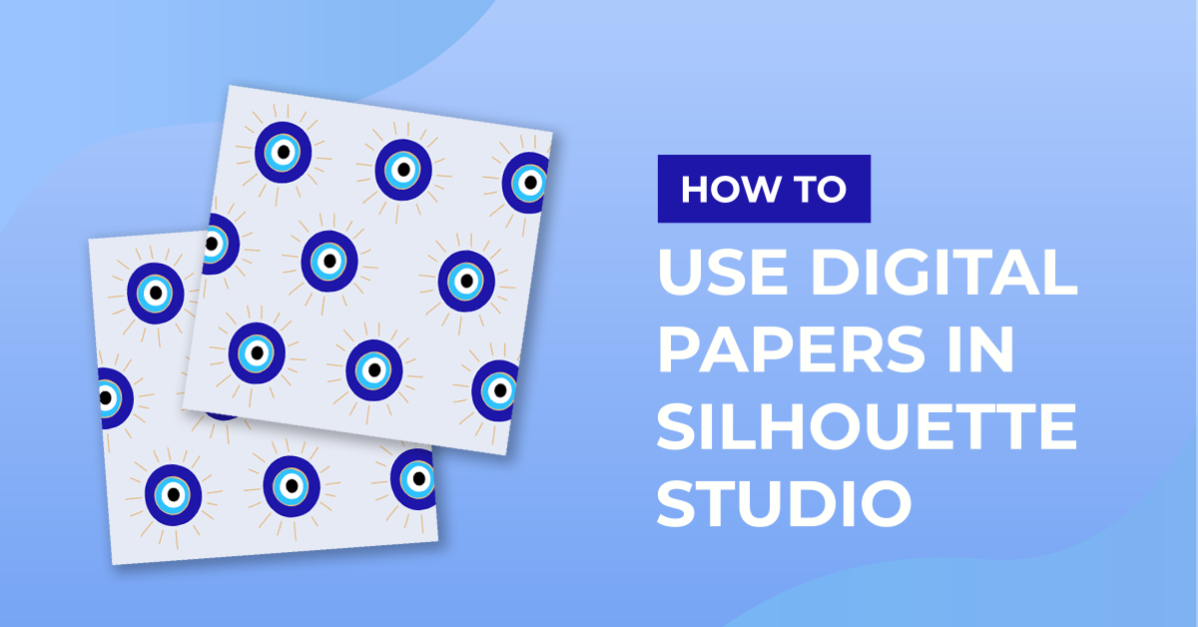
How to Use Digital Papers in Silhouette Studio
Multi Cutter Support in Silhouette Studio
Using the Polygon tool in Silhouette Studio
How to Add a New Cutting Material to Silhouette Studio
How to Bulk Import Files into Silhouette Studio Library
How to Activate Your Silhouette Studio Upgrade
3 Ways You Can Use Silhouette Studios Sticky Notes
Segment Overcut Feature in Silhouette V4.1
How to Thicken Fonts in Silhouette V4.1
How to Calibrate a Silhouette in V4.4
How to Use the Offset Tool
How to Use the Replicate Tool in Silhouette Studio
Using the Align Tool in Silhouette Studio
How to Open Multiple Files Into One Design Page
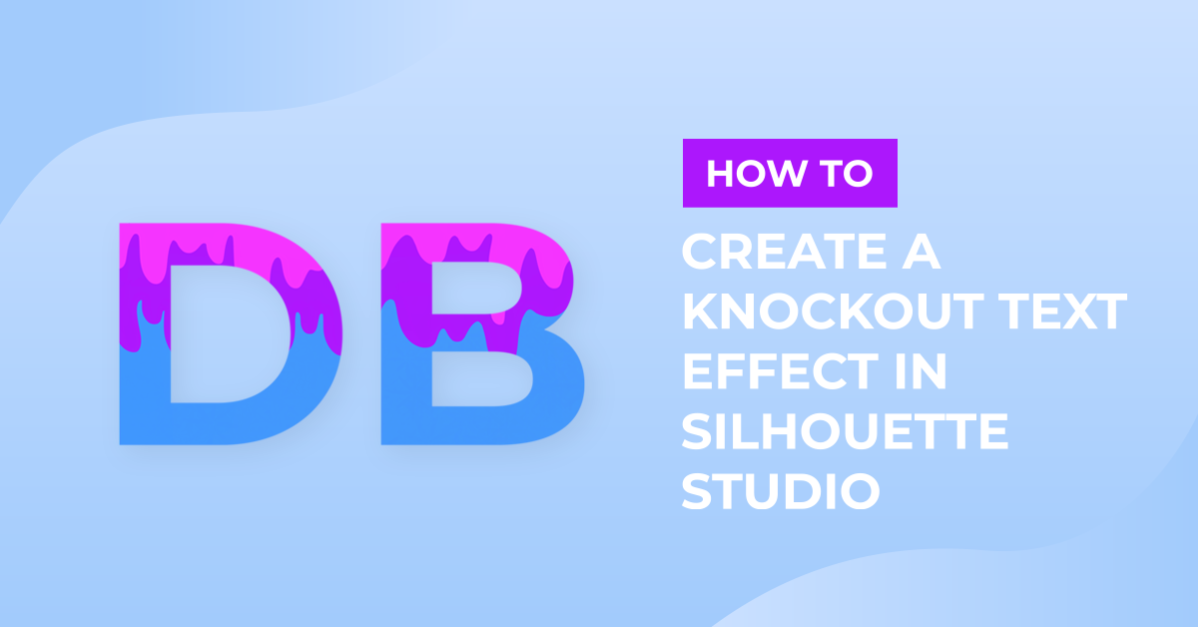
Create a Knock Out Effect in Text with Silhouette V4.1
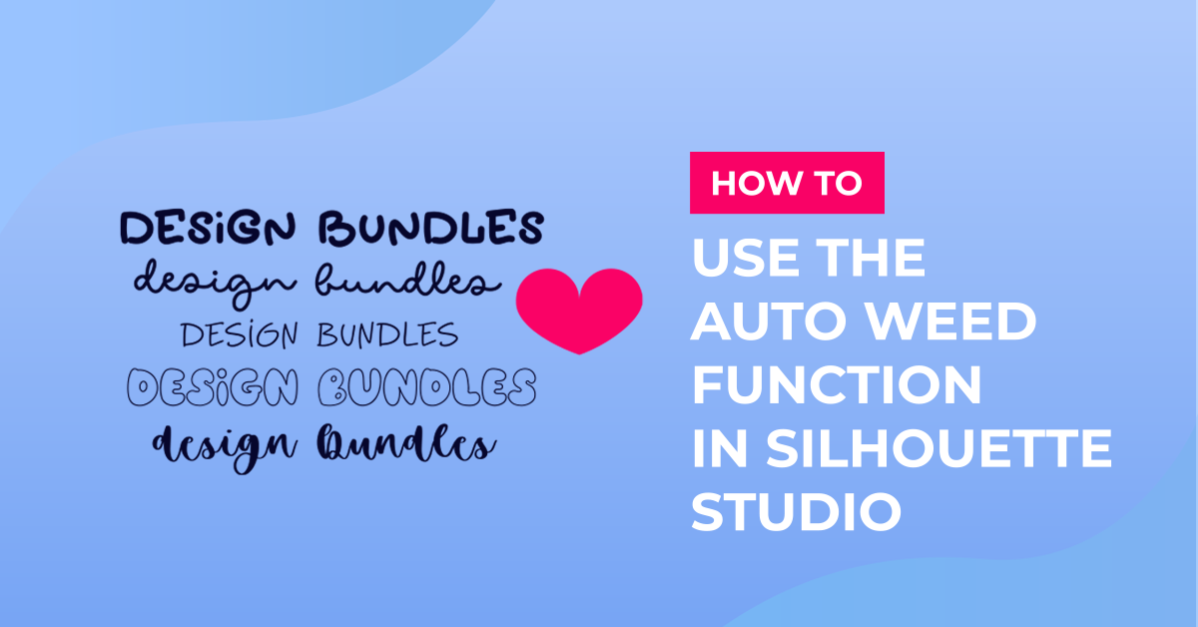
Auto Weed Function in Silhouette Studio V4.1
Matrix Copy Function in Silhouette V4.1
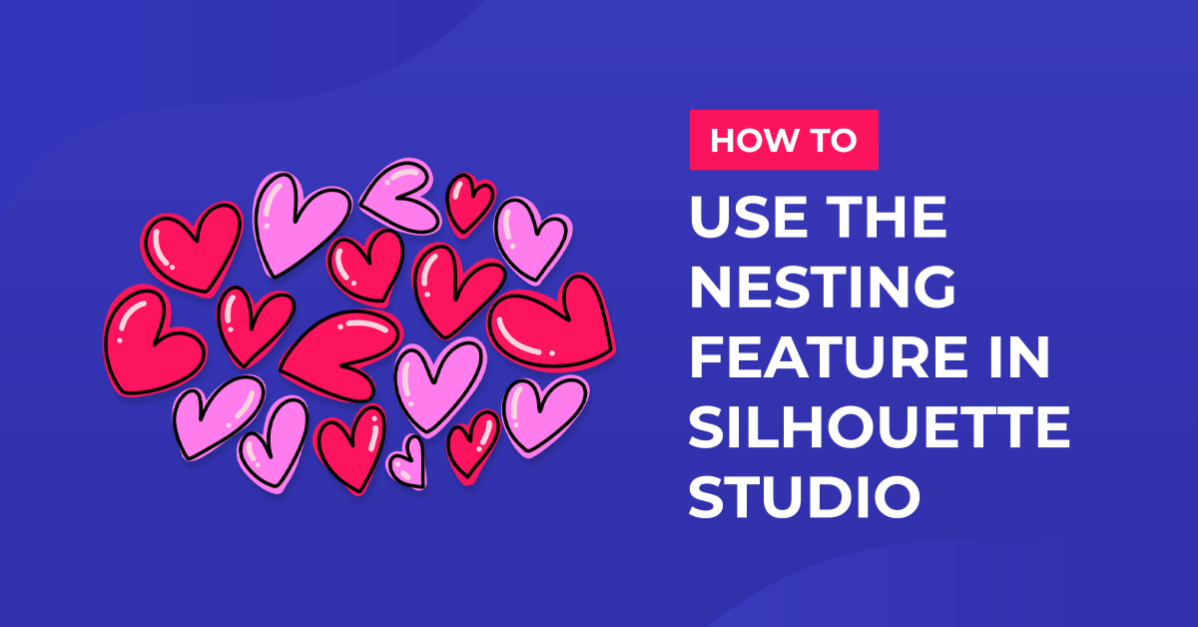
Nesting Feature in Silhouette V4.1

How to Make a Tattoo with Silhouette
Drop Shadow Feature in Silhouette V4.1

Importing Ai and EPS Files into Silhouette V4.1
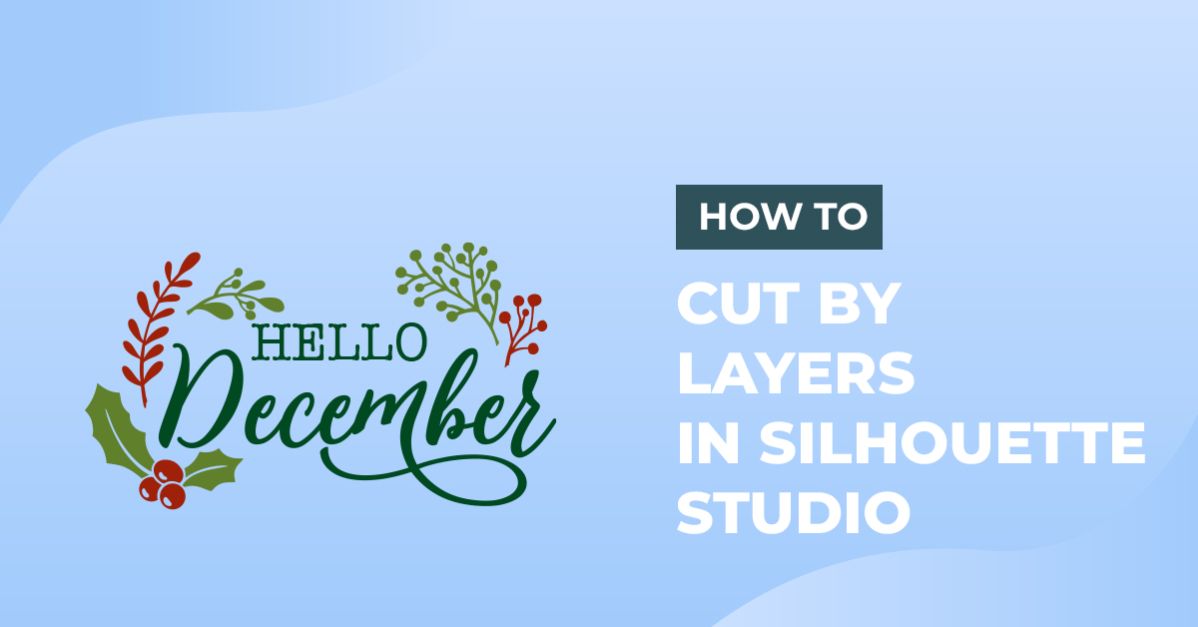
Cut by Layers in Silhouette Studio
Showing 121–144 of 190 tutorials
Learn with our exclusive silhouette tutorials. These easy-to-follow, step-by-step guides take you from novice to pro one make at a time - grab a free resource and follow along.
Fresh tutorials, trends & free files.
Join 6 million makers getting our best craft guides and exclusive freebies straight to their inbox.