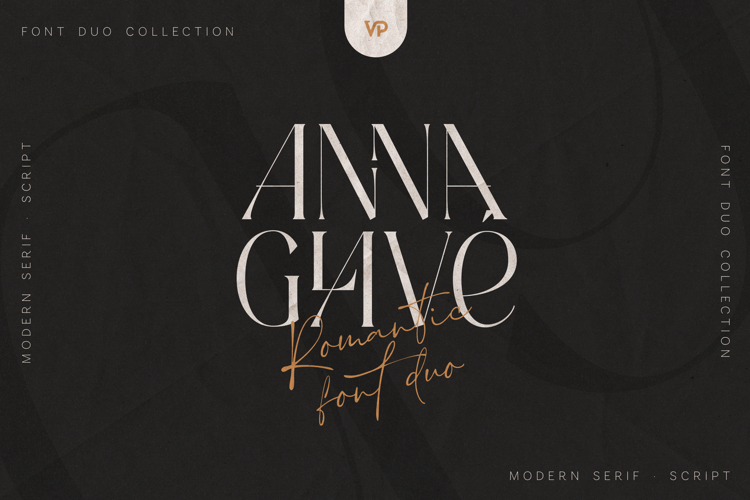
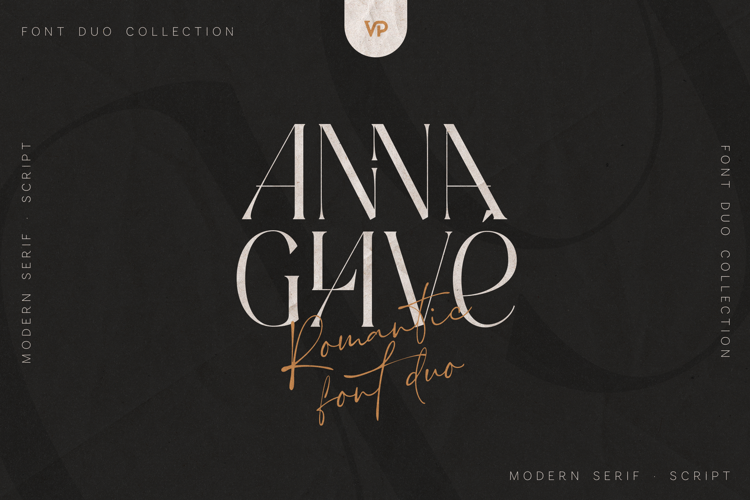
Anna Glave - Romantic Serif & Script Font Duo
Anna Glave is a refined romantic font duo that blends a modern high-contrast serif with a graceful handwritten script, designed to create elegant, emotional, and timeless typography. This duo is crafted for designers who want to elevate branding with a sense of luxury, nostalgia, and modern sophistication.
Inspired by classic editorial typography and romantic calligraphy, Anna Glave delivers a perfect balance between structure and expression - making it ideal for both bold headlines and intimate handwritten accents.
Why Anna Glave Works So Well
The serif font features sharp details, stylish ligatures, and fashion-forward proportions that feel premium and editorial. The script font adds warmth and personality with fluid strokes, expressive swashes, and multiple stylistic sets - allowing you to customize your typography and create unique compositions every time.
Together, they form a powerful pairing for high-end branding and storytelling design.
Perfect For
- Luxury branding & logos
- Wedding invitations & stationery
- Fashion editorials & magazines
- Beauty, lifestyle & boutique brands
- Packaging design
- Quotes, posters & social media graphics
- Website headers & hero sections
Font Features
- Elegant Serif + Script Font Duo
- High-contrast modern serif with stylish ligatures
- Expressive script with multiple stylistic alternates
- Smooth kerning and balanced spacing
- Works beautifully on light or dark backgrounds
- Easy access to alternates via OpenType features
- Compatible with Adobe Illustrator, Photoshop, InDesign, Figma, Canva (limited), and more
Language Support : Afrikaans, Albanian, Asu, Basque, Bemba, Bena, Breton, Chiga, Colognian, Cornish, Czech, Danish, Dutch, Embu, English, Estonian, Faroese, Filipino, Finnish, French, Friulian, Galician, Ganda, German, Gusi,i Hungarian, Indonesian, Irish, Italian, Jola-Fonyi, Kabuverdianu, Kalenjin, Kamba, Kikuyu, Kinyarwanda, Latvian, Lithuanian, Lower Sorbian, Luo, Luxembourgish, Luyia, Machame, Makhuwa-Meetto, Makonde, Malagasy, Maltese, Manx, Meru, Morisyen, North Ndebele, Norwegian, Bokmål, Norwegian, Nynorsk, Nyankole, Oromo, Polish, Portuguese, Quechua, Romanian, Romansh, Rombo, Rundi, Rwa, Samburu, Sango, Sangu, Scottish, Gaelic, Sena, Shambala, Shona, Slovak, Soga, Somali, Spanish, Swahili, Swedish, Swiss, German, Taita, Teso, Turkish, Upper, Sorbian, Uzbek (Latin), Volapük, Vunjo, Walser, Welsh, Western Frisian, Zulu
How to access alternate glyphs?
To access alternate glyphs in Adobe InDesign or Illustrator, choose Window Type & Tables Glyphs In Photoshop, choose Window Glyphs. In the panel that opens, click the Show menu and choose Alternates for Selection. Double-click an alternate's thumbnail to swap them out.
Mock ups and backgrounds used are not included!
Thank you! Enjoy!




 All your Design Needs